nh1256
Members
-
Joined
-
Last visited
Everything posted by nh1256
-
-
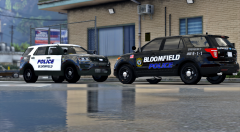 Some of the best work I've seen from you so far IMO. This pack looks great and I cannot wait to see what it turns into!
 -
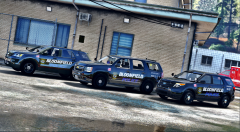 Will this come with B&W skins as well? And will there be a '15 Tahoe included or no? They look amazing so far!
 -
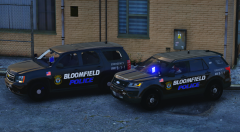 OH MY GOD
 -
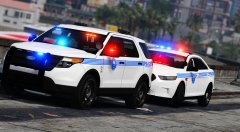 Looks perfect man
 -
 Yes that car exactly... I saw it in that same video Okay, that sounds good. Keep up the good work twisted.
 -
I know, the LPR FPIU is a Slicktop FPIU from this department with Automatic License Plate Readers on the roof.
-
Is this the LPR FPIU?
-
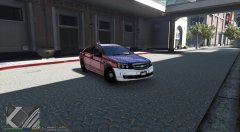 Would love to see this as a Dev. I hope you are able to do so. Can't wait to see what this evolves into.
 -
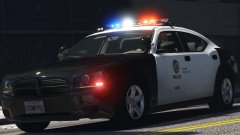 Lookin' good Lundy.
 -
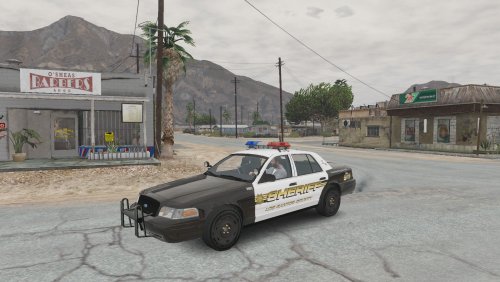 Thank you! Also, I'm not sure when I will get around to re-doing it because I am currently very busy with school and life, etc. but I will fix those issues hopefully. Thanks again
- 29 comments
- 6 reviews
-
-

- 1
-
-
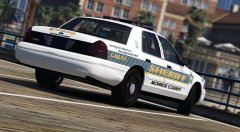 Bxbugs123 has some of the 12 hole steelies for GTA IV. I have them converted to V. If you could get perms to use them, I can send them to you.
 -
Yea, I think I am going to re-do the whole model. Lundy has a slightly updated version of his MX7000, so I will probably include that, and some better equipment.
- 29 comments
- 6 reviews
-
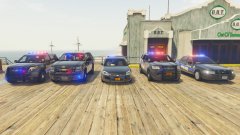 In my opinion I think you should remove the dashlight on the 2016 FPIU or atleast make it an extra, considering none of the other vehicles have it. That's just my opinion though, these cars look beautiful and I can't wait to use them!
 -
-
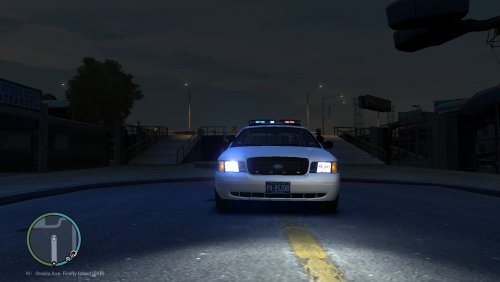 Not even unlocked
 -
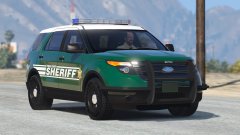 You're a God
 -
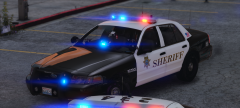 Oh my
Oh my -
For the avengers in the back (as in the rear of the car at the rear window) do you plan to make them dual avengers or single avengers?
-
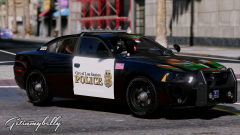 This skin looks good.
 -
-
-
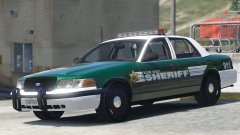 So excited for this pack when it is released. I think I may re-fit these skins to fit my other sheriff cars for personal use too, I like them.
 -
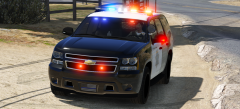 Is this a new version of the Tahoe you released???
 -
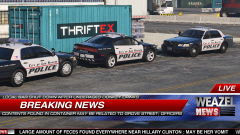 Probably never tbh.
.thumb.jpg.6c80ecc7060134b39a0d153a8d09ac1f.jpg)