
chnnls823
Members
-
Joined
-
Last visited
Everything posted by chnnls823
-
 Can anyone tell me where the arjent ytd's go? Can't seem to find the exact ytd to replace. I run the explorer with the arjent and bxbugs cvpi...got the cvpi done witht the clear but can't figure out the FPIU.
- 71 comments
- 16 reviews
-
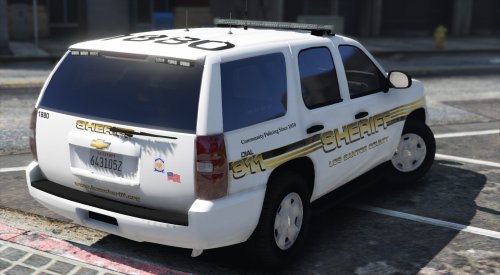 BxBugs123 CVPI doesnt have to be installed using the package installer..if you double click on the OIV it will open and show the ytd and other files for manual install. Gumps newest Tahoe doesn't use the same temp as his others I've already tried installing a few onto it. I would do it myself but I don't have the first clue of how to make skins..would love to learn at some point though. But thanks anyways. Love the skins you made. Guess I'll just have to stick with the Riverside County based skins
- 41 comments
- 11 reviews
-
Any chance you could make these fit Gumps COBRA CSU Tahoe and BxBugs123's CVPI? Love the skins otherwise
- 41 comments
- 11 reviews
-
Any chance you'd consider making a skin for Gumps newest Tahoe? None of the existing seem to fit. It's the CSU Tahoe.
- 71 comments
- 16 reviews
-
-
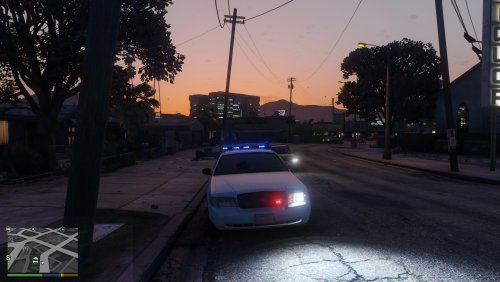 Most realistic car to date for GTAV...Very impressed mainly because these are made to be exact OHIO cars..love the work and can't wait to see what you do with the rest in the future
- 25 comments
- 6 reviews
-
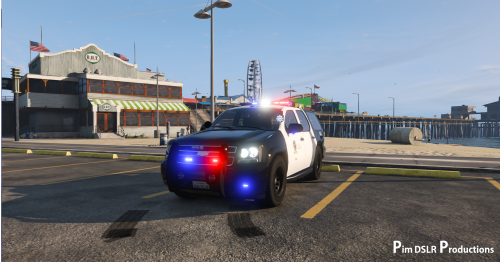 Valors and arjents are getting old..i think it's good to see the liberty on some new models...gives variety to the game especially for people that would like to have a pack with somewhat similar lighting setups
- 31 comments
- 9 reviews
-
-

- 2
-
-
-
wasn't knocking your work or anything because it's the best so far for GTAV but 90% cvpi either have radar on side of lightbar or inside the car..atleast all 4 counties that I work in have all the same..all OSP cruiser's have the blue LED bar..only motor enforcement have the red LED bar and that's the white tahoe..again this is what I've seen and I work with them weekly.
- 25 comments
- 6 reviews
-
As an Ohioan I'd have to agree the lights are way too light blue..I run a complete correct Ohio pack on GTAIV..love the work you've put in but the blue needs work yes all State patrol run the same setups...but no vic has ever had the radar on top of the bar..it was always off the side only the chargers ran with it on top of the bar and that's only because the roof wasn't wide enough to fit on the side..and they runs 3 antenna's
- 25 comments
- 6 reviews
-
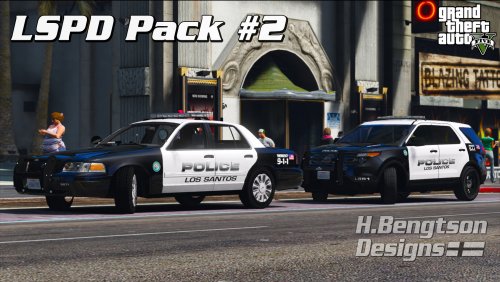 yea I had the same issue...soon as I installed these it broke my game lol..But I will say the 10 seconds my game would work these skins looked beautiful though
- 42 comments
- 14 reviews
-
-
Hopefully when you do get time for others you add the 2016 explorer by the hurk
- 71 comments
- 16 reviews
-
Jeff you are the best..my girlfriend and I watch your vids weekly..we really love what you do with LSPDFR and also really enjoy watching you guys at code zero. Thanks for all you do.
-
hey there..my gfwl is chnnls823..send me a private message on here or there..me and a buddy are trying to find ppl to play with..we will set up however needed to play multi
-
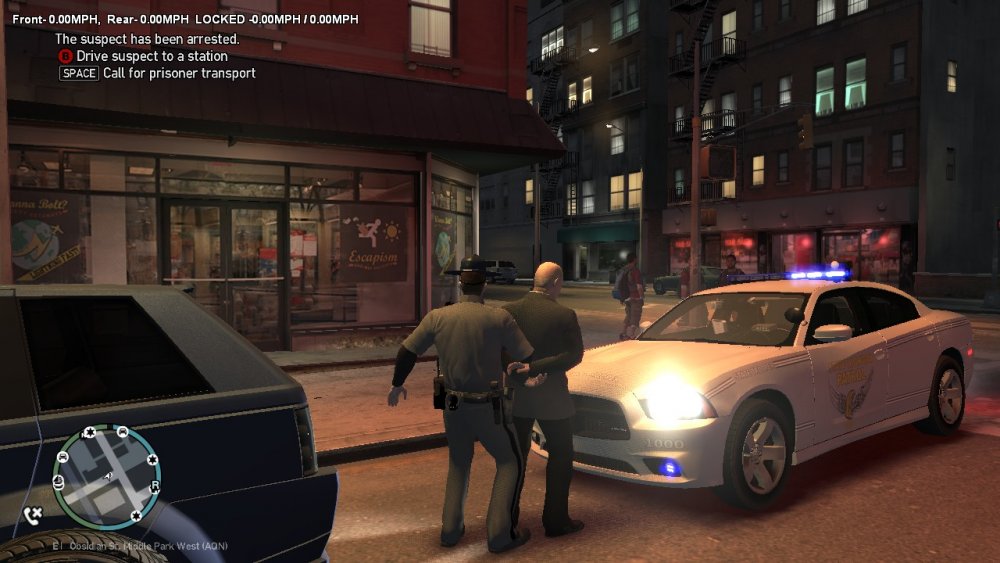
Yea I realized it overwritten things once I tried the game and then tried my uniforms thru EUP and accessary was available but models was shaded like locked out how the add ons would show if you did not have them
-
Thanks...I knew what to do with the cars..just wanted your uniforms back is all thanks
-
Alex I installed skin control and EUP and they both worked perfect until i decided to intall RDE and now uniforms are messed up and half of my cars got overwritten..do i need to reinstall EUP so I can use the uniforms again?
-
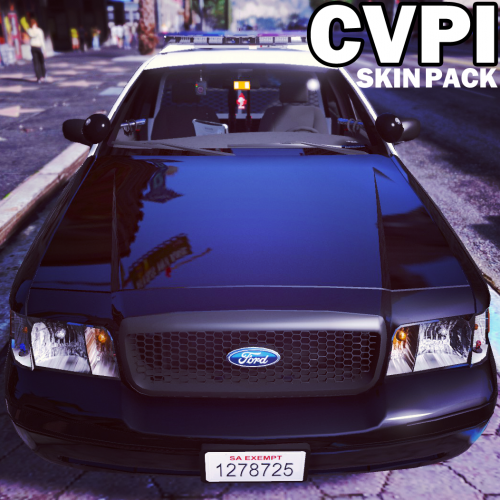 i use carper's charger and new 2011 cvpi along with that new 13 taurus that came out.i already have your lapd textures and love them. Any chance you'd consider making one for the 13 taurus in the future.. that's the only one missing
- 64 comments
- 18 reviews
-
 I've been searching for LAPD skin for this car also..but sadly noone has made it yet. the spotlights missing does not ruin this car for me at all...so far this is the best taurus yet..really excited to see the other projects your working on as I'm sure they'll be just as great. I'm just waiting on someone to create the lapd skin for this
- 112 comments
- 36 reviews
-
he placed the red/blue textures in his files so all you'd need to do is navigate to patchday4 and make sure your in edit mode when you get there..then open the ytd file and click on the emergency light texture then click replace ..if you need better explaination just private message me and I'll help the best I can
- 112 comments
- 36 reviews
-
I'll be downloading your skins as soon as the 14 charger is released..love your skins great work. I've just got to wait as I use the charger and silverado for my sheriff's dept
- 71 comments
- 16 reviews
-
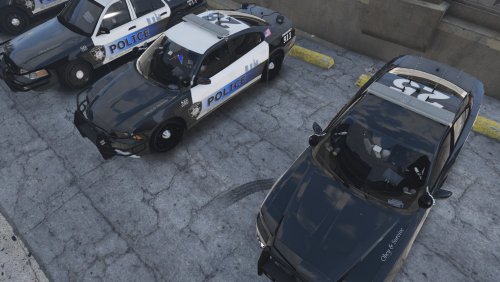 Thanks for the info..skins look great..there's only 1 thing I'd change. Not sure if it's intentional but the bottom of the front bumper on the chargers look funny with the white on the bottom. Other than that the rest look great!!
- 6 comments
- 2 reviews
-
-
The link to the cvpi for the skin is not the same cvpi your using in the screenshots. Where can I get the model your using?
- 6 comments
- 2 reviews