



chnnls823
Members
-
Joined
-
Last visited
Everything posted by chnnls823
-
 Keep getting a crash and not the best at reading the log, but I'm thinking it has to do with the custom folder.. could be wrong though. Any help is appreciated! RagePluginHook.log
- 97 comments
- 28 reviews
-
-
Would love to see a variety of cars patrolling their areas.. had to overwrite your police4 because it took my highway patrol slot
- 97 comments
- 28 reviews
-
-

- 1
-
-
Love the pack setup.. only 2 issues I've come across is the AI including me sit way too low in the seat in the Explorer and for some reason when spawning cars the lights look fogged up or something. If I use trainer and turn tint from none to stock it looks perfect. Did use the OIV so there's nothing missing that you made on my end. Hope it's a simple fix because like I said, Love the pack otherwise
- 97 comments
- 28 reviews
-
 New to dropbox.. how do I get the files from there? Tried dragging them out.. do I need to sign up or something?
- 18 comments
- 7 reviews
-
 STP works fine for me as well, but ultimate backup and computer+ crash only when I request transport.. other than that computer+ works great
- 1,742 comments
- 172 reviews
-
Yes.. it's weird that it was the only one that did that as every other one worked perfect. Almost like the file got messed up during the update or something.
-
Thanks so much.. I got it working. Just redownloaded the caprice and reinstalled and all is good now. Appreciate the help though!
-
I just tried police4 in 19 yesterday and then moved onto 20 and still no change.. worked great before this update. Also noticed it doesn't even show up in the police garage as a spawn option.. just the motorbike for HP
-
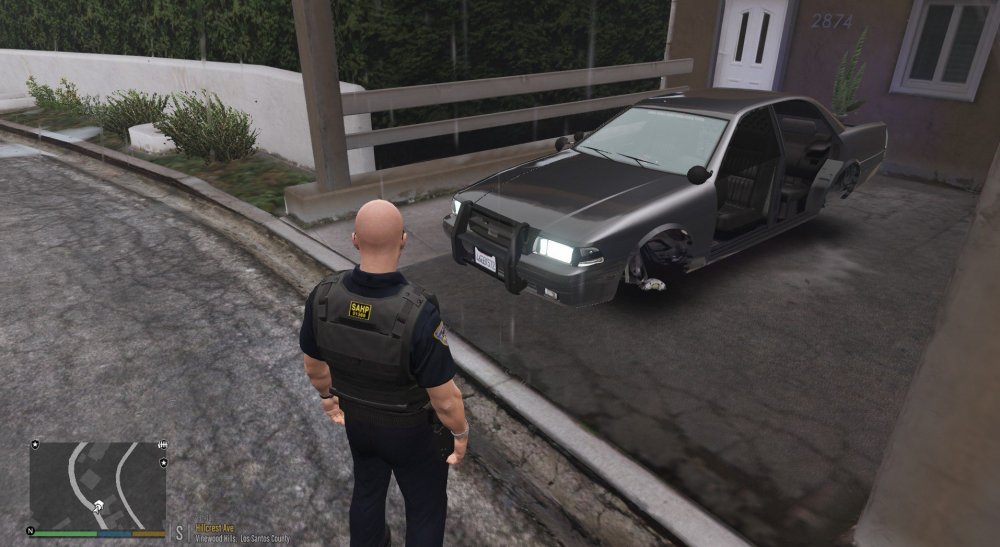
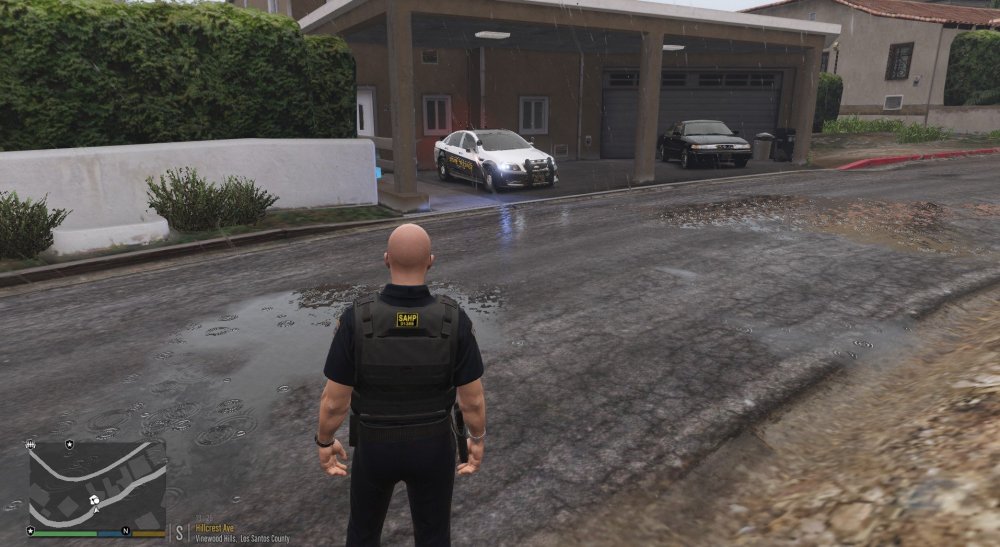
Ever since I did the 0.4 update my police4 slot is messed up. When close to the car it looks like parts of the original unmarked cruiser and then when I'm a few feet away it looks like the model it is suppose to be. Any help would be greatly appreciated.. thanks!! P.S. this is the only slot I'm having issues with and I even made sure it was in the newest patchday
-
makes a new folder called scripts and place it inside your main directory, then place the radar files inside. Also make sure you have scripthookv and ScripthookVdotNet installed.
-
should look like this and have both SpeedRadar files inside it.. once in game hit j forgot to mention this but make sure you have ScripthookV and ScripthookVdotNet installed as well
.thumb.png.807f6ff6865b95529ddc80d700a4729e.png)
-
Did you make a scripts folder and place that in main directory? Speed Radar goes in a scripts folder
-
What exactly isn't working? I mentioned a few different things. it's here on the site..
-
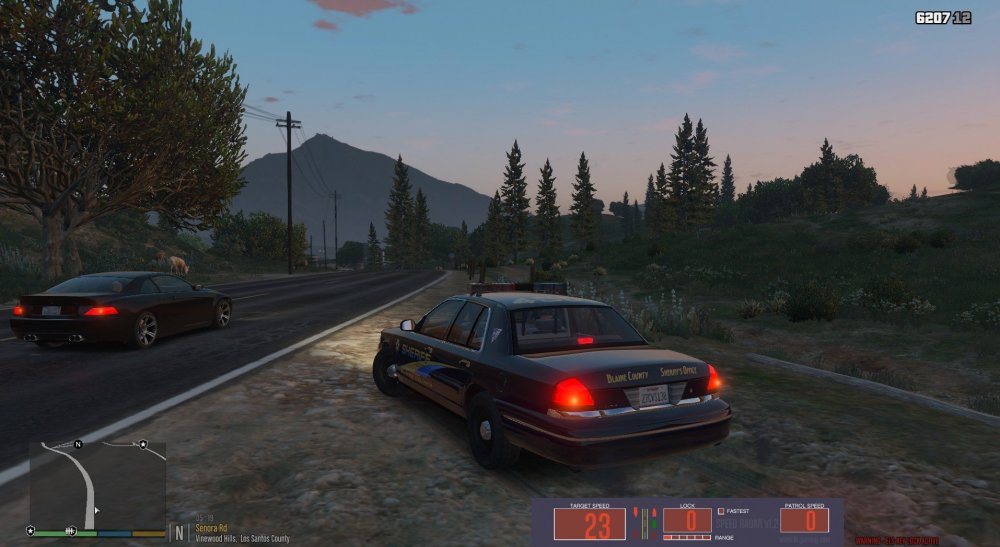
Love 0.4... as of now I can say the following works for me. Spotlight, BVA, PLD, ELS, and SpeedRadar work just fine. I also still have Radiance and Visual V. Played for over an hour with no issues. Still adding and testing others..
-
Assuming all is installed correctly.. are you hitting alt+p on keyboard once in game? That is what launches LCPDFR once in game
-
-
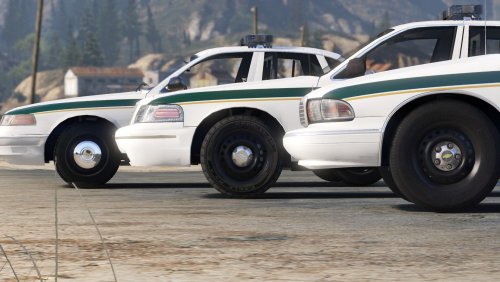 Anyone know how to get the full hubcaps for the 99 vic? Seen a few other ones on here but I love the Whelen Edge so much more... tried figuring it out myself to no avail. thanks
- 60 comments
- 14 reviews
-
-
-
-
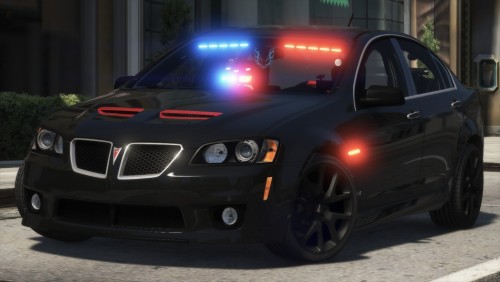 Love this car.. I would love to see a ghost trooper skin made for it. Created a quick one for testing as I've never made one before. Not perfect or finished by any means, but here's an example
- 64 comments
- 11 reviews
-
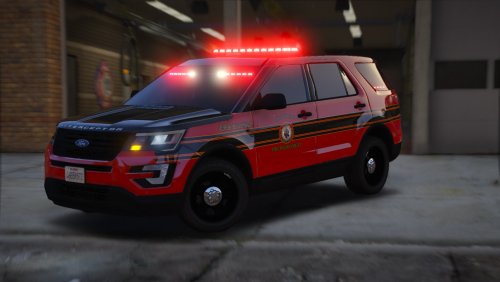 Usually when you have the front interior bar it's for unmarked or slick top units. Just think it would be better to have the option to either have the front interior bar or the exterior roof mounted bar. But other than that I like it.
- 20 comments
- 1 review
-
So.. it has an exterior and interior lightbar at all times? Usually it's one or the other, but other than that it's nice.
- 20 comments
- 1 review
-
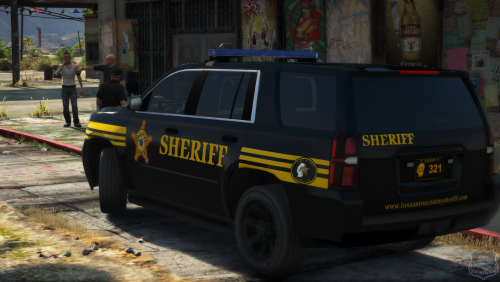 been working on my Jefferson County Sheriff skins for a while now and can't seem to figure out the reflective option
- 12 comments
- 6 reviews


.png.d5ba59a3848dd85c90ea28fdfa9c9680.png)


