
chnnls823
Members
-
Joined
-
Last visited
Everything posted by chnnls823
-
This should be on the header of the website... would look great!!!
-
-
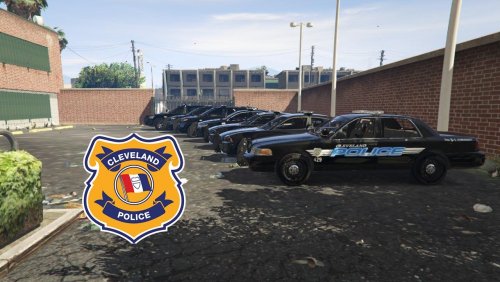 Any chance you'd consider making a skin for the 2011 Crown Victoria? I use the one from here... I've tried fixing it myself, but It looks terrible. the only skins I've ever made was my Jefferson County Sheriff cruisers. Thanks
- 12 comments
- 1 review
-
-

- 1
-
-
 Love these cars.. I use them for my sheriff cruisers do to the red lighting and my county uses all red. Only issue I'm having is with the FPIU.. with the included meta file the tail lights are clear. I use your taurus and explorer in the sheriff and sheriff 2 slots
- 125 comments
- 51 reviews
-
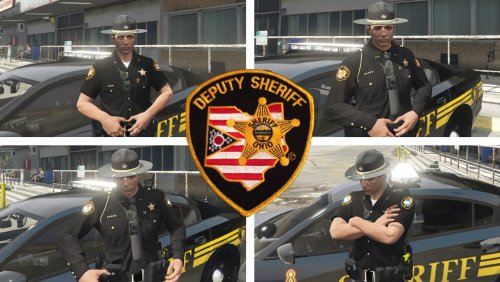 Is this made for AI deputies as well or just for ourselves with EUP? Been looking for this for both as I've got the cars and the complete Highway setup
- 34 comments
- 3 reviews
-
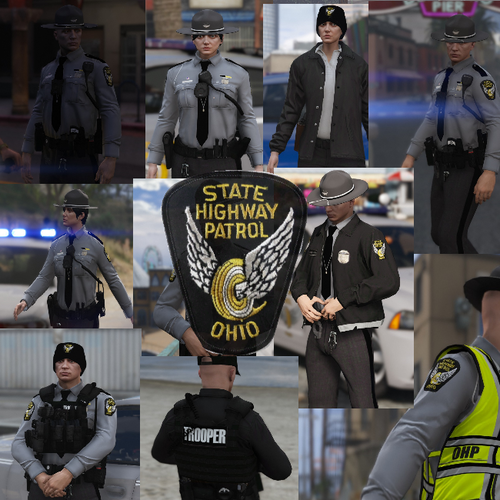 Love the new look for my custom character. Now I've got to figure out my sheriff's dept lol
- 47 comments
- 11 reviews
-
-
- 1
-
-
Uniforms work great with my EUP character and also look good on the highway patrol peds.
- 47 comments
- 11 reviews
-
-
- 1
-
-
Can't wait to play with 0.4, love LC and LSPDFR. If only we could get Blade to update his scripthook for GTA4. As technology advances I'm sure there could be plenty more created for Liberty City. So many little things that are better about LCPDFR.
-
 Looks good, just got into making textures yesterday. Working on my own Ohio based Sheriff's Dept skins
 -
I can understand that as I'm sure it's very time consuming, especially when there's always real life duties that come first.
- 47 comments
- 11 reviews
-
-
- 1
-
-
Any chance you'd consider making some Ohio based Sheriff deputy peds? They'd go great with this pack. Would love having real sheriff deputies to go with the trooper peds
- 47 comments
- 11 reviews
-
-
- 1
-
-
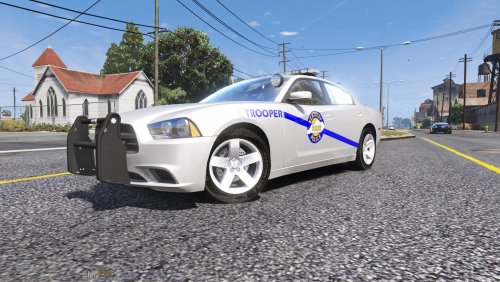
 Awesome, can't wait to see these!! They look good from what I can see in the pic, I take it your still tweaking the lines and graphics since it hides most of the sides. Either way can't wait
- 12 comments
- 4 reviews
-
-
-
 Love the skins, just wish there was a 2k option for those that don't have the best machines lol
- 21 comments
- 6 reviews
-
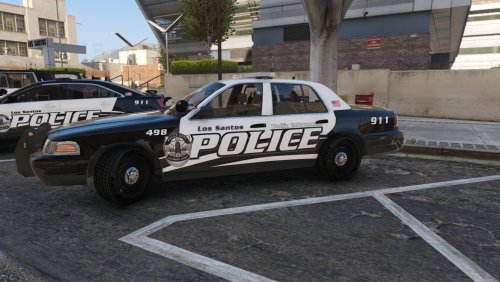
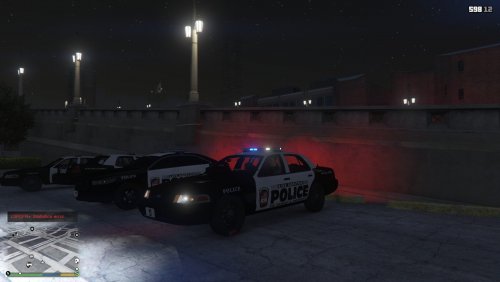 Well after testing the skins they look great, but the vic could use some work where the doors meet the fenders. The white is going into the fenders. If that can be fixed they'll be perfect. Almost forgot the police logo on the front pass fender needs fixed as well
- 12 comments
- 1 review
-
Well we now have these and the Hancock County, WV sheriff's dept cruisers, now all we need are some WV state police inspired skins to make it complete
- 12 comments
- 1 review
-
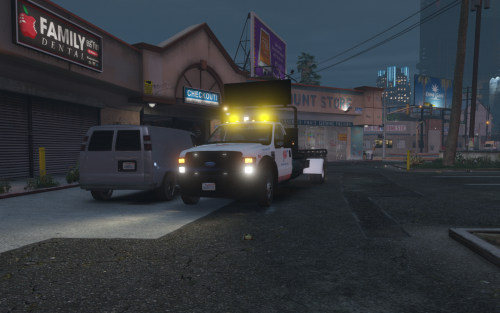 Love the idea of a working rollback, but most have the light bar mounted on a bar right behind the cab and the rear axle is too far back. Is there any way to place the rear axle directly between the end of the bed and the end of the tank or whatever that is ? Should look more like this..
- 45 comments
- 12 reviews
-
 Any reason why your OSHP cvpi skin is missing the passenger side flying wheel?
- 12 comments
- 2 reviews
-
-
 Can't use this because it runs on a newer RageNative than Albo's scripts Was completely wrong..seems to be something with taco callouts. EUP7.5 and Albo's are now working good together
- 2,341 comments
- 236 reviews
-
 please do your 96 crown vic as a CHP unit like in the video even with the bright lights wig wagging
 -
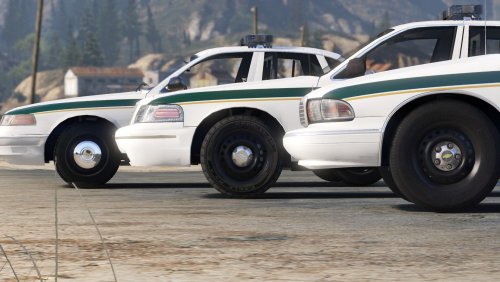 any chance we could get the ytd for the full hubcaps on the 96 cvpi? Just think the dog dish in those years were just ugly lol Looks so much better with the full covers
- 60 comments
- 14 reviews
-
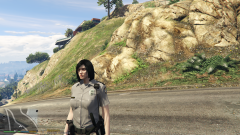 Any updates on these since we have some ELS State Patrol Chargers so far?
 -
turn tires is working great, but only issue I've found was sometimes I get back in and the car seems like it's stuck in park...anyone have any idea's to fix?
- 49 comments
- 11 reviews