


Pumpk1in
-
Joined
-
Last visited
File Reviews posted by Pumpk1in
-
-
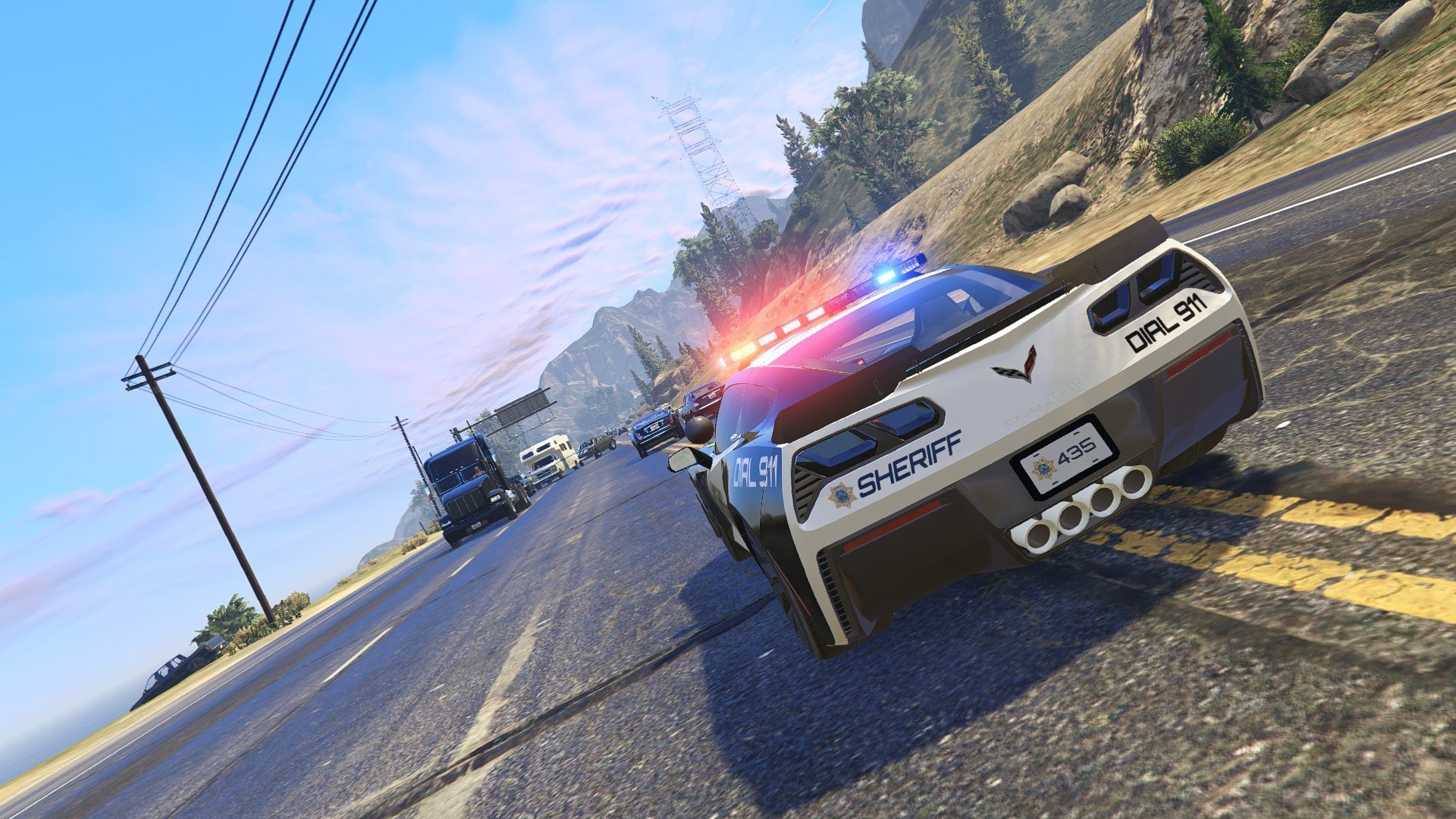
MY FAVORITE LIGHTBAR ON MANY CARS 😍
Nice job dude !
WHERE IS THE FPI ? 😭😭😢 This pack could be 6, 7 stars out of 5 with that 😜
-
-
Edited by Pumpk1in
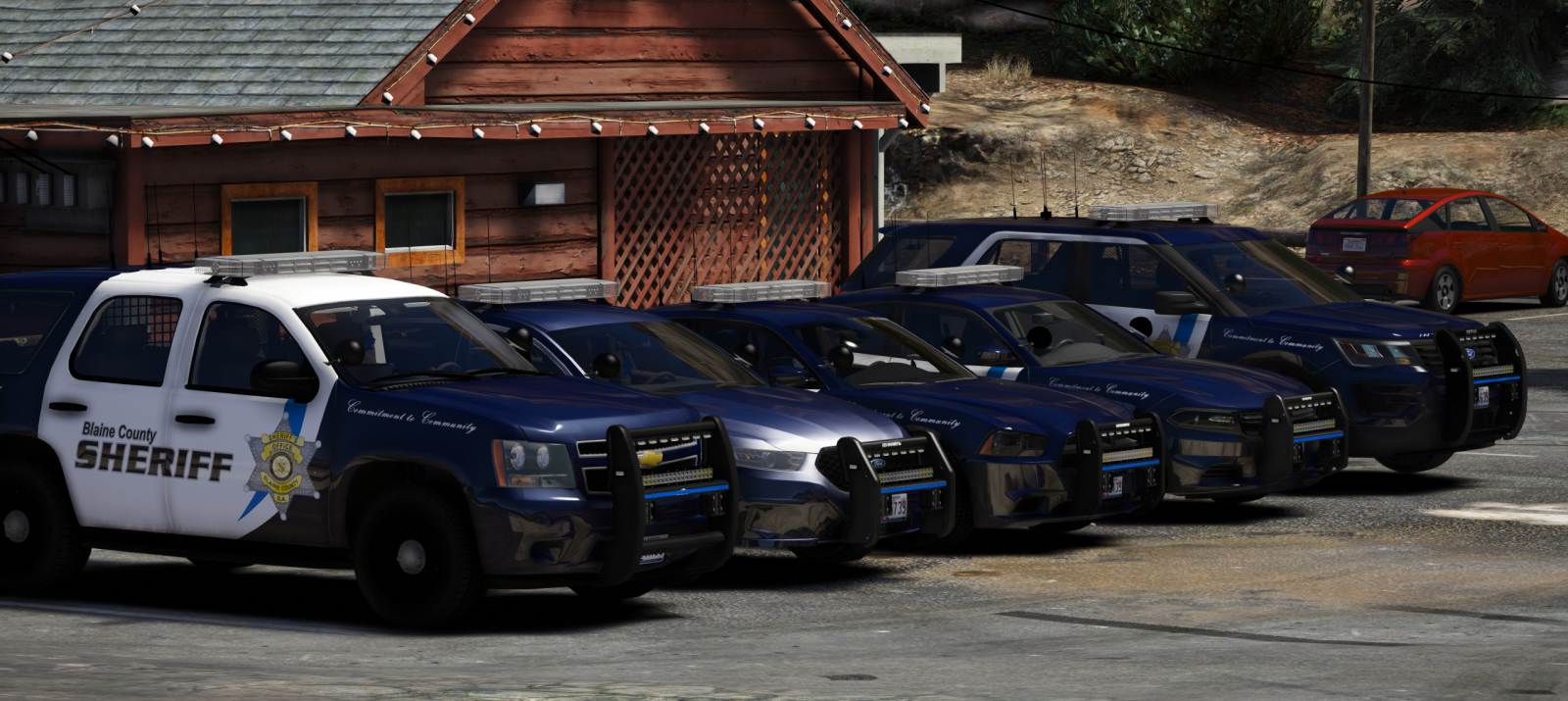
Really nice ! All the vehicles are amazing

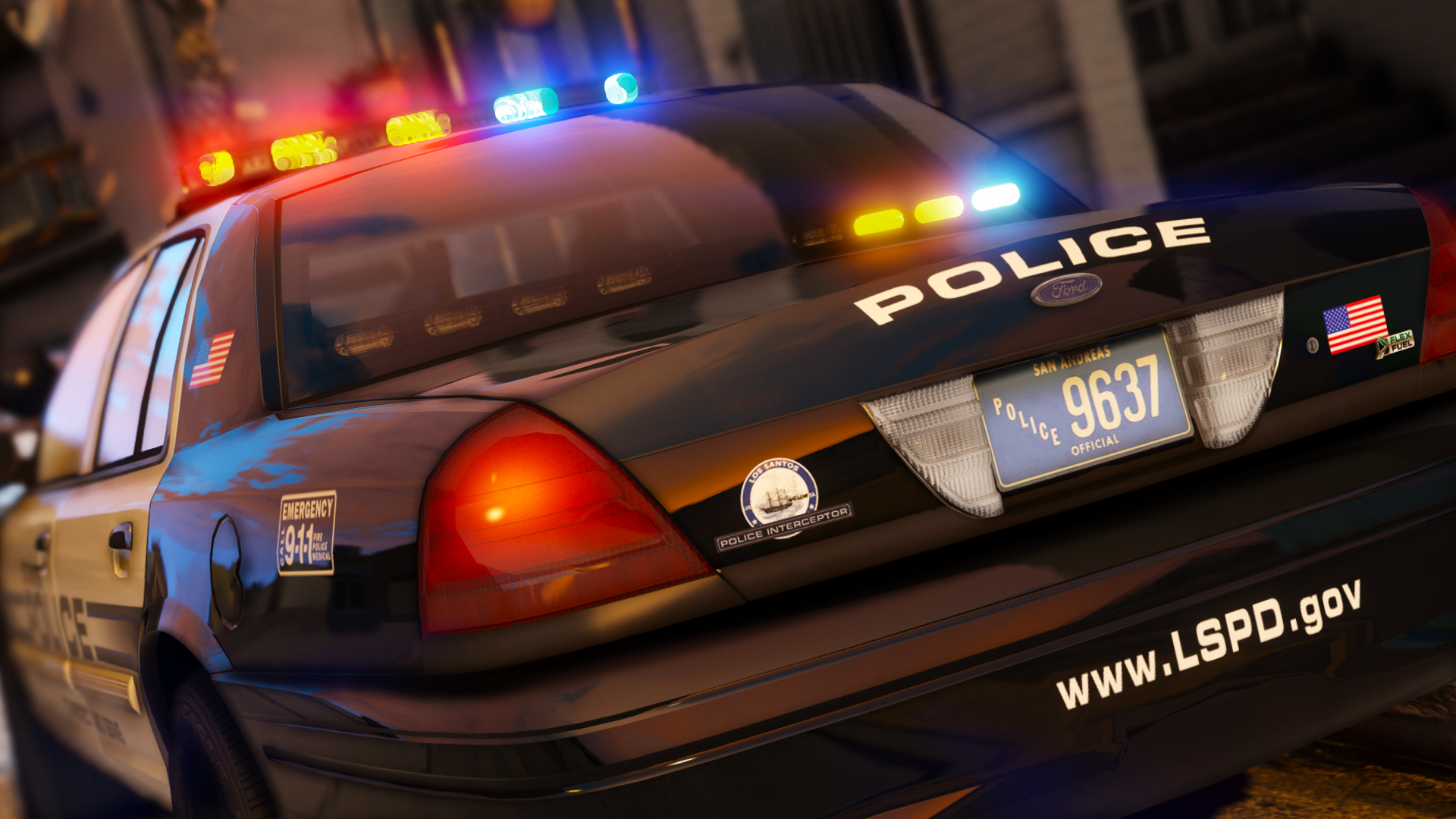
Using it for my sheriff cars right now :) I also really like the livery !
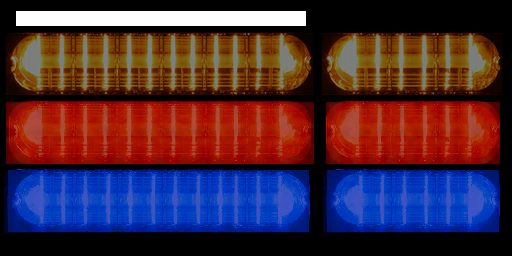
Just... I doesn't understand WHY your lightbar is not mapped with liberty_emis2 with the two module size. (short and long).
It could be way better to avoid stretched textures
 (And I could use the correct Whelen emissive attached ^^)
-
-
-

-
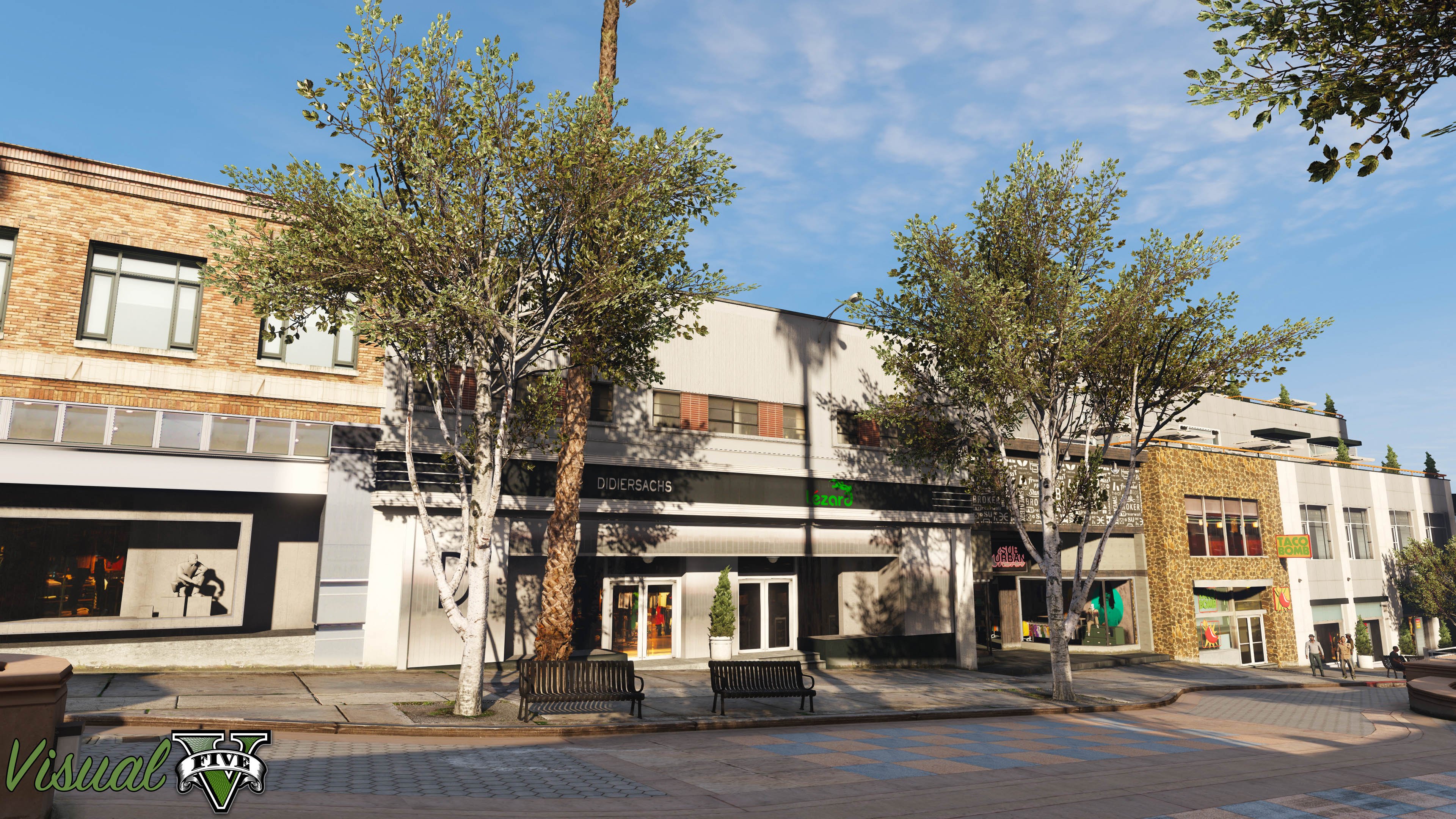
Finaly on lspdfr

Using it since... I don't remember, but some years ^^
Never used another visual MOD as the render if VisualV seems very realistic to me instead of all those eye-candy MODs wich adds a lot of unrealistics reflections and saturation...
BTW @cpivpack now you posted it here, you can't remove radiance support as we all use it on lspdfr

- KertFaceMan and Starmix
-
 2
2
-
-
-
Edited by Pumpk1in
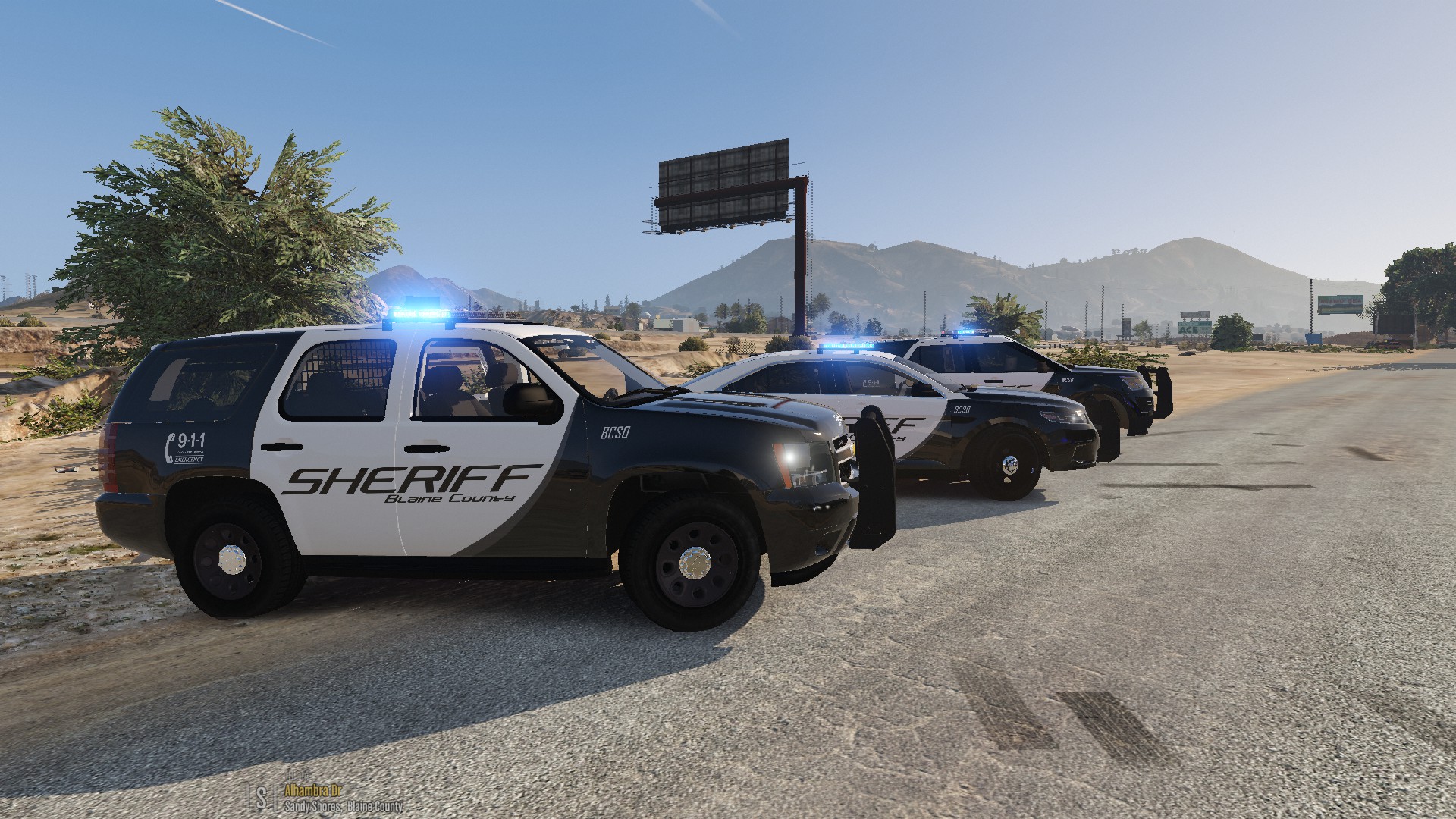
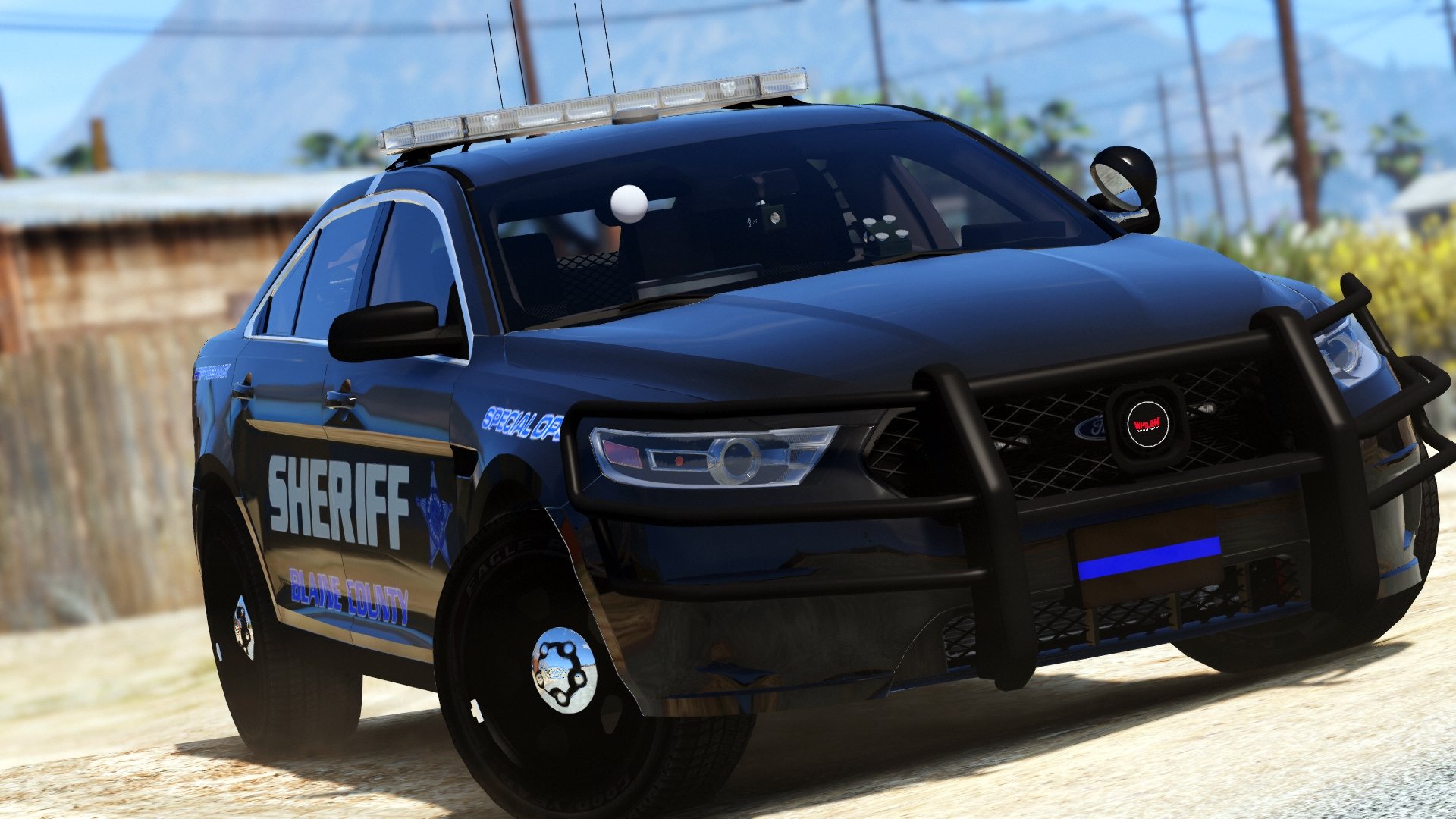
Nice lightings !! Really in love ^^

I love the led colors and big +1 for the red/blue leds on the rear lights !!! Also big +1 for the correct cruise light mode. (only one light on each side of the lightbar)
But, as I used another FPI until now, I have two complaints (yeah I know...
 )
)
-
The white lights are really dim compared to the other FPI.
I understand this is due to the size of the emissive texture but... actually those white lights are useless in my opinion. -
Not working trafic advisors ? You were limited because you added that antena on the last extra ?
Fixed, editing the XML.Spoiler<SECL LightingFormat="leds" DisableAtLstg3="true" > <PresetPatterns> <Lstg1 Enabled="true" Pattern="021" /> <Lstg2 Enabled="true" Pattern="111" /> <Lstg3 Enabled="false" Pattern="091" />
- (Ok I'm annoying I know) I would have prefered to have the sides bars on the pushbar as an extra instead of an antena (be able to only have the main pushbar, not the entire thing)
ANYWAY, I'll use it, right now, right here, and for a long time
-
The white lights are really dim compared to the other FPI.
-
-
.png.2dff28111140c6623689a11b77fb9420.png)
-
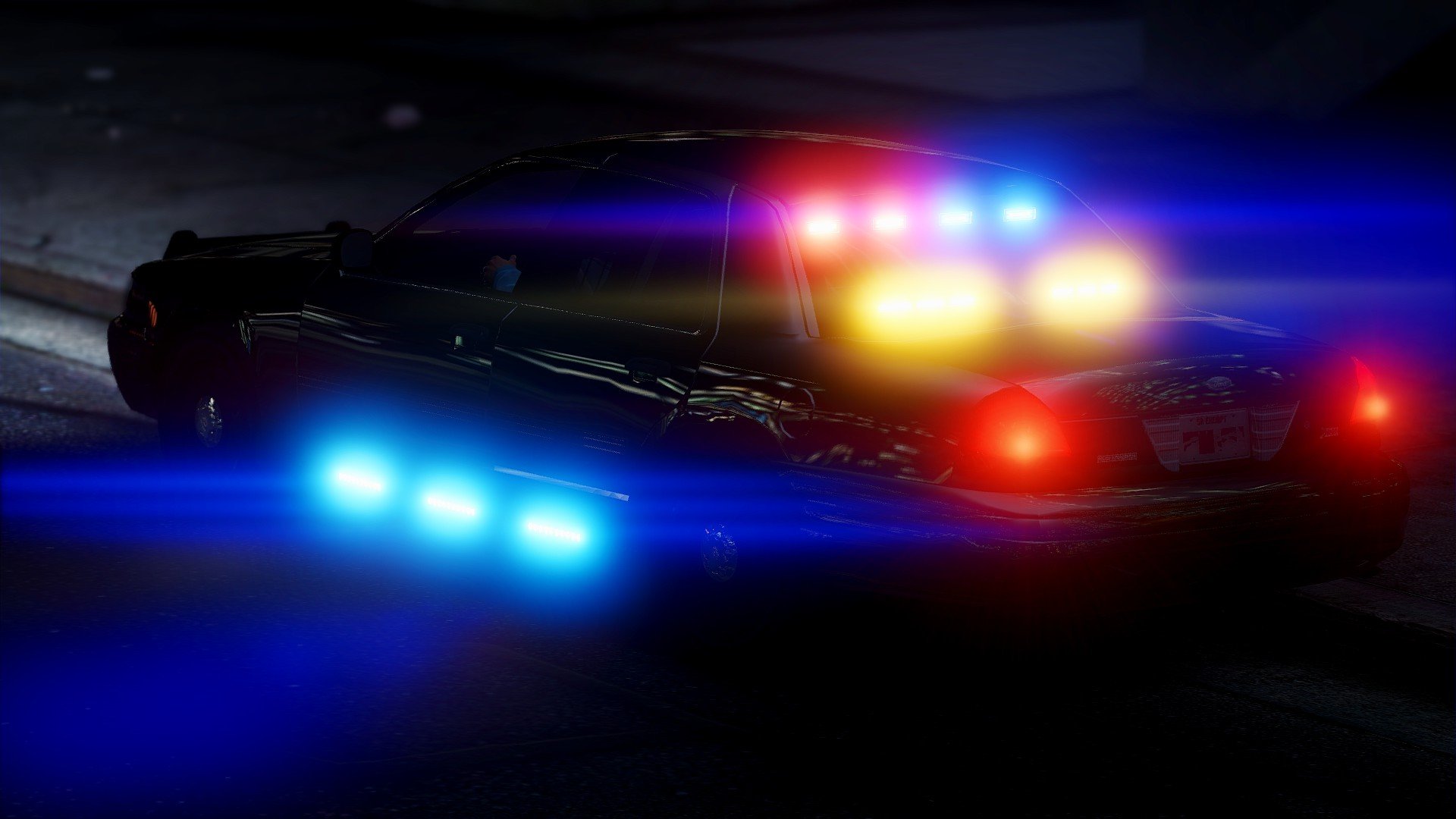
Nice setup for those who likes it
I hate those siderunners, too much "christmas tree tuning certified" for me.

-
.jpg.836c73cc9b477678ceeef36c7acd6f90.jpg)
-
.jpg.a6d2f2b836410c01677a9904043690a6.jpg)
-
You did a great job on it ;) Nice loop on every tones !
Speaking about the real thing, this siren is make me feel... strange. Its like a child made it using a midi controller while doesn't understanding what he was doing

The wail is nice however.
-
-
Really nice looking :)
Not accurate but i'll use it because... you know, black shirt under the sun is never a good idea. Maybe LAPD should think about it x)
-
.jpg.7f8248fe8858287e486e3e0cbede0852.jpg)
-
-
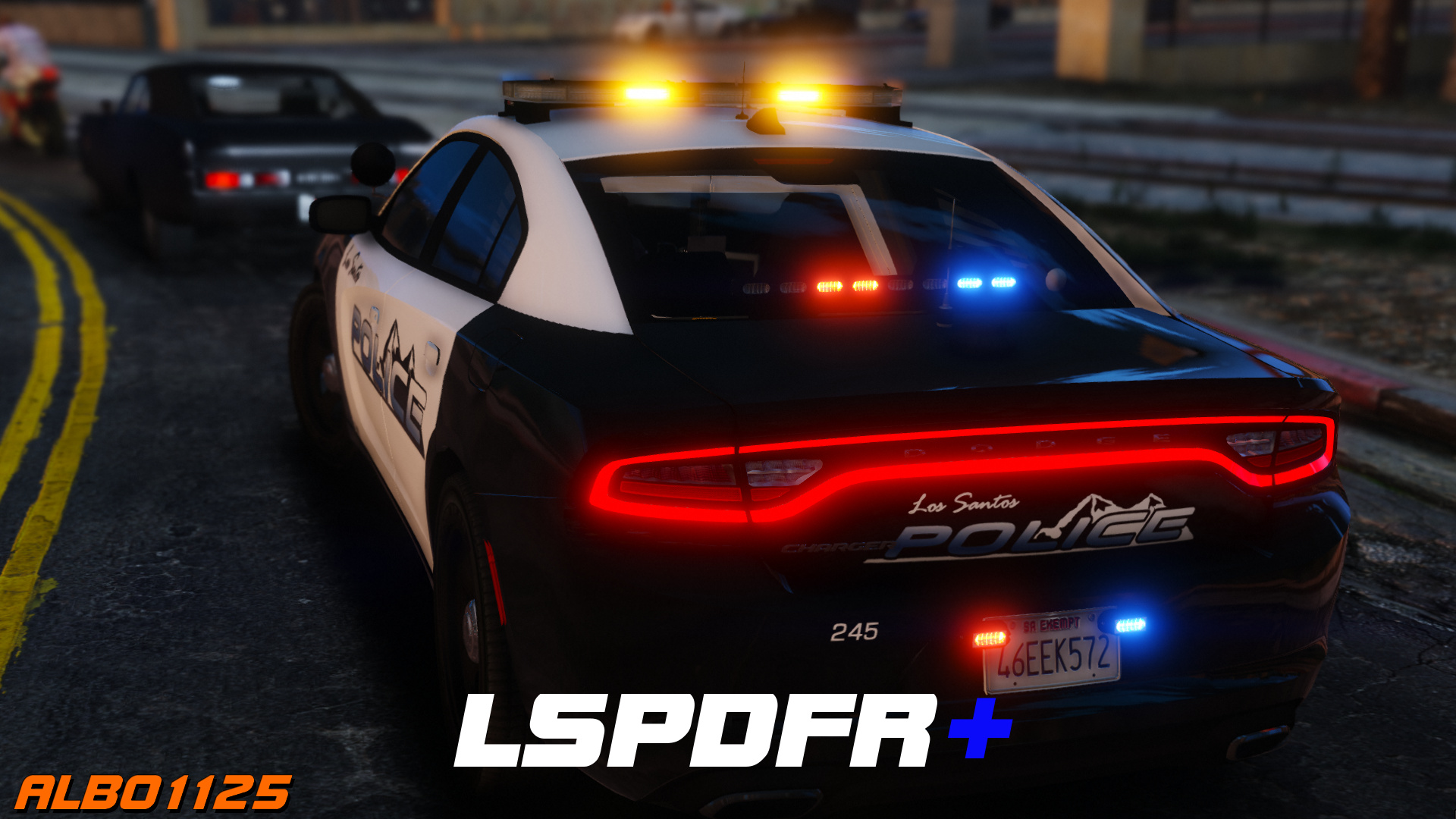
Again you did an amazing job on that one !
Thank you Albo for everything you make for the communityIf only I had no sutters with ragenativeUI..
Still have that fu* problem
-
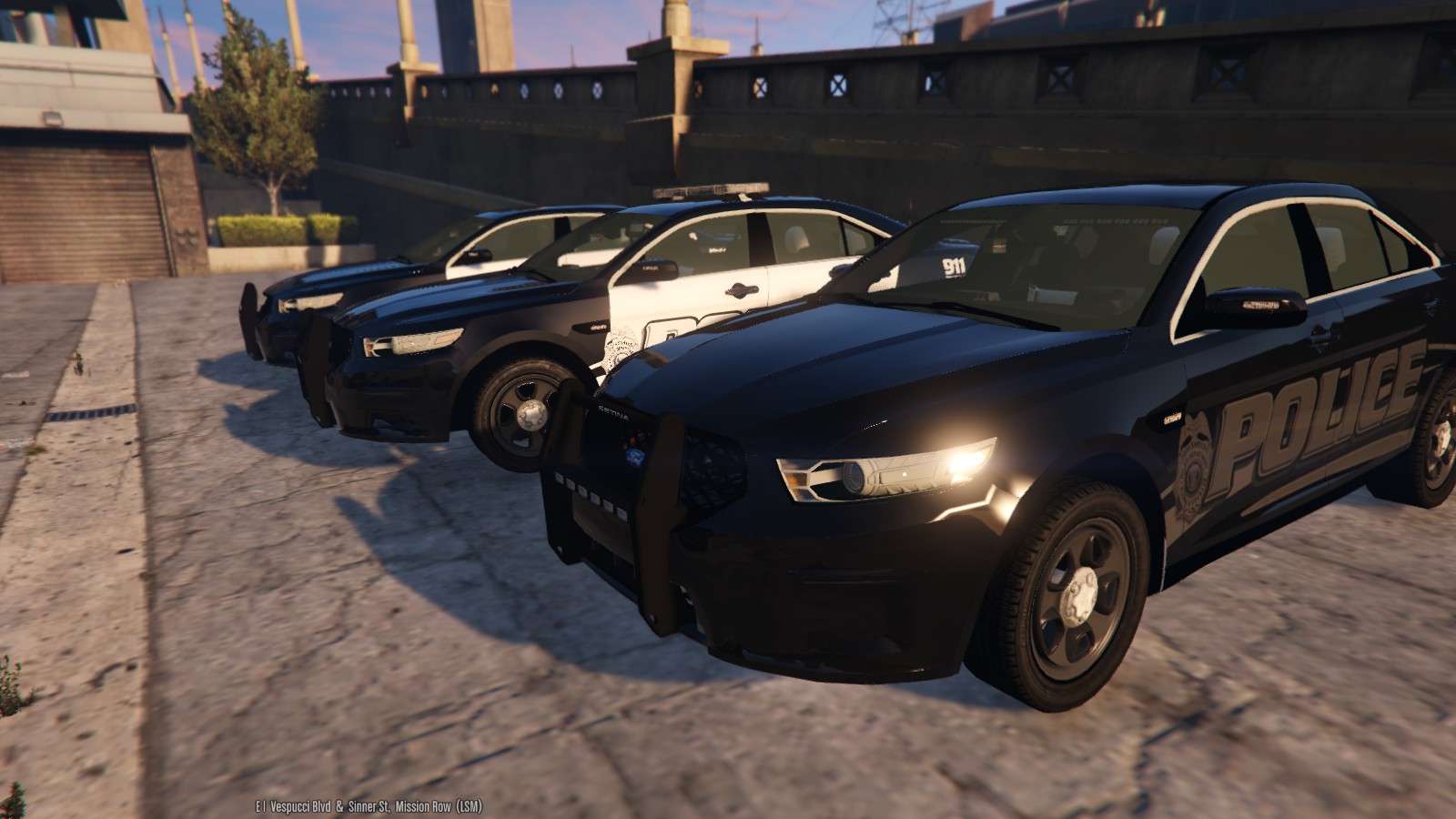
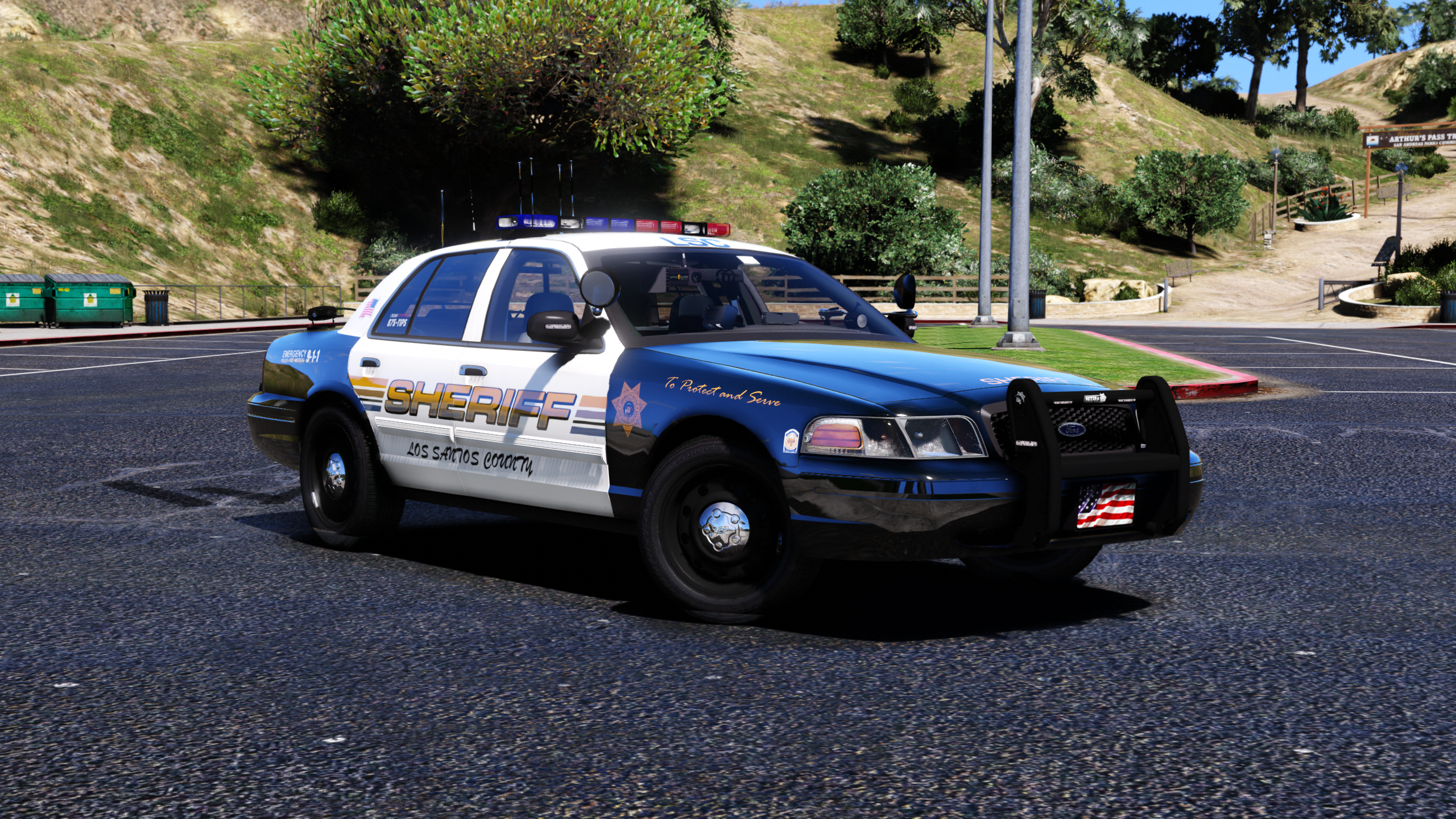
Beautiful car ! And nice lighting setup :)
Way better than the car I was using on my police3 slot ^^Maybe you could fix the external rearview mirrors (look at them when in 1st person view) and change the lighting texture of the traffic advisor so we can use a orange light on it :) (actually it use the same texture than the lightbar so...)
-
-
.jpg.bcaac67918380b4ed70d994b949b1ed0.jpg)


.png.2dff28111140c6623689a11b77fb9420.png)
.jpg.836c73cc9b477678ceeef36c7acd6f90.jpg)
.jpg.a6d2f2b836410c01677a9904043690a6.jpg)


.jpg.7f8248fe8858287e486e3e0cbede0852.jpg)
.jpg.bcaac67918380b4ed70d994b949b1ed0.jpg)
XScanner
in Script Modifications & Plugins
·
Edited by Pumpk1in
3 stars. And I really wanted to put 5 but, not now.
Why ? This plugin seems promising and full of nice features but is actually unplayable.
From butter smooth game without it to stutter party with the plugin enabled... what a disappointment 😢😭
i7 7700K, GTX1070, 16Gb DDR4, not a computer problem. As always, nice plugins are a power hog. Like the Albo's ones. 😖
Also, the volume of the scanner and the callouts are really different (callouts are way louder), not possible to have the same volume ?
Really hope for a saving update !
EDIT after updates:
NICE ! Now you needs 5 stars 😉 Smooth gameplay and nice volume control !
Deactivated Member