FRGamer
Members
-
Joined
-
Last visited
Everything posted by FRGamer
-
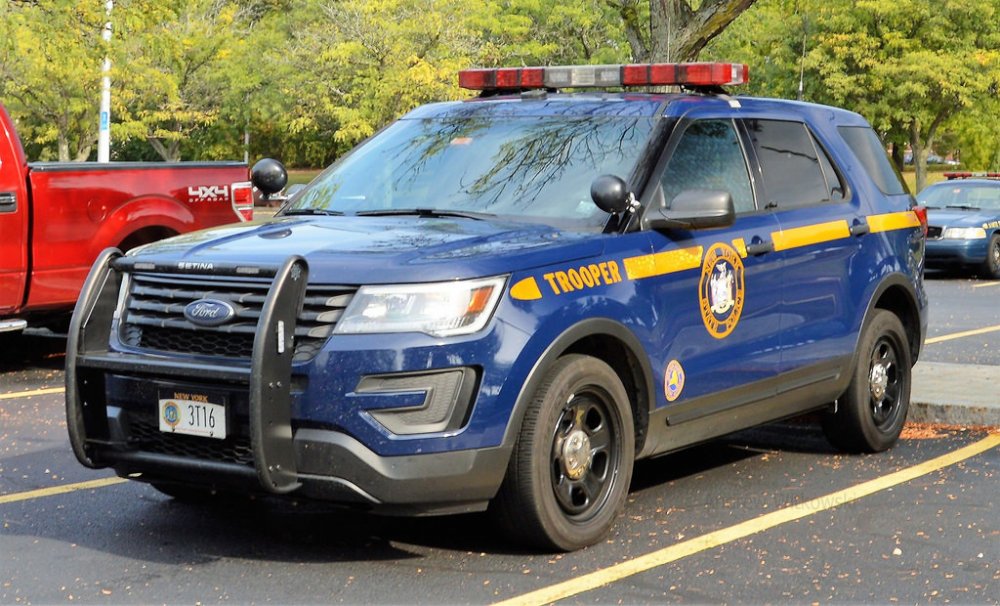
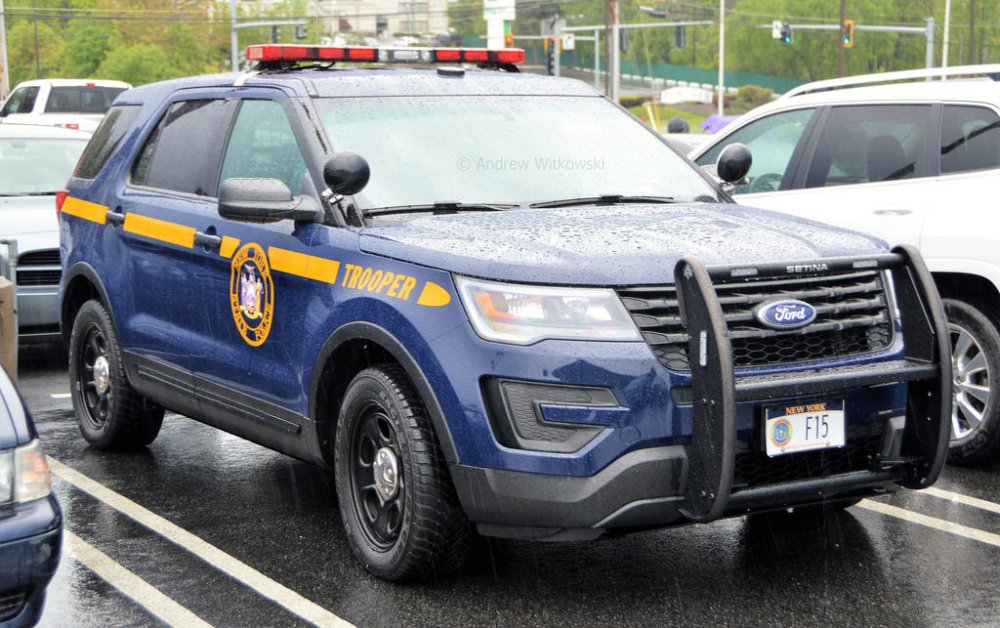
Yeah, the Freedom FPIU is Troop T and the Liberty FPIU is Troop F
-
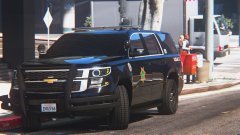 no it was me i didnt want people to see me gasping for air in my carbon monoxide utility
 -
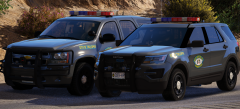 nice federal signal freedom you got there
 -
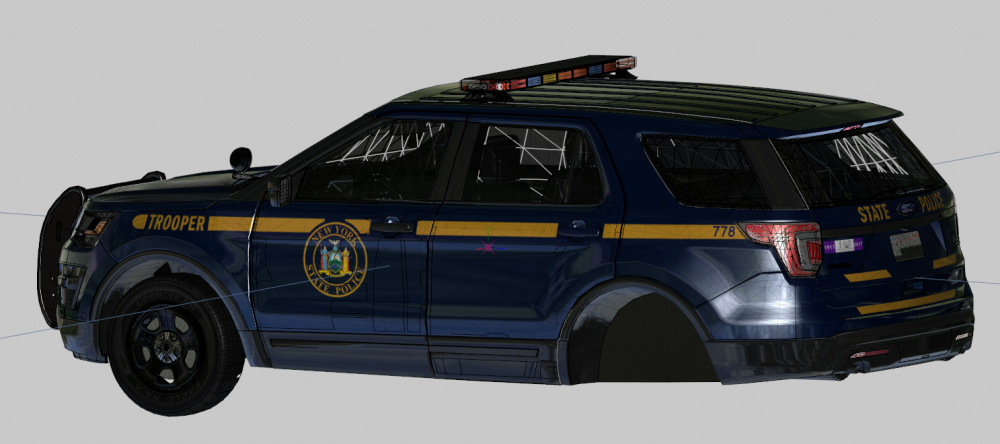
Skin made by @Slendis (Whelen Freedom/Whelen Liberty)
-
 Yes it is. It's a Whelen Freedom with colored glass.
 -
 still in testing, looks like they're replacing the carbon monoxide utilites
 -
-
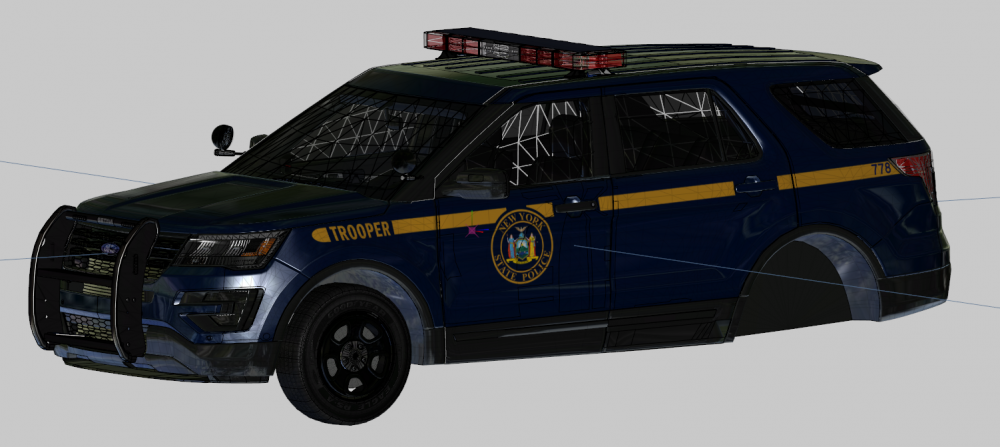
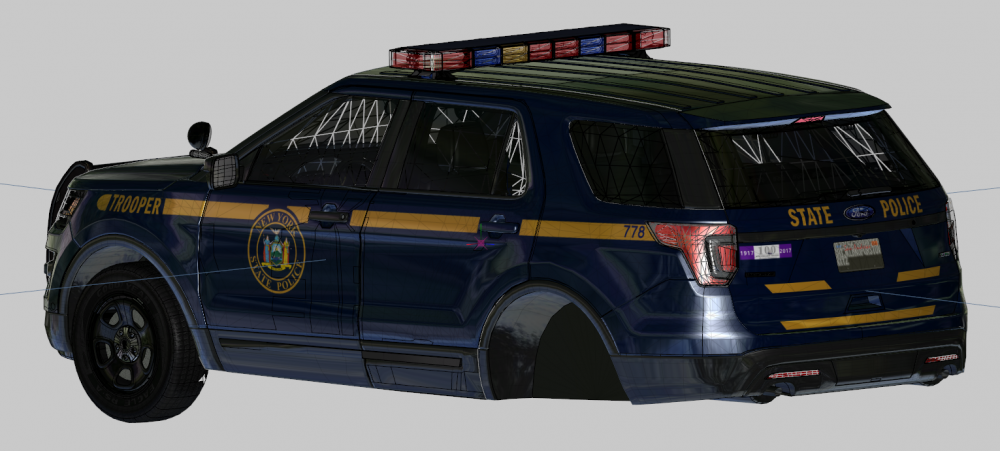
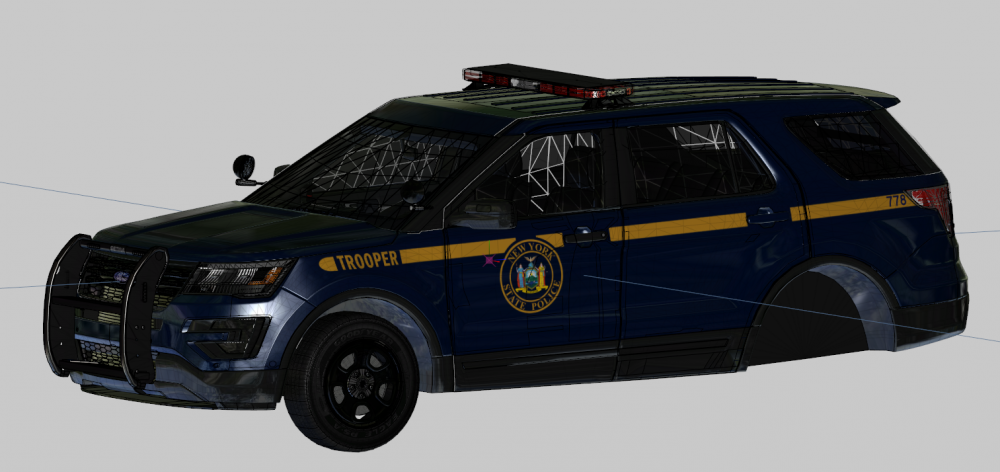
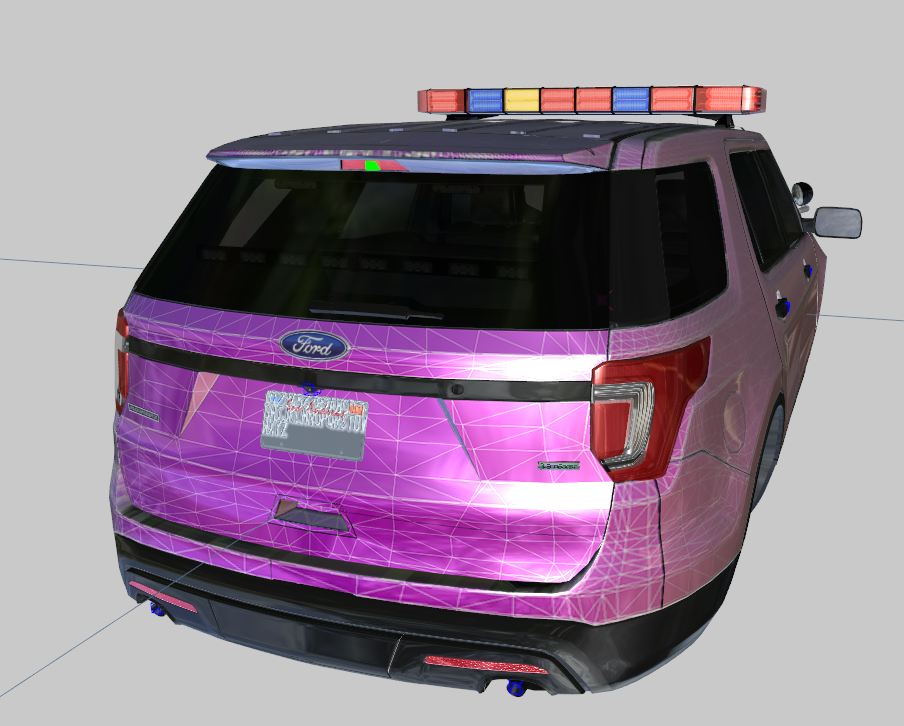
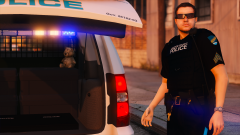
Started NYSP. First vehicle is the NYSP 2016 FPIU w/ Freedom (edited into a NYSP Freedom by @t0y). The plates are currently not mapped, they will be.

-
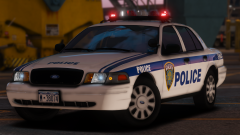 you're right, it need some pink and green
 -
Finally some RED and WHITE front lighting, what real police lighting is <3
-
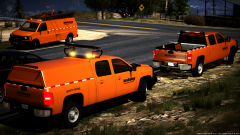 RAGE Plugin Hook v0.57.1152.13084 PUBLIC ALPHA
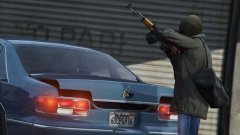
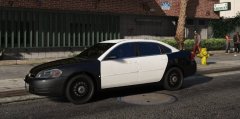 Chevy Impala Coming Soon
 Ayy you're back, looks good!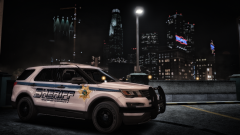
 I'm pretty sure he made it himself.
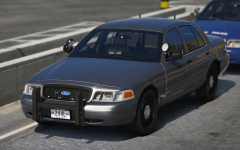 put that freedom on a fpiu sir
 Thank you for changing the caption, I was very offended.
 hot as fuck
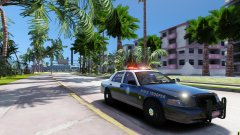 = NO GENERATING REVENUE
 Looks great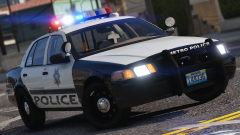
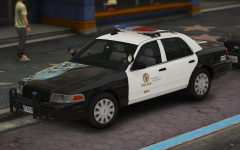 @t0y NYPD red and white arjent version plz????????????