






Operation Bearhug

By DukSezQuak
- 1,637 views
- View DukSezQuak's images
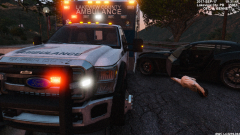
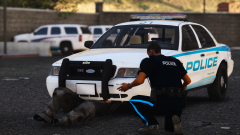
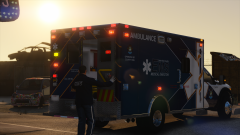
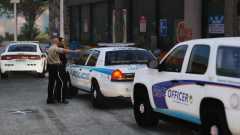
Police, Fire and EMS officials in Lakeview are being issued a new piece of equipment. Only, this equipment is not what you'd expect.
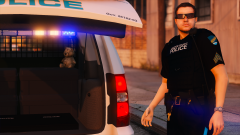
"It's a teddy bear." says Sergeant Bennett with Lakeview County Police.
"Sometimes we as first responders have to deal with children in stressful situations." he says.
The teddy bears are a part of the new Operation Bearhug initiative launched by the Office of the Medical Director.
"By taking that child away from whatever is happening, and giving them something soft to focus on helps them out." says Dr. Wright, a child psychologist with the Lakeview Medical Directors Office.
These bears are now issued in all Lakeview Emergency Vehicles in a variety of colors.
"Hopefully we won't need to use them too often, but when we do have to, we're sure it'll ease the minds of our struggling youth."
With Channel 9 Lakeview, I'm Mike Litoris.
Recommended Comments
Join the conversation
You can post now and register later. If you have an account, sign in now to post with your account.