FRGamer
Members
-
Joined
-
Last visited
Everything posted by FRGamer
-
-
 THANKS MATE!!! was confused there is no credit given to that man psource so... yeah
 -
-
-
 mmmmmmmmmmm yyyeeeeees
 -
-
Mod authors don't make readmes/ini's for no reason, they make it so people actually take the time and look into it, that's what you do before asking for help.
-
 ... I would.
 -
-
 Nope, when all perms weren't even revoked, you'd have to lock the model, he said it himself. Now you can't use any of his shit on public releases. Why do you think Gump's tahoe still hasn't been released?
- 36 comments
- 9 reviews
-
I agree but I only said that because he uses Bugs' parts and you know how bitchy he is. Wait nvm you probably don't. #12hourstocumply
- 36 comments
- 9 reviews
-
-

- 1
-
-
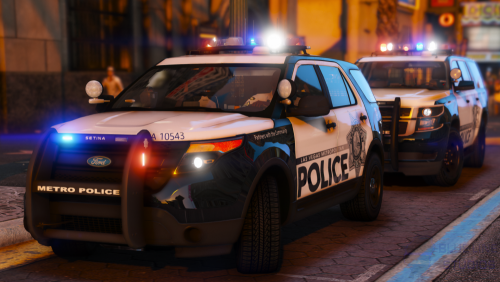
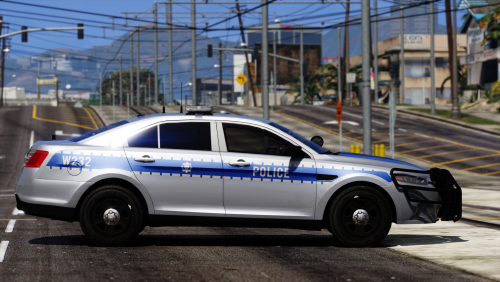
.png.1c32e8f79e931f79520cbbde79eacf06.png) CVPIs are done. Explorers thankfully are replacing them. :)
CVPIs are done. Explorers thankfully are replacing them. :) -
Charger > CVPI nice shit.
-
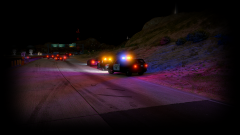 Nice work, pig.
 -
-
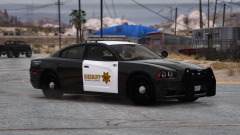 I agree ^ looks great.
 -
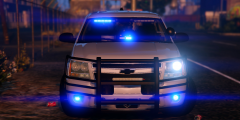 YOU HAVE 12 HOURS TO CUMPLY!!!!!
 -
You can all thank the guy who "did so much for this community", Bxbugs123.
-
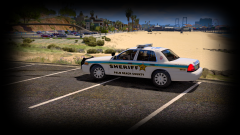 I need your name and badge number pls bc of your parking job
 -
 Nice shot billy
 -
Radiance V is the most pointless shit ever. Just go to update > update.rpf > common > data > visualsettings.dat Open with notepad, CTRL + F and find: car.defaultlight.day.emissive.on [edit number to your liking] car.defaultlight.night.emissive.on [edit number to your liking]
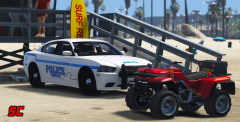 Nice man I like it.
From the album: FR Gamer's GTA V Images
Charger by @TaylorSwiftYou need a clean copy of GTA V.

.png.1c32e8f79e931f79520cbbde79eacf06.png)