FRGamer
Members
-
Joined
-
Last visited
Everything posted by FRGamer
-

From the album: FR Gamer's GTA V Images
Sexy ass Charger by @TaylorSwift -
This b/c the really nice Spotlight mod from 2012 has been removed:
-
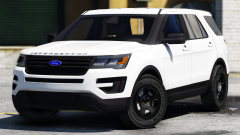 are you on something billy?
 -
Status updates b gon
-
 If Bugs TRULY didn't want his mods leaked, he'd stop sending them to people.
 -
-
+1

-
 much hot 13.2/10 -ign
 -
-
Game4video I'm guessing?
-
 Until this image is removed: I don't want to SEE this rule show up in the gallery. Bye bye now.
 -
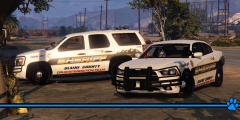 *waits for cool FR mods to remove for posting a meme* but I agree <3
 -
-
-
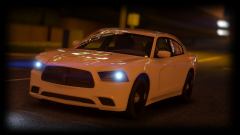
From the album: FR Gamer's GTA V Images
-
-
-
-
-
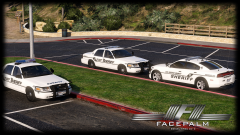 mmmmmmmmmmmmmmmmmmmmmmmmmmmmm
 -
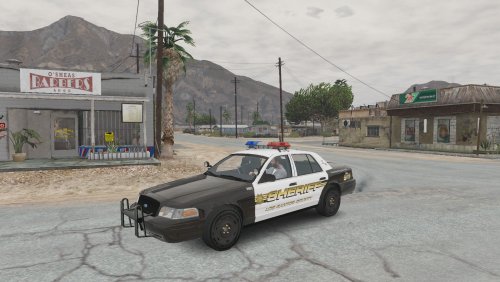 Great job for your first model. If you need help on getting those spotlights to function correctly send me a PM.
- 29 comments
- 6 reviews
-
-

- 1
-
-
You cannot take something off a vehicle if it is locked; so yeah only the creator has access to that.
-
As stated above ^ ; Rockstar never fixed this issue, I haven't been able to play MP in months.
-
This looks great, cannot wait to see further updates.
-
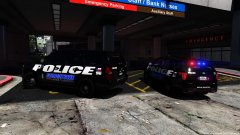 Love those skins.