
PantherP71
Members
-
Joined
-
Last visited
Everything posted by PantherP71
-
From the album: California Law Enforcement
-
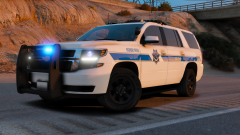 Holy fuck
 -
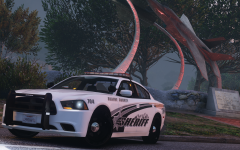 Hahaha
 -
Hmmm looks a lot like Anaheim PD to me...
-
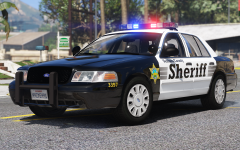 I know you make your own skins as HQ as all get out but I have VCSD cvpi skins for the contract cities. Pretty sure I have Fillmore, Thousand Oaks, Moorpark, Ojai, and Camarillo. Just if you wanted me to throw them your way lol
 -
Me likey that
-
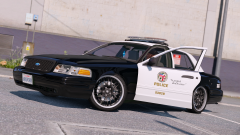 Just so you know, calif exempt plates only have numbers :)
 -
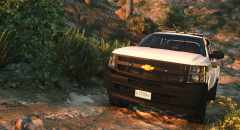 Damn well I'm sure the end result will look amazing, especially since I'm on the edge of my seat as is waiting for it! 🤤
 -
Nice! I know here in southern calif they choose to outfit all the units with go rhino or setina push bumpers on the tahoes and rams, and I think they look slick as hell, but I can understand how BLM sups there shit up nice as well, I've seen (met) a couple rangers out this way and they have tricked out rigs. But anyway, yeah I would say honestly go for how you'd want it to be, after all this is (basically) free, doesn't cost $3000 for a Warn, or $540 for a gorhino! Lol
-
Maybe you could put a push bumper with a winch, and add some Off-road leds or a code 3 speaker?
-
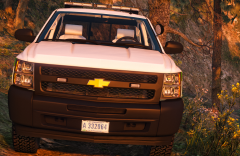 Cool!! I can't wait to see the end result!! Looks so sexy I loved my silverado, would love to have a usfs one in game
 -
Cool!! I know starting over sucks sometimes, but I think that taking a moment to step back and look at stuff really helps!
-
This truck is so hot
-
-
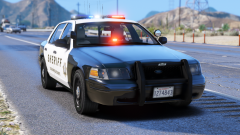 I love the antenna set up, and I have to say like it better with the speaker
 -
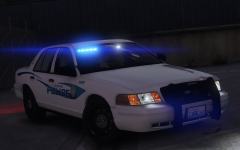 That would be extra sexy with steady-burns 😏
 -
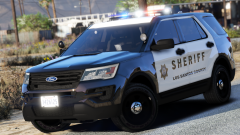 Sexy as fuck
 -
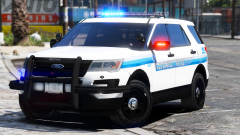 If you ever plan on doing an Arizona dps pack I will explode through your computer and find a way to help even though I have no skills whatsoever hahaha
 -
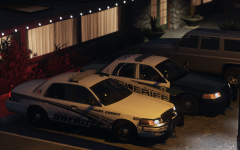 I think that maybe having the options on both would make for a sexy sexy time, but I like A over B without the extra garbage on the push bumper hahaha
 -
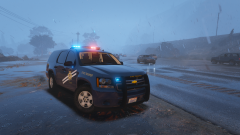 These are fucking hot😻
 -
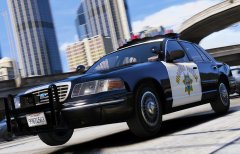 Well shit me timbers. You're right! :)
 -
Wrong push bar m8
-
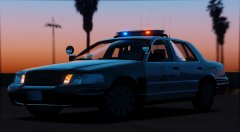 Is there going to be a traffic div. option with a pb100?
 -
Looks awesome! I love the antenna array
-
 Hey just downloaded the update and noticed the Tahoe only has one spotlight, where as the pic there are two :)
- 208 comments
- 59 reviews