



PantherP71
Members
-
Joined
-
Last visited
Everything posted by PantherP71
-
-
 Sweet! Love your work, always top notch 👌🏼
 -
Awwww no release :(( love RCSD
-
I would say Riverside because cali if life but it sounds to me like the majority is in favor of florida lol
-
 car looks great! but if i may make one critique, the spotlight shouldn't be turned sideways like that lol
- 48 comments
- 14 reviews
-
-
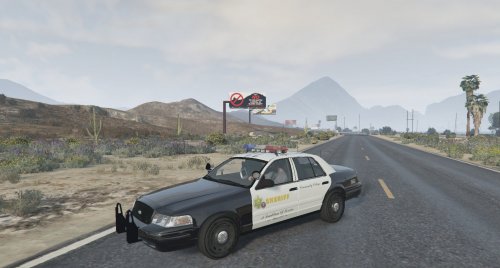 I love this car! My only issue is the emmisives for the Gauge cluster are way to bright on my end, and I've added darker ones they are still very bright
- 30 comments
- 7 reviews
-
-

- 1
-
-
 San Bernardino county sheriff? Maybe you could do their Tahoe with the Valor, and the split bumper on the SSV
 -
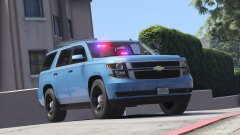 Nice! I can see you are running nitrogen in the tires, green air caps ;)
 -
-
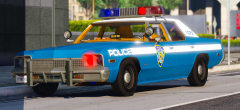 what graphics are you using? this looks amazing!
 -
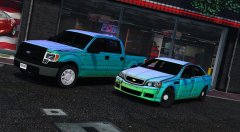 This is a real cock tease 💦💦
 -
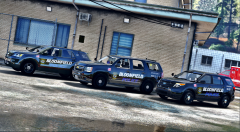 The spotlight placement on the Tahoe is innacurate, they should be placed higher on the A pillar, just at the tip of where the side mirrors connect with the door, maybe an inch or two below that. Just trying to be helpful!
 -
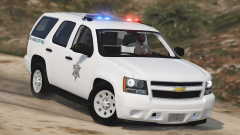 Nice!! If you need any parts help, like interior exterior etc, (which you probably won't b/c you are a master) let me know. I worked for CA state parks for a little bit
 -
Going to be awesome either way. If you do decide to do a pack which vehicles do you think you would use?
-
Are you going to include the Havis/shield roof mounted spotlight like the real state parks and game wardens?
-
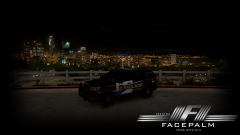 That's a nice rig! Is it going to have the HQ interior?
 -
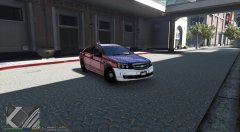 Ahh okay, well I'm sure it will be amazing. 'Bout time somebody made a lore friendly caprice!
 -
If I may suggest, you don't have to listen, but I think it would look slick with duel LED spotlights and a federal signal valor with hot feet
-
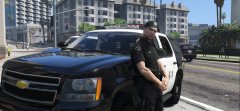 You can try and get them from @Lundy I know he used some on the 2006 LAPD cvpi
 -
Oh my god. A Tahoe with an argent!!!!!!!!!❤️❤️❤️❤️❤️
-
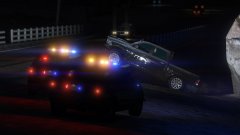 Okay sweet! I'm really excited for this. Your work is truely top notch. And I just figured out where the Trim for the Tahoe gets its color, so I'll be releasing a black and white blank texture for that!
 -
Is the Whelen freedom going to have the ability to have multi color lenses besides the end caps?
-
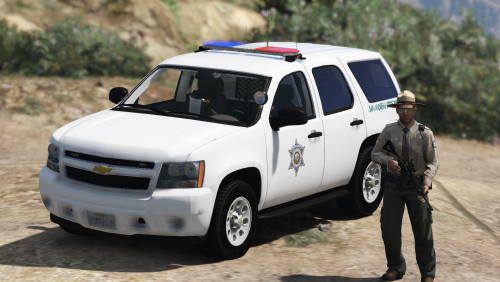
.jpg.d50845d56a695421f794e141a0d72879.jpg) I think (because the unit on my truck is actually off of an LVMPD vision lightbar) they replaced the halogen Signalmaster with the first gen led one which has individual leds much like a traffic light. (Attached is the one off my work truck for comparison)
I think (because the unit on my truck is actually off of an LVMPD vision lightbar) they replaced the halogen Signalmaster with the first gen led one which has individual leds much like a traffic light. (Attached is the one off my work truck for comparison) -
so they used amber colored light bulbs? (I'm speaking in relation to the real one, not in game)


.jpg.d50845d56a695421f794e141a0d72879.jpg)