
PantherP71
Members
-
Joined
-
Last visited
Everything posted by PantherP71
-
 This is really good!! I am using in game as we speak, but. The light bar is a Little bit too big, I reccomend scaling it down just a tiny bit, since on the Cvpi, the feet are over the door jam where they should just be on the roof :)
- 208 comments
- 59 reviews
-
-

- 1
-
-
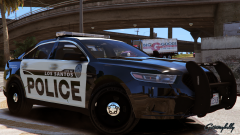 Please make release on this pack of California
 -
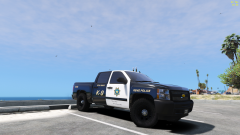 I want to make sexytimes with this truck
 -
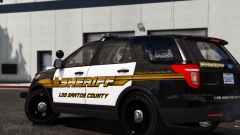 Please please please!!
 -
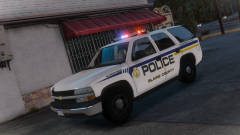 Would look sexy with steadyburn on the final model 😜
 -
 I installed some vehicles and put the ELS files correspondingly but I had to change some values to get the steady burn out of veh, and on siren 2 the lights do not change to the front flash pattern
- 951 comments
- 158 reviews
-
-
- 2
-
-
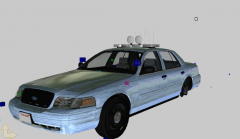 Sweet thanks man!
 -
From the album: California Law Enforcement
brand new to zmodeler first wip project, would love any help, have no idea what im doing lol and that is why the lights are facing forward -
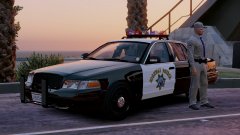 Awww shit looks like I'm gonna have to break out the PA500
 -
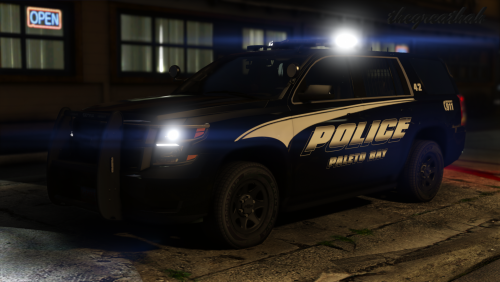 I love the steady burn valor 😍 And do you think in the next update you could include a pass side spotlight??🙏🏼
- 23 comments
- 16 reviews
-
-
- 1
-
-
What if.... we get a teaser pack, just like a CHP car or two, the ones that are close to or already finished, then he can work on the Forza CVPI and everyone is heppe
-
 Yes!!!!😵😵😵🙏🏼 Thank you thank you oh master😍
 -
 Awwwwww yeeeeeeessss😍
 -
Is it possible for this model to have the front door trim as an option (or optional download) since some of the port police veh's have no trim as well, but also since sheriffs just an idea
-
Oh. My. Goodness. I think I just shipped my pants
-
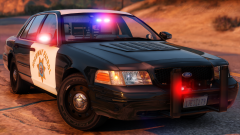 I actually have some custom CHP K-9 unit skins if y'all need them but not difficult to replicate anyway haha
 -
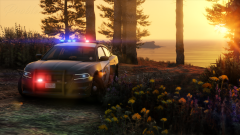 😵😵😵 The spotlights look a little large as well...
 -
Sheeeet I didn't know CHP is getting 2016/17 Tahoes!!
-
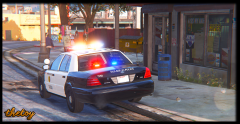 Looks good! But may I suggest using a different model of the Setina PB100? Because that one is wildly inaccurate lol
 -
-
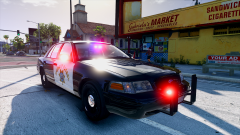 That's even cooler!!!
 -
Quick fact: there is no need for a radar control unit since the information display (Rockwell Collins) has an integrated radar display! :)
-
-
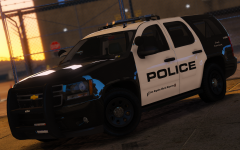 OH MY GOD YES
 -
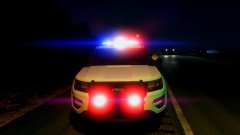 No chargers in OC yet, but I'm excited to see some in the coming months 😍😍