



sjain
Members
-
Joined
-
Last visited
Everything posted by sjain
-
Motorola Spectra
-
Amazing haha. I remember in GTA 4 I had that issue but with the officer's dropping coffee cups instead.
-
Put them in the latest patchday folder. (patchday15 I think)
-
Restart Steam and then your computer. If that does not work re-install.
-
Please describe how you did it so this thread can help others. It's a good habit and doesn't a lot of time. It will save new threads being made and other people's time. But it's your choice.
-
Bumping your post will not help. It will deter people who will think there is no solution. We have other things to do than voluntarily help you for free. What are your PC specs?
-
Re-installed the game? Do you have FXAA on? Re installed graphics card drivers and restarted PC? Tried using your graphics card's control panel to force anti aliasing and other settings? Re-installed VisualV by running the .oiv package again? Shadows on very high? All of these questions are equally important. I understand how you might feel, I used to get shadows rendering 1 metre in front of my player on i7 5820K, SSD, 16GB RAM and 980Ti SLI. Re installing the game and setting shadows to very high made it a LOT less bad, to the point I couldn't notice it. Good luck.
-
Are you 100% sure you out the RadianceV files in the right place? 1. Download and install VisualV with the .oiv package. 2. In the VisualV folder, go into the "Optionals" folder then find the RadianceV compatibility patch. Find the .oiv package and install it. This is fully install RadianceV without messing with VisualV's values in the file that is modified. Make sure you do it in this order. If that doesn't work: go to mods > update > update.rpf > common > data > levels > GTA5 Then right click on vehicles.meta and click edit (assuming your OpenIV is up to date) Then hold CTRL then tap F once, then release CTRL. Type in the model name of the vehicle you are having issues with (e.g. police2) After that, scroll down a little till you find a "diffuseTint" value. Then change that whole line from whatever it is to <diffuseTint value="0x00FFFFFF" /> Good luck!
-
Right click on resident.rpf then click copy to mods folder. It's not automatic.
-
Thanks for this post! It answered a lot of my questions, and I had population variety on full and was running the game in full screen.
-
 Haha will do. I'm another busy student but I will try. Feel free to recommend some plugins (pls) Hope it helped you though!
- 7 comments
- 3 reviews
-
 Eye. Candy.
 -
-
You are on Patch 1032. Please download and re-install the latest ragehook. Albo's plugins do not currently work with the latest version, but try putting in albo's dll into your game folder again. You are not describing enough detail at all to receive good support. Please read this pinned thread, which you should always do before posting: Issues like this are very frustrating but you really shouldn't bump your threads. Trust me it doesn't help and usually deters people because they assume there is no solution.
-
-
 I am confused. Why can't we use the list below? I am not saying you are incorrect but I am curious. List: 0x0EA58C7C - Generic Bullhorn 0x013F5FE7 - PoliceB Main 0x17DDFB5C - PoliceB Secondary 0x0A8960B6 - FIB Primary 0x0A49B203 - FIB Secondary 0x0D329446 - Police Primary SIREN_2 - Police Secondary POLICE_WARNING - Police Phaser AMBULANCE_WARNING - HiLo 0x0E0DA7BC - Granger Primary 0x16E74B3E - Granger Secondary 0x1C98C4D5 - Ambulance Primary 0x144C8602 - Ambulance Secondary 0x037CC595- Fire Horn 0x159C9182 - Fire Primary 0x161768E7 - Fire Secondary Slightly edited, from here
- 2,683 comments
- 235 reviews
-
-

- 1
-
-
-
Sticky Wheels or Emergency Strobes seem most likely as scripts, but the issue is probably gta 5 itself. It doesn't really like keyboard and controller at exactly the same time but it should work provided you down press buttons on both the keyboard and controller at once Please tell me the exact keys you pressed on both devices when this happens. please show me you main GTA 5 folder, and the scripts folder (NOT plugins)
-
What plugins do you use? Does it happen in a specific place?
-
 The install fails. It says there was a "fatal error". Log: EDIT: Fixed. For some reason there were three OpenIVs running in Task Manager, when all windows were shut.
- 2,346 comments
- 236 reviews
-
Works on a second re-install. Time to isolate the issue. Probably a bad game backup
-
It did not fix it, and all the bugs are returned. Really not sure what is going on, suspecting a bad savegame. Tried different characters as well Just a note: I have tried with a completely vanilla game
-
SOLVED 1. Re install RagePluginHook, ScriptHookV, ScriptHookVDotNet, ASI Loader (openIV) and RAGENativeUI 2. Remove all ASI scripts when doing the big score heist and out back in later (3.) If it still doesn't work, delete "GTA5.exe", "GTAVlauncher.exe", "steam_api64.dll" and "update.rpf" in the "update" folder. Then verify integrity of game cache by right clicking on GTA V in steam > Properties > local files tab > certify integrity of the game cache Recently, after moving my GTA 5 modded game install from my hard drive to my SSD, I have seen a lot of issues. I am on GTA 5 patch 1011, and RagePluginHook 0.51. I downloaded all my mods before patch 1032 was released, and when 1011 was released, and I have checked all my mods and they are fully compatible with the game. After all, the game worked perfectly with all my mods before moving my install to my SSD. This also happens without my trainer or scripts installed, and when running stock game Issues: 1. Strip Club spawn bug - whenever I go near the strip club to start a mission, many strippers of the same model spawn in huge numbers. No idea why. It usually happens where the lady at the reception desk sits, who is missing. Sometimes they also spawn in the car park outside. They just stand there and do nothing and stare into space Videos and images: https://www.youtube.com/watch?v=0Tlpy-2lDcU https://www.youtube.com/watch?v=bW0W3MJECKg https://www.youtube.com/watch?v=6GHRTMK0i80 http://imgur.com/1j1ZhUf 2. Every car I spawn is registered by the game as a cavalcade (happens with scripts other than the trainer I use) Image: http://imgur.com/rvZV4iB 3. Issues with "The Big Score" gta 5 single player heist When I pull up to the underground bank entrance, nothing happens at all and everything stops. Also, after re-trying the mission, when the cutscene in the strip club where the characters meet ends, too many cars spawn when it is time to get into the car to get to the tunnel to hijjack the trucks. Videos and Images: http://imgur.com/MC46tun http://imgur.com/oPu2odf http://imgur.com/KTWp0L2 https://www.youtube.com/watch?v=0Tlpy-2lDcU 4. Car lighting or LOD bugs not much to say. Very noticeable, and I never used to have this issue. Haven't changed any game settings. https://www.youtube.com/watch?v=tJUIkbMZpkw ALL HELP IS WIDELY APPRECIATED sorry for the crappy formatting EDIT: After a full re-installation of ScriptHookV, ScriptHookVDotNet, RagePluginHook, RAGENativeUI, and the ASI files from OpenIV, the issue with the strippers spawning and the vehicles spawning seems to have gone away. However, the issues with the missions still occur. I also used "UnloadAllPlugins" in the rage console. Stuck for ideas. I am suspecting a corrupted savegame. all help appreciated
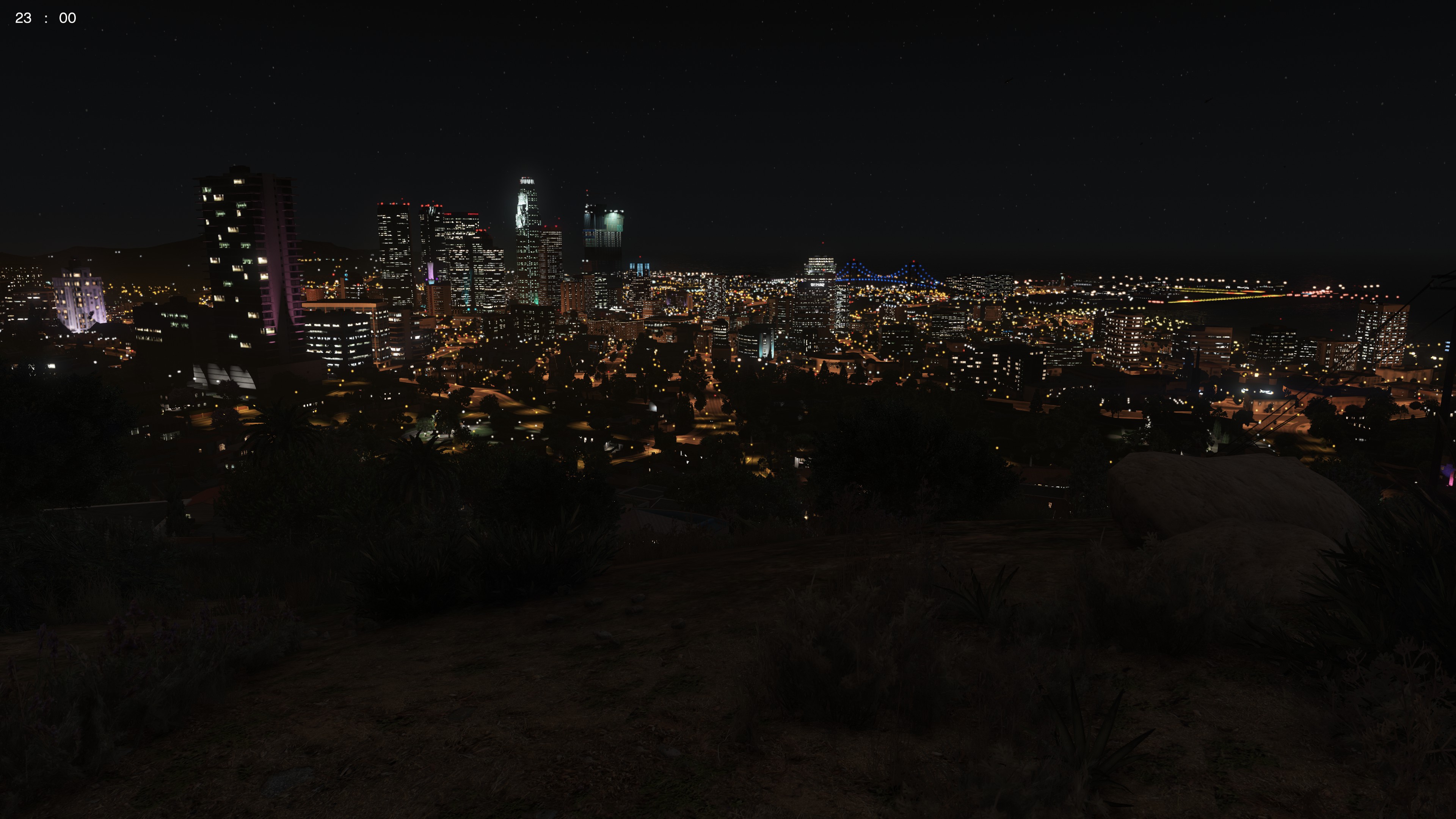
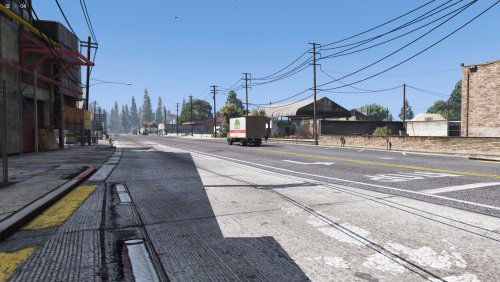 NOTE: The images on this website are at a lower resolution than the actual mod as the max size per image is 2 MB. Installation: 1. Copy the "LoadingScreens" folder into your GTA 5 game folder. e.g. C:\Program Files (x86)\Steam\steamapps\common\Grand Theft Auto V 2. a) Download RagePluginHook from http://ragepluginhook.net/Downloads.aspx and install by copying the files indicated by the readme.txt file to the game folder. b) Launch ragehook by running RAGEPluginHook.exe. c) Then, just under the logo that appears, click the silver cog for settings. d) Go to the "settings" tab. Make sure the "Disable Custom Loading Screen" option is NOT TICKED. e) Still in the settings tab, make sure the and the "Enable Custom Background for Loading Screen" option is TICKED. Simple screenshots of various GTA 5 locations at 4K Resolution to replace the default GTA 5 Loading Screens. I put these together quickly because I didn't like the default loading screens, and I couldn't find any simple screenshots of the GTA 5 world in high quality anywhere as loading screens. I made these as a simple substitute for the default loading screens myself, but I decided to upload them as they aren't many online. I should update these with better screenshots soon. To: - Change the time - Change the weather - Disable HUD and Radar - Make player invisible Simple Trainer for GTA V was used. For the graphics, I used: VisualV with the RadianceV option only. 4K Bokeh Overhaul L.A. Roads L.A. Roads Patch NOTE: If OpenIV gives a blue error message window after or during the installation of L.A Roads or the L.A. Roads patch, the mods folder has become corrupted. You have no option but to delete your mods folder and re-install. Try not to use your computer while the roads are installing. It should work most of the time. But keep a pair of fingers crossed :) Enjoy! A copy of this text is available in the archive as "ReadMe.txt"


