




F5544
Members
-
Joined
-
Last visited
Everything posted by F5544
-
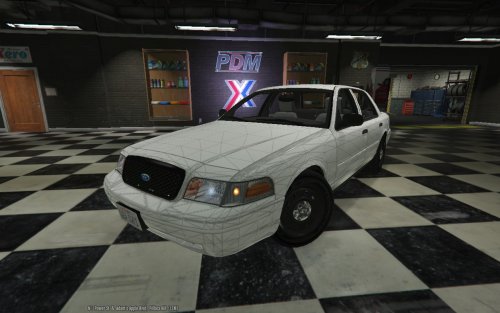 Good work man. One notice. C24 and kevindv improved my first version convert of the dsf cvpi.
 -
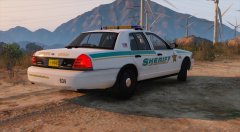 looking good ;)
 -
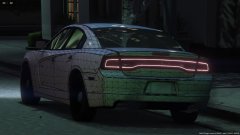 Nice work man keep it up
 -
-
Nice work man. Dutch:Goed werk albo.
-
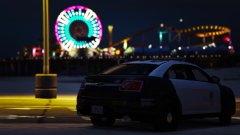 Looking good.
 -
-
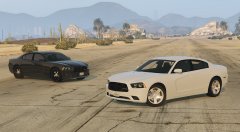 as usual man, good work ;)
 -
why not use zmodeler 3?
-
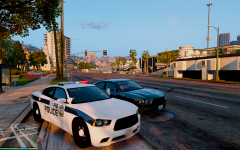 Defined by the skins
 -
Hmm i hope this week. Very busy with other things.
-
From the album: WIP
Only the liveries. Follow my wip topic for more updates and future wip cars. http://www.lcpdfr.com/forums/topic/54871-f5544-wip-dodge-charger-high-interior-2015-conversion -
No not mine license but roegontv's license.
-
No they use vw touran and volvo s in holland btw. But not with so many lights.
-
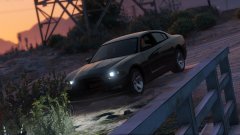 Nice job man.
 -
Ok. In the country i come from we have a lightbar and grill lights.
-
Lol. Christmas cars.
-
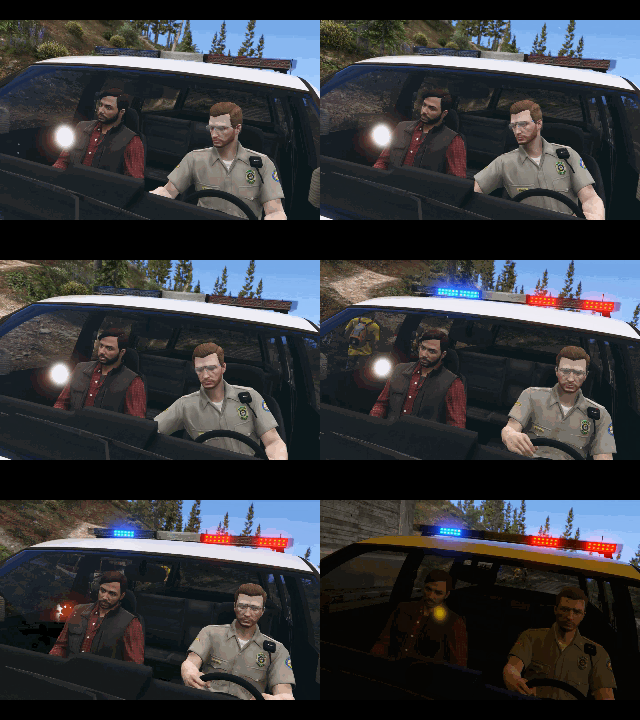 Like the idea.
 -
Haha mostly i dont like to much lights but since its also an undercover car. And spawns without lightbar these lights need to be there.
-
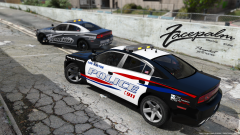 Very nice man. I have found my highway patrol car then. Saves time for another car.
 -
Vram? He counts the vram single. So no double in size. Normal ram is 16gb.
-
Ok
-
.gif.4763257757eda74d8d360ea2dc34581d.gif) soon i think ;)
soon i think ;) -
does this fib car need a light spot?
-
From the album: WIP
Only the liveries. Need a cop car lightspot or not? Follow my wip topic for more updates and future wip cars. http://www.lcpdfr.com/forums/topic/54871-f5544-wip-dodge-charger-high-interior-2015-conversion



.gif.4763257757eda74d8d360ea2dc34581d.gif)