F5544
Members
-
Joined
-
Last visited
Everything posted by F5544
-
-
Yes always multiple liveries of the cars i am making.
-
Yes.
-
 no but the headlight pushbar extender is extra 2
 -
-
-
-
 maybe in combination with a lightbar?
 -
I know how he did it. But then i need to change some modded wheels. And those will effect all cars.
-
Hmm. Probable not. Since the insurgent is very nice.
-
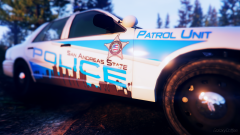 Wow nice
 -
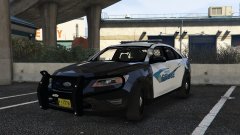 nice ;)
 -
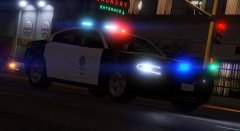 nice :D
 -
yes.... only with the trainer. but no nice wheels.
-
I will make 2 versions then.
-
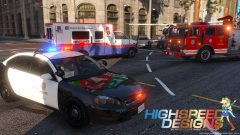 Nice cars man. Top quality.
 -
And making the alloys black?
-
Hi all, I want to report a bug, i can't remove my old attachments in my attachments. this would save storage and i can use it for new content. could you make a delete button? Regards, Frank
-
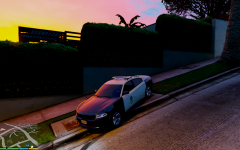
Lspd Testing out the new cruiser.
-
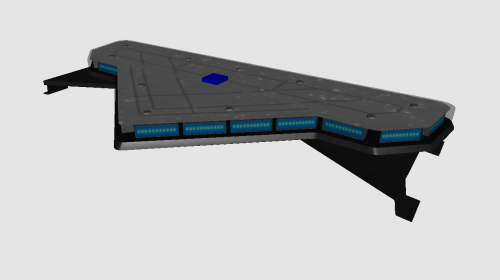 Nice work. Like low poly and high details
 -
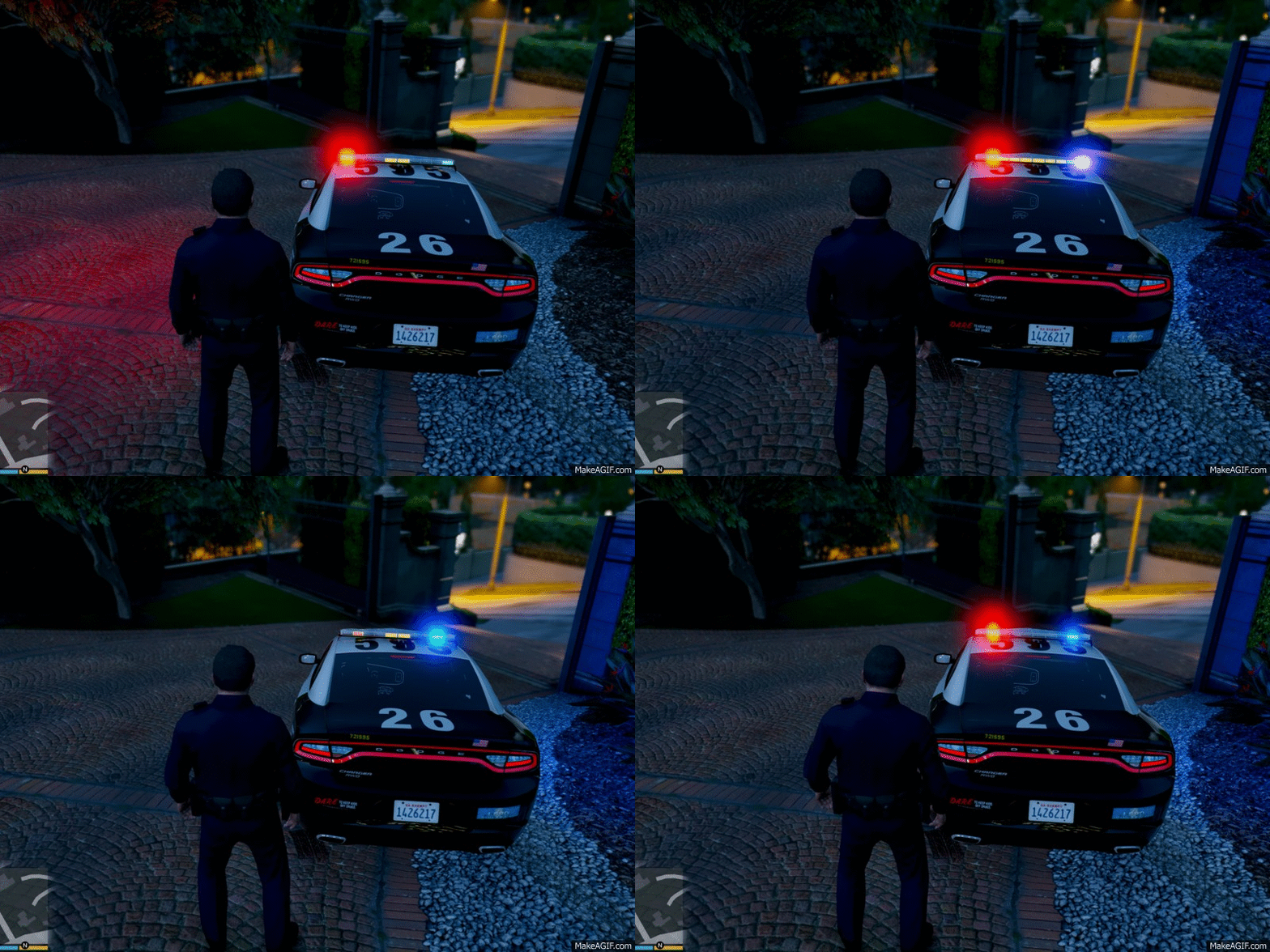
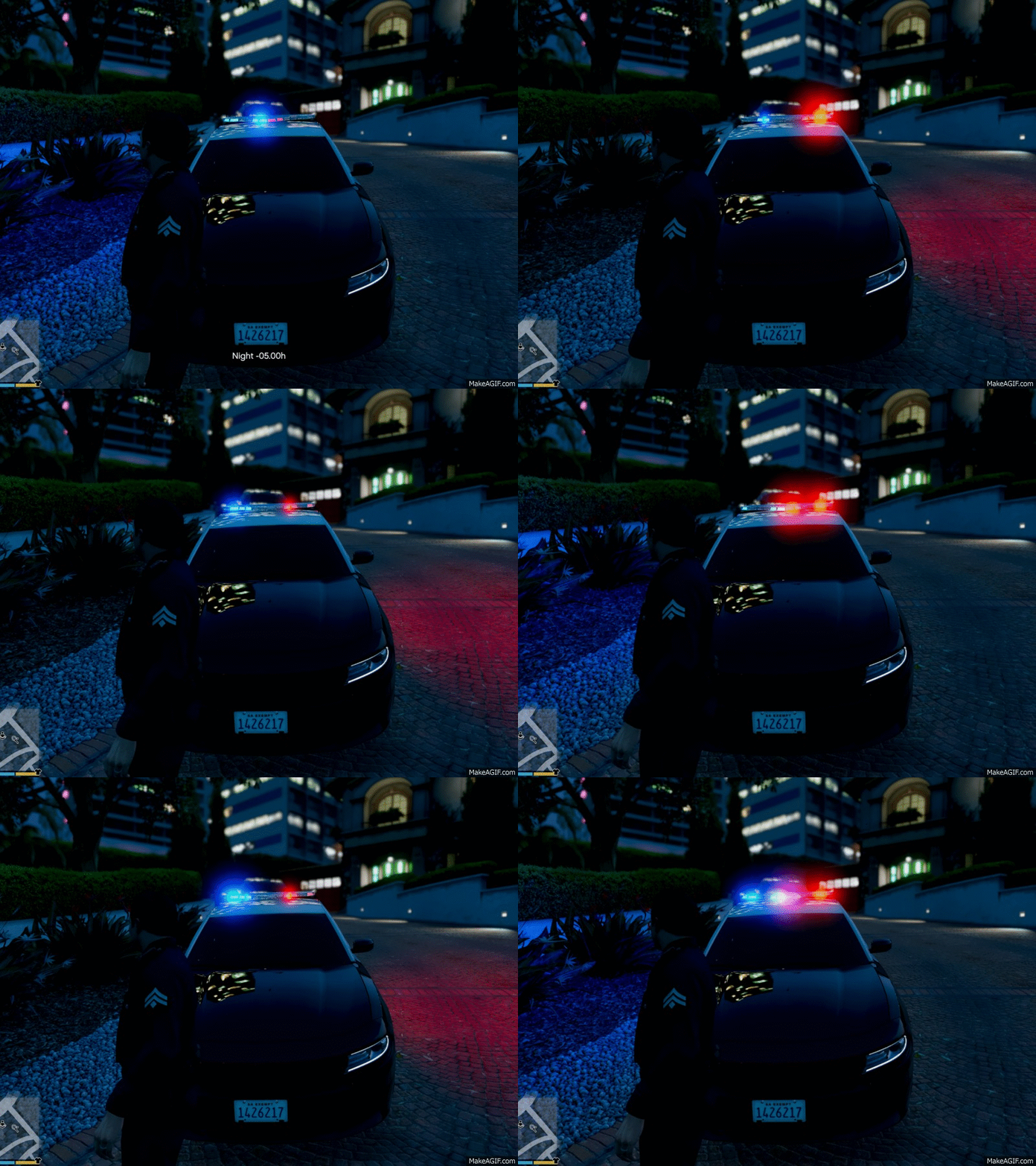
 Oh ok. I have the lightbar pattern in a gif on my topic in the gtav showroom forum. Wil release the valor first then.
 -
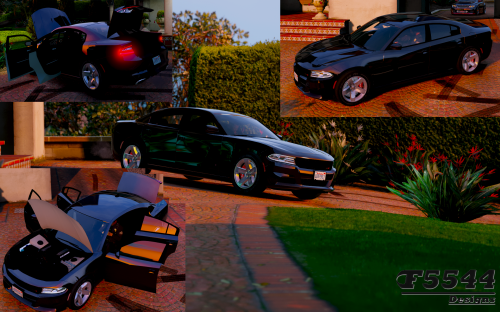 Great thank you. Sorry now i am on my phone. Maybe thats why. I will fix it asap. Thanks all for helping.
- 42 comments
- 3 reviews
-
-

- 2
-
-
Should i put the valor on top of this car then?
-
-
no thinking of the lightbar (whelen liberty) the blackjesus made. if i get permission to put in on this car and then it would be an fib version. lightbar is complete: