F5544
Members
-
Joined
-
Last visited
Everything posted by F5544
-
 nice work kev. ;)
 -
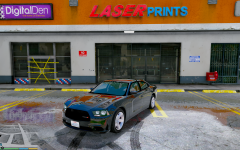
From the album: WIP
-
Yes lightbar would be an extra
-
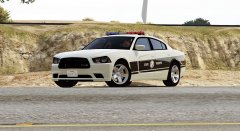 Looks nice with that skin buddy. Time to finish the car first;)
 -
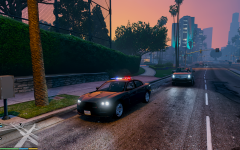 Will make a clear version texture to
 -
From the album: WIP
@NIGHTKID Were busy to make the 2013 dodge perfect and turn it into a good police version. No more missing parts, low interior or gaps.no it will be replacing the police 4 fbiyesit's rockstars licenseplates nowafter i got permission i willif somebody want to start with skins: here is the template. for the dodge 2014I think a nice combination. if there are any problems. in the comments please and we/he will fix it. very nice pim keep it up ;)
- 221 comments
- 34 reviews
-
-

- 2
-
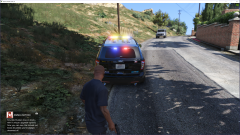 i am helping him so it will be released without bugs ;)
 No sorry. I dont have any time for it. You can ask another modders or in the request forums.
- 202 comments
- 51 reviews
did you installed the vehicles meta? yep because it's a locked model. but for liveries you have to edit the ytd textures- 202 comments
- 51 reviews
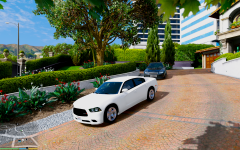 You did the most. I only fix the little things. Not yet. We will release it when we think its perfect.
Nightkid will make his own setup. I will also make my own
Was planning to make an fbi version with a whelen liberty.
You did the most. I only fix the little things. Not yet. We will release it when we think its perfect.
Nightkid will make his own setup. I will also make my own
Was planning to make an fbi version with a whelen liberty. there will be multiple versions but first i am busy to make a dodge 2013 together with nightkid.
- 159 comments
- 53 reviews
-
-
- 2
-