



bonehead
Members
-
Joined
-
Last visited
Everything posted by bonehead
-
 C'mon man release an unlocked version!!! please and thank you
 -
Why release only texture... maybe because not everyone knows how to model or is too lazy to make a model......
-
try starting from a brand new save game
-
the thing is i like how the original looks dirty and darker at the same time aswell as the colours are crisp Not really like the original but darker edges though : click here If you really want something closer to the original, I can try to find good stock filters tomorrow.
-
don't listen to him keep doing what you're doing some people like dash cam view some don't
-
-
-
too much blue in the center
-
Do you think you could use the V6 one and make it dark around the edges? kinda like the original?
-
 so do i
 -
I no have END because my computer ish too shit to use... i had my settings on medium when i took the screen shots and and i had about 2-5 FPS (i'm using a laptop) AMD Athlon II Dual-core 2.1GHz 4.00GB ram (3.75GBusable) AMD mobility radeon HD 4250 Windows 7 64bit
-
From the album: Tennessee State Police By bonehead
-
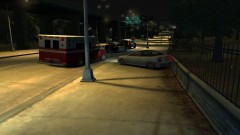
From the album: Tennessee State Police By bonehead
-
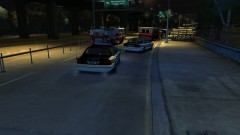
From the album: Tennessee State Police By bonehead
-
From the album: Tennessee State Police By bonehead
-
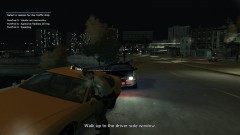
From the album: Tennessee State Police By bonehead
-
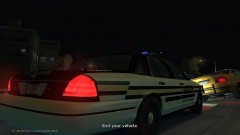
From the album: Tennessee State Police By bonehead
-
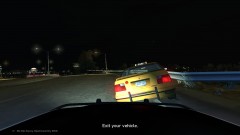
From the album: Tennessee State Police By bonehead
-
From the album: Tennessee State Police By bonehead
-
yes
-
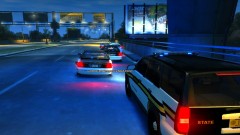 thanks guys :P
 -
None:
-
How about adding some "dirt" to the one without dots like in the original?
-
could you do a version without them and one with them but black (slightly faded out)
-
Resolution is 1600 x 900 It is not my best work. I couldn't find decent blood. not bad not sure if i like the red spots tho


