



bonehead
Members
-
Joined
-
Last visited
Everything posted by bonehead
-
i do my best
-
EVI does
-
You're welcome ;P
-
I've seen some OPP in black
-
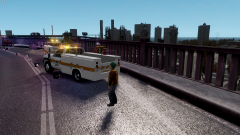 very nice chip very very nice
 -
with the search bar?
-
try using open iv otherwise it will never work
-
for the model link i posted above it still works i downloaded it lastnight
-
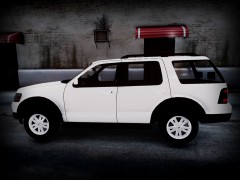
It's an expedition not explorer Download link for the model http://www.baycityrpg.com/lostforums/m/854160/viewthread/425397-rel-ford-expedition
-
let me know f it worked
-
try it, it should be nice and smooth afterwards i do it all the time
-
it's something with the kin file it self the model should be fine try to extract all the "police_sign_1 - 4" and re import them without mipmap It has to do with the mipmap
-
He was using EVCS (not sure what he's using now)
-
Newest edits of the CVPI
-
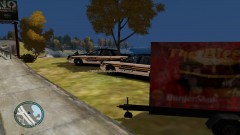
From the album: Tennessee State Police By bonehead
-
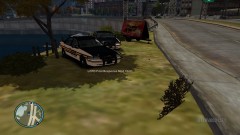
From the album: Tennessee State Police By bonehead
-
-
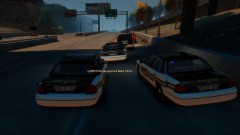
From the album: Tennessee State Police By bonehead
-
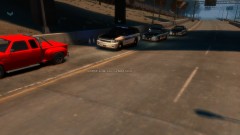
From the album: Tennessee State Police By bonehead
-
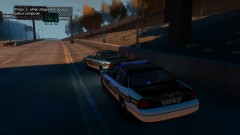
From the album: Tennessee State Police By bonehead
-
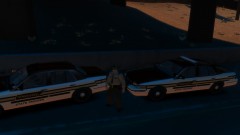
From the album: Tennessee State Police By bonehead
-
 when is release
 -
Redoing all my tennessee state police skins to make them higher quality and more realistic so far the new CVPI skin
-
when you put the texture in go to properties and set bitmap to 2.... (with openIV... not sure how with spark but it should be similar)
-


