



bonehead
Members
-
Joined
-
Last visited
Everything posted by bonehead
-
From the album: Tennessee State Police By bonehead
-
-
 Download fraps or bandicam
 -
The guy had no fixed address and was found by O.P.P. K9 in the woods across the street.
-
-
not sure what the corresponding axis is but what i've found is it's Horizontal-depth-vertical
-
i did that before and what it had done is put the camera in the front seat and not the hood
-
i'll take a look at it again to see what i can find and i'll keep ya posted my friend
-
It is Vehoff but i like you have no clue what i'm doing in there
-
it's the Vehoff.whatever and i can't figure it out
-
-
Suspect alegidly stabbed the victim and put two female subjects in ICU. no motive known, K-9 and Air units used in search http://www.cbc.ca/news/canada/ottawa/story/2013/06/28/ottawa-petawawa-manhunt-death-stabbing-injuries-shoreline-suspect-armed-dangerous.html
-
what part of the line would i change
-
I've gotten the mod to work a long time ago but latel when i try it just doesn't work or crashes my game
-
that only affect the handling not the camera
-
i crash when i instal it
-
Ah i guess i missed that line lol
-
what happened to strike 2?
-
I'm trying to get the Nstockade and the Pstockade to have the same hood view as the Polpatriot but no matter what I do the view is off by quite alot. If anyone is able to help that would be awesome
-
From the album: Tennessee State Police By bonehead
-
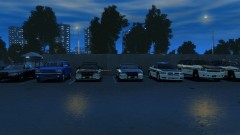
From the album: Tennessee State Police By bonehead
-
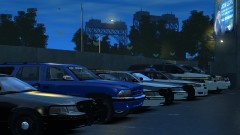
From the album: Tennessee State Police By bonehead
-
ol tps sound like asses lol although they do deal with alot of shit
-
yeah thats exactly what i've found out and was hopeing for is to be able to add that to a resume when applying for a full Cst. position
-
i like it 9/10 only thing is maybe make it a fade instead of a sudden change
- 16 comments
- 13 reviews
-
-

- 1
-

