




CrossFire
Members
-
Joined
-
Last visited
Everything posted by CrossFire
-
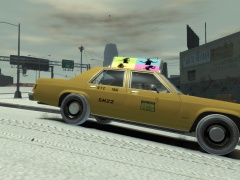 An iTunes Ad on a 90' or older NYC Taxi, seems legit.
 -
YES YES YES YES YES YES YES YES YES YES YES YES YES YES YES YES YES YES YES YES YES YES YES YES YES YES YES YES YES YES YES YES YES YES YES YES YES YES YES YES YES YES YES YES YES YES YES YES YES YES YES YES YES YES YES YES YES YES YES YES YES YES YES YES YES YES YES YES YES YES YES YES YES YES YES YES YES YES YES YES YES YES YES YES YES YES YES YES YES YES YES YES YES YES YES YES YES YES YES YES YES YES YES YES YES YES YES YES
-
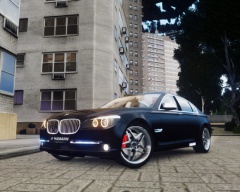
From the album: CrossFire's Pics
http://www.hamann-motorsport.de/ -
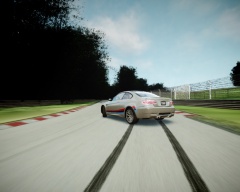
From the album: CrossFire's Pics
BMW = Best car for drifting -
-
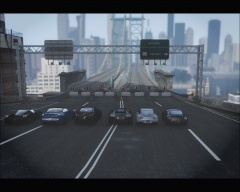 Against all of you, I'm going with the ferrari with my favorite trainer color: #74 blue poly
 -
Would love to see it! It's that little touch of realism that counts!
-
From the album: CrossFire's Pics
Rev Rev mothafucka -
From the album: CrossFire's Pics
Rev Rev mothafucka -
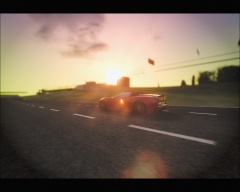
From the album: CrossFire's Pics
DAMN DAT ENB -
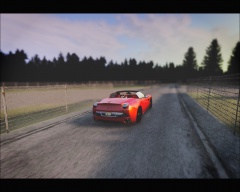
From the album: CrossFire's Pics
DAMN DAT ENB -
-
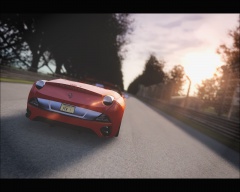
From the album: CrossFire's Pics
DAMN DAT ENB -
Well I mean it would solve the problem, along with all other GTA problems
-
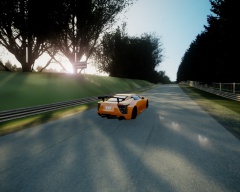 http://www.gta4-mods.com/vehicles/2012-lexus-lfa-nurburgring-edition-f20232
 -
From the album: CrossFire's Pics
Lexus LFA Nürburgring Edition -
I don't have to hit CTRL, I just hit Print Screen, all of my screenshots are Print Screen
-
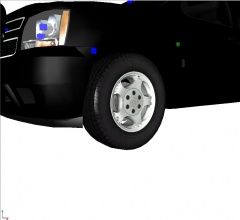 http://gtapolicemods.com/downloads.php?do=file&id=1870
 -
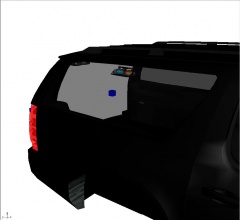
From the album: Grant's Models
What's left on the model: -Need to add rear side window lights -
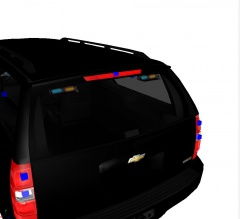
From the album: Grant's Models
NOTE: I am aware that in some episodes of Flashpoint (Where the truck is based off of) the truck had Whelen Outer Edges, in some cases, they also had rear-windows inner lights, it is more convenient for me to use the inner window lights. What's left on the model: -Need to add rear side window lights -
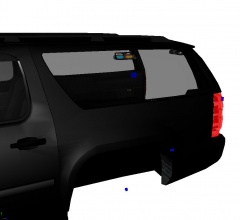
From the album: Grant's Models
What's left on the model: -Need to add rear side window lights -
From the album: Grant's Models
What's left on the model: -Need to add rear side window lights -
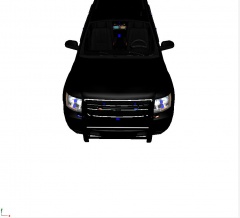
From the album: Grant's Models
NOTE: I am aware that in some episodes of Flashpoint (Where the truck is based off of) the pushbar lights sit on the middle bar of the pushbar, in Season 5, they were mounted inside the pushbar. What's left on the model: -Need to add rear side window lights -
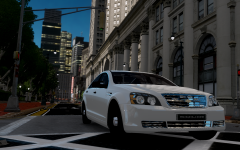 BPM's Unmarked I believe (Woops double post)
 -




