Skip to content
View in the app

A better way to browse. Learn more.

LCPDFR.com

A full-screen app on your home screen with push notifications, badges and more.

To install this app on iOS and iPadOS
  1. Tap the Share icon in Safari
  2. Scroll the menu and tap Add to Home Screen.
  3. Tap Add in the top-right corner.
To install this app on Android
  1. Tap the 3-dot menu (⋮) in the top-right corner of the browser.
  2. Tap Add to Home screen or Install app.
  3. Confirm by tapping Install.

Medical Helicopters

(0 reviews)

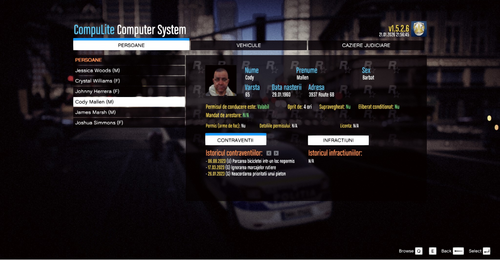
1 Screenshot

3 skins of Medical Helicopters from 3 various cities that will go with the polmav.

File contents

3 skins

template used

website for helicopter model

Please rate and comment

User Feedback

Recommended Comments

hawwk

Members

This is awesome. great job

Khanage

Members

You spelt 'careflight' wrong btw. And these are based on the aussie's, right?

kenneumann

Members Author

@Khanage The middle image careflite is the way they spell it in my area,

Raptor

Members

the last one all orange top blue is uses in Ontario, Canada used in London (Canada yes they have one too) and Toronto Canada however tahts the old skin the new one is

Yard1

Friends of LSPDFR

I could see that ORNGE company fit in GTA IV universe as ORGY or ORNGY hehe.

BlueLine Vibes

Members

On 2/7/2014 at 9:50 AM, Khanage said:

You spelt 'careflight' wrong btw. And these are based on the aussie's, right?


Careflite is spelled correctly - we use those around the DFW Texas area.

Create an account or sign in to comment

Account

Navigation

Search

Search

Configure browser push notifications

Chrome (Android)
  1. Tap the lock icon next to the address bar.
  2. Tap Permissions → Notifications.
  3. Adjust your preference.
Chrome (Desktop)
  1. Click the padlock icon in the address bar.
  2. Select Site settings.
  3. Find Notifications and adjust your preference.