Skip to content
View in the app

A better way to browse. Learn more.

LCPDFR.com

A full-screen app on your home screen with push notifications, badges and more.

To install this app on iOS and iPadOS
  1. Tap the Share icon in Safari
  2. Scroll the menu and tap Add to Home Screen.
  3. Tap Add in the top-right corner.
To install this app on Android
  1. Tap the 3-dot menu (⋮) in the top-right corner of the browser.
  2. Tap Add to Home screen or Install app.
  3. Confirm by tapping Install.

Realistic Taser 1.1.3

(9 reviews)

5 Screenshots

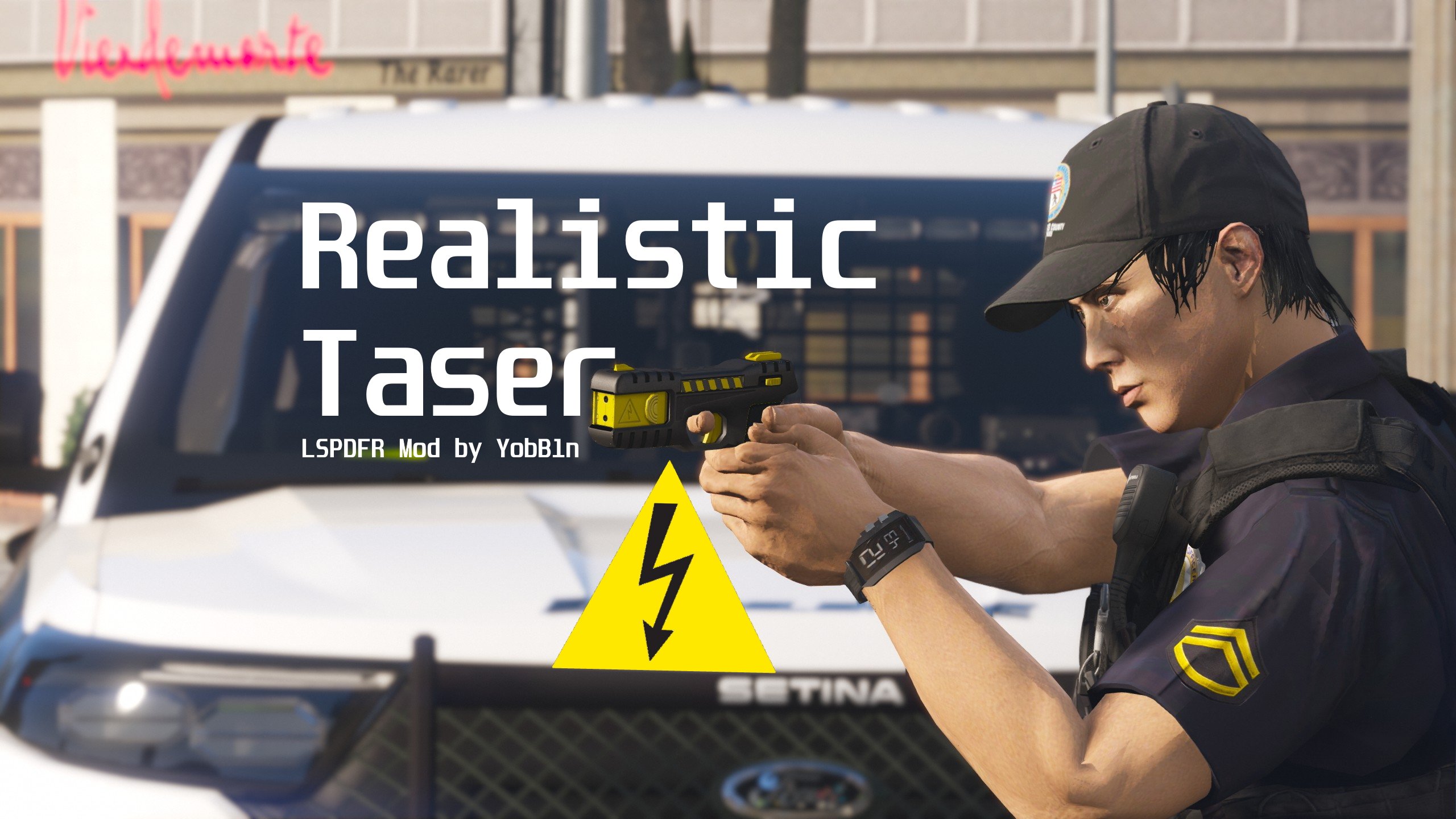
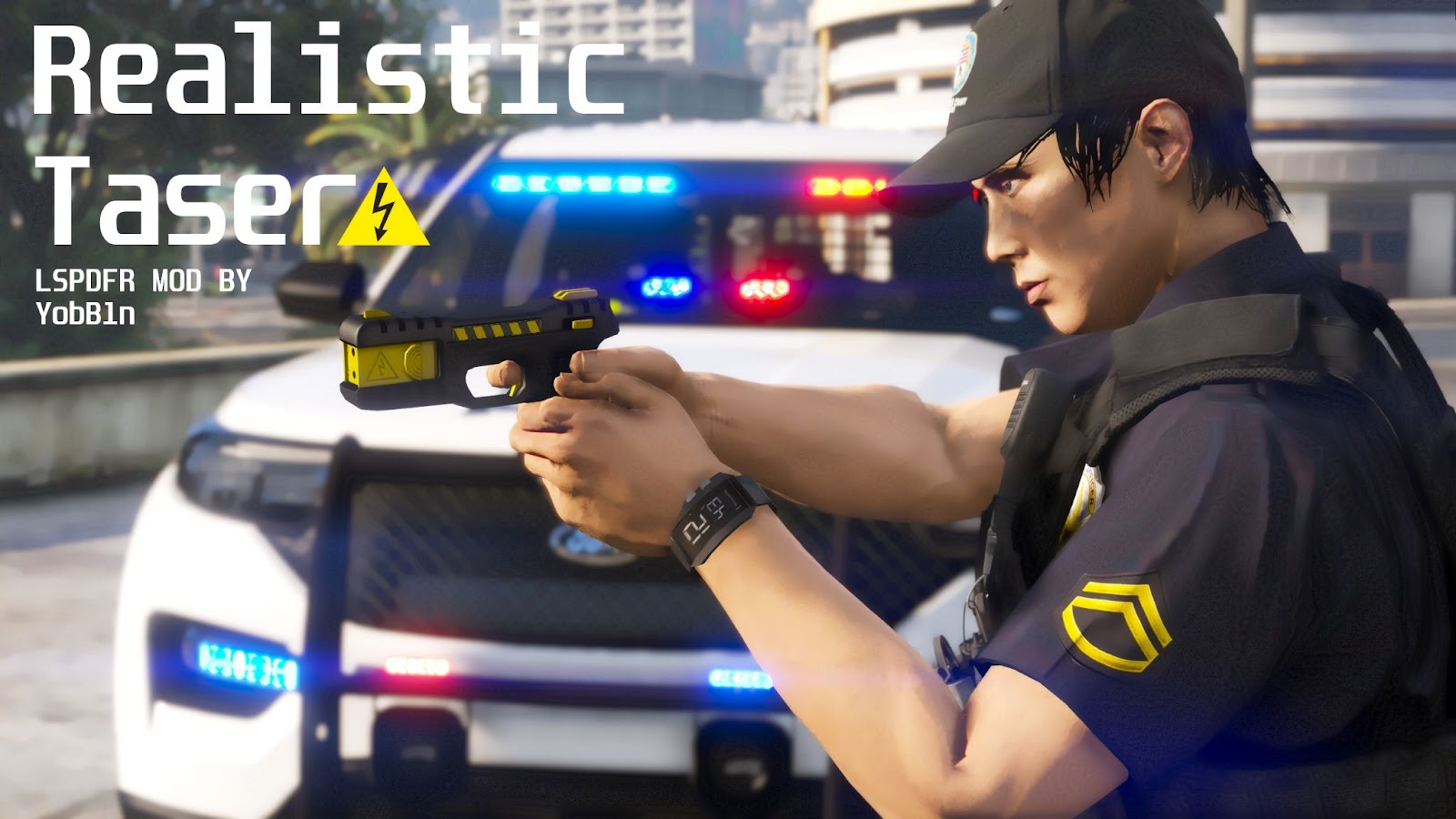
Realistic Taser

By YobB1n | Version 1.1.3 | Released August 19, 2022
WinvUpgdbMhtuSek1ZONwmnQXcqhoTnzHY_ddhJGS537Zf5XF4WcJEJ0KBX-6FkIgZ80V48VumF5BuSSn3fcacbBMMDSPDu4YPu_2vmIL76rfz61lwK9d9jdIQVPBMtxJfzDrcHtwaSC2z5zqQ

Join My Discord Server for Updates and Early Releases,

and find more of my Mods at my Website.

Introduction

 This plugin aims to change one of the most unrealistic parts about LSPDFR - the taser. As it currently stands now, the taser will always successfully stun the suspect up until a certain threshold, where the taser is then out of range and ineffective. This plugin has two options - either a user-defined probability of the taser being effective regardless of the range, or a probability depending on how far away the taser is from the suspect.


Requirements

  • LSPDFR 0.4.9 (Or Newer, if applicable)

  • Most Recent Version of RagePluginHook

  • Most Recent, Legal Copy of GTAV (Steam, Epic, or Retail All Work)


Installation Instructions

Unzip the file. Copy ALL of the Contents of the “Grand Theft Auto V” folder into your MAIN “Grand Theft Auto V” or “GTAV” Directory, which contains “GTAV.exe” in it.
 

Features

All these features can be customized and enabled/disabled in the RealisticTaser.ini Config File.


  • Taser Success Probability - Specify the probability of the taser being successful, regardless of how far away the player is from the Suspect

  • Taser Success Based on Range - The probability of the taser being successful depends on how far the player is from the Suspect. A detailed description is below.

    • Scale Factor - Change how the Taser behaves based on your “feel” for the game.

  • Limit Reloads - Limit the taser to a certain amount of shots (default is 2) as in real life. Reload Animations can be enabled/disabled.

    • Replenish Taser in Vehicle - The Taser will replenish to the specified amount of shots every time the player enters a Police Vehicle

  • UI - A basic UI indicating how many shots are left in the Taser, similar to the Ammo Counter for other weapons. Can be adjusted or disabled entirely.

  • Dry Fire - The Taser will produce a Dry Fire (click) sound if fired when not reloaded.


How the Plugin Works

As mentioned, there are two main options with this plugin. A detailed description of how each option works is below:

User-defined Taser Success Probability

Using the “Taser Success Probability” option in the Config file, you can specify the probability that the taser will be effective, regardless of how far the player is from the suspect, provided the suspect is within the default taser range. Setting this to 0 means the taser will never work, and 100 will always work (provided the suspect is in range).


By default, this is set to 69% (nice), the average taser effectiveness reported by Police Departments in 12 major U.S. cities in 2015, according to a 2019 NPR article titled “Despite Widespread Use, Police Rate Tasers As Less Effective Than Believed”.

Y8v7crPfiixnjcGjsaDJ0iaHU7-8SV2yMdqooOQs-NxwEnMU2QPBIJyaH0RKScRZGy7ERzkK7zQm5pJ9tF92KPf50mPZ03ok-NJNYaaGHPqvNw_9jMWhi1pjLvokL8vX_afyzYnW5mj7g5gBGw


Range-defined Taser Success Probability

This is, in my opinion, the better option. When “Taser Success Based on Range” is set to true in the Config file, the chance of an effective taser deployment will depend on how far away the player is from the suspect. This is the default setting.

_e590ZvS23KRvSJHntrCoSMYQxY8peKAY9QxANFDXgeH4z324hW_2Bsx9wKPhlptKOgd5wJY-Reh34m-M78u_TREL0s2GAiV6ywzSC2JvNOut3dnP5Yi2sBxXnGS8Vj8EpJMlCYaYW8HHmURDA


Using the above data from the same article from both New York and Fort Worth, it is clear that taser effectiveness is far higher when the suspect is between 3 feet (1 meters) and 10 feet (3 meters) away. Effectiveness drops significantly after this threshold. Extrapolating this data results in the following graph (note the probability of success (%) is the y-axis, and the range (in meters) is the x-axis.

akzNTovEC5h6F1-QzaeY7p7j-zrYBS4fNBDcg1tOUtow7pf2-HyCvAWWHcyPJ5I6mY79oeOhjzh4wd2VU9r1xSOPGdv3KRvFJltIzQFZAoF1CHmkKiQ4CMpKWnGEaiKauPUODcL9Nra3jbAajA

If you are curious, this results in the function

y = 60.7539 / x^0.824732 - 12.821

where x is the range between the Suspect and Officer in meters. Of course, this is only an approximation based on yearly data from just two Police Departments, but it’s what I went with. This means that you will have to be quite close to the suspect in order for the taser to be reliable, which is true to life. The taser may still work at farther distances, but its reliability will drop off considerably quickly as demonstrated in the above graph.


GTAV Distance Scaling - Important!

An important note, GTAV does not have the same distance scale as real life (distances in GTAV are much larger than they would feel in real life). Think about how you can easily drive over 150 km/h on a city street in GTAV, but it seems far slower than 150 km/h would actually be. The setting “Scale Factor” will multiply the distance between the player shooting the taser and the suspect to compensate for this. The default is 3, higher values will increase the taser’s effective range, lower values will decrease it. You can adjust this to what feels realistic and natural for you.


How to Use

This is an LSPDFR plugin. It is placed in the Plugins/LSPDFR folder. It will be available once you load LSPDFR and go on duty. This plugin originally was intended as an RPH standalone plugin, however there was a bug that seemed to occur whenever LSPDFR was loaded. I may release the standalone version of this plugin in the future if people request it.
 

Bug Reporting and Requests

Please report all bugs or issues so that I can work on them. Please Do NOT report bugs in the review of the plugin. Instead, please leave a message on my discord server in the bug reports channel, or a comment on the plugin page of LSPDFR with a concise description of the problem and a solution if you have one. If you have any improvements for the plugin, or suggestions for future plugins/callouts, please also leave a message in my discord.


Support

For the best support, please either use the support channel on my server, or the official RagePluginHook Discord Server.


Support the Effort 🙂

If you enjoy these plugins please share them with your friends and leave a positive review, and report bugs so the experience can be better for everyone. Also, it would mean a lot if you consider supporting me on PayPal, https://bit.ly/3iBmnsn


Check out my Other LSPDFR Mods:


Credits

  • I’ve had this idea for a while, but I was finally spurred on by this Forum post.

  • Big Thanks to NPR for doing all the research for me lol.

  • Thanks to all who reported issues or contributed feedback/ideas to this Plugin!


Once again, thank you for downloading and have fun! Take care 🙂


Please do not redistribute or reupload any of my plugins to other sites. Thank You!

Edited by YobB1n

What's New in Version 1.1.3

Released

Release 1.1.3 Changelog

  • Fixed a bug that would spam the log with debug messages when the player is in a vehicle.

This is a very minor release and you do not have to update to recieve the same functionality.


Short Description

Customize the effectiveness of the Taser based on real-world data!

User Feedback

Recommended Comments

Lapd Code 3

Members

so will this actually stop a suspect from shooting at me while tased the gun seems to go off whenever we do taze em as they hold a firearm

alrightdude

Members

Holy. Just what I was looking for. Thank you very much, yobin. Will definitely download it. 

andy22296

Members

ummm..... simply in a few words, what does it actually do. All of this just confuses me.

alrightdude

Members

10 minutes ago, andy22296 said:

ummm..... simply in a few words, what does it actually do. All of this just confuses me.

Depending on how much % you set it to, the taser will either be successful or unsuccessful. Just like in real life, where tasers don't always work.

andy22296

Members

5 minutes ago, NeuerTypHier said:

Depending on how much % you set it to, the taser will either be successful or unsuccessful. Just like in real life, where tasers don't always work.

ah I see

Mizar

Members

(edited)

Good to see that you liked my idea. 😎

Edited by Mizar11111

YobB1n

Members Author

7 hours ago, Lapd Code 3 said:

so will this actually stop a suspect from shooting at me while tased the gun seems to go off whenever we do taze em as they hold a firearm

If not mistaken this has always been the case when a Ped is tased and has a gun equipped. I can try to remove this but I'm not sure if I can. Does the suspect manage to hit you with the gun while being tased? In my experience they typically lose all accuracy and end up shooting into the ground.

6 hours ago, andy22296 said:

ummm..... simply in a few words, what does it actually do. All of this just confuses me.

Yup, it seems a bit complicated but it isn't really, maybe I went into too much detail lol. Basically, if you just want the taser to work a certain % of the time, you can set it in the Config file, and then change the second option to false. Otherwise you can leave it the way it is and the taser effectiveness will depend on how far away you are from the suspect, which is the more realistic option.

jacobbbb

Members

That is the most complicated description I've ever seen yet I love it! Well done!

JoBo19

Members

I love it!! Great idea - thank you! Would it be possible to add to the mod that the taser cannot fire again until the top is reloaded if you miss? Add more realism that infinite charges the game currently has.

YobB1n

Members Author

4 hours ago, jacobbbb said:

That is the most complicated description I've ever seen yet I love it! Well done!

Yeah I did make the description complicated in case people were interested in how the plugin works, but thankfully the actual usage of the plugin is really simple, I think it works great just dragging and dropping without changing any settings.


4 hours ago, JoBo19 said:

I love it!! Great idea - thank you! Would it be possible to add to the mod that the taser cannot fire again until the top is reloaded if you miss? Add more realism that infinite charges the game currently has.

Thank you! So someone else has also asked this, I'm looking into it, not sure if it's possible or not. Hopefully I figure it out tho.


andy22296

Members

It'd be cool to have a taser holster animation.

Benjamin255

Members

(edited)

Everytime I load lspd it prompts me to check the log file, I don't know what's wrong

Does not work properly

2022-06-10 212209.png

Edited by CC2020

Benjamin255

Members

Successfully loaded once, but the plug-in will cause the fps to drop. When the taser is in the aiming state, the fps drops from 45 to 18. After the taser is put away, the fps returns to normal. Delete the plug-in test and repeat the same steps without the fps drop.

YobB1n

Members Author

7 hours ago, CC2020 said:

Successfully loaded once, but the plug-in will cause the fps to drop. When the taser is in the aiming state, the fps drops from 45 to 18. After the taser is put away, the fps returns to normal. Delete the plug-in test and repeat the same steps without the fps drop.

I haven't noticed or had any reports of an fps drop with this plugin. I'll do some testing to look into it, sorry about that.

If anyone else is experiencing this, please also let me know.

baker1986

Members

On 6/10/2022 at 2:27 PM, CC2020 said:

Everytime I load lspd it prompts me to check the log file, I don't know what's wrong

Does not work properly

2022-06-10 212209.png

Same issue here

jakobs1234

Members

On 6/10/2022 at 3:27 PM, CC2020 said:

Everytime I load lspd it prompts me to check the log file, I don't know what's wrong

Does not work properly

2022-06-10 212209.png

same


YobB1n

Members Author

7 hours ago, baker1986 said:

Same issue here


6 hours ago, jakobs1234 said:

same


A fix should be ready soon, sorry about that. Hopefully this resolves things.

Is there plans to add a configurable chance to accidentally kill them? Tasers are safer than a gun but they can cause complications at times although that's usually due to over using it. It would give punishment to just spamming taser as well. 

Also how did you get the taser to look so good? I have the x26 taser mod and its not as detailed as that for me. 


YobB1n

Members Author

10 hours ago, Talia Kuznetsova said:

Is there plans to add a configurable chance to accidentally kill them? Tasers are safer than a gun but they can cause complications at times although that's usually due to over using it. It would give punishment to just spamming taser as well. 

Also how did you get the taser to look so good? I have the x26 taser mod and its not as detailed as that for me. 


I can work on adding a feature like that in the next release, sure!

Mainly I just edited the screenshots a bit, the actual taser isn't anything special lol 🙂

On 6/14/2022 at 11:08 AM, YobB1n said:

I can work on adding a feature like that in the next release, sure!

Mainly I just edited the screenshots a bit, the actual taser isn't anything special lol 🙂

If you could implement repeated taserings causing issues that'd be nice. I'd recommend a baseline of 2.5% and then further taserings increase it by about double. 

https://cvpcs.asu.edu/sites/default/files/content/projects/Taser Media CPP.pdf  See here how the first two taserings on page 14 has an increase of about 200% give or take. Baseline fatal chance is 2.5 as its enough to make gameplay interesting, irl the chance is 0.25% according to a DOJ survery. 

Create an account or sign in to comment

Latest Mods

Account

Navigation

Search

Search

Configure browser push notifications

Chrome (Android)
  1. Tap the lock icon next to the address bar.
  2. Tap Permissions → Notifications.
  3. Adjust your preference.
Chrome (Desktop)
  1. Click the padlock icon in the address bar.
  2. Select Site settings.
  3. Find Notifications and adjust your preference.