Skip to content
View in the app

A better way to browse. Learn more.

LCPDFR.com

A full-screen app on your home screen with push notifications, badges and more.

To install this app on iOS and iPadOS
  1. Tap the Share icon in Safari
  2. Scroll the menu and tap Add to Home Screen.
  3. Tap Add in the top-right corner.
To install this app on Android
  1. Tap the 3-dot menu (⋮) in the top-right corner of the browser.
  2. Tap Add to Home screen or Install app.
  3. Confirm by tapping Install.

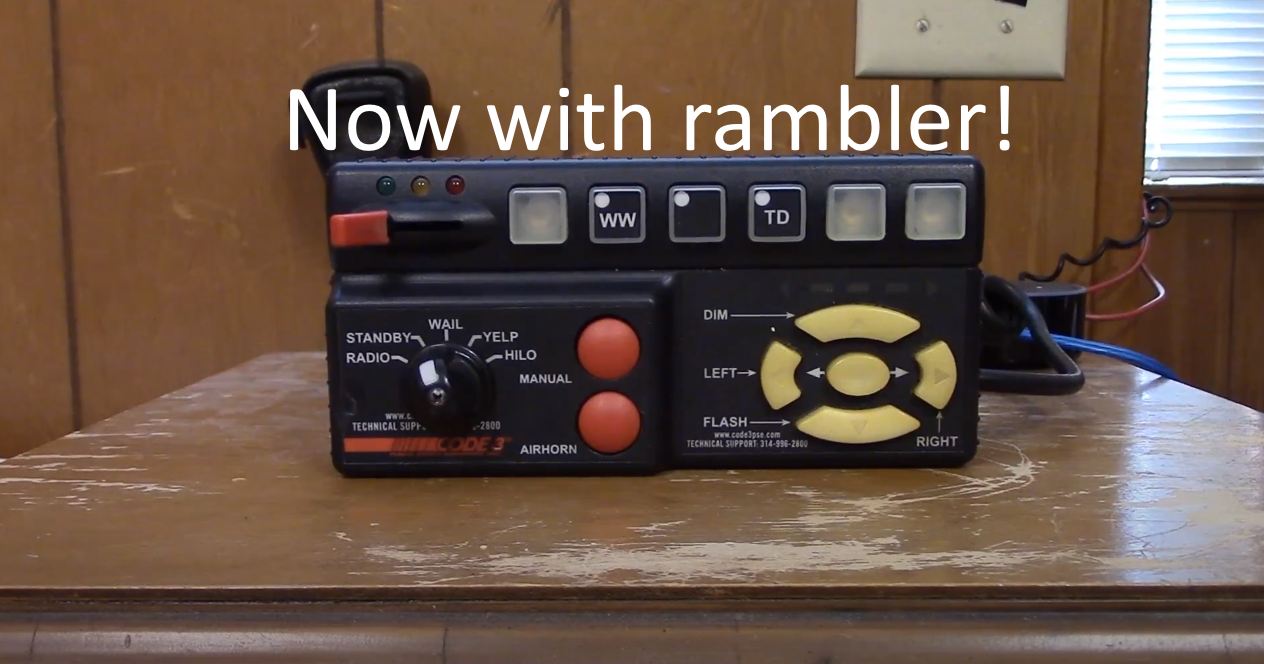
Code 3 RLS 1.1.0

(0 reviews)

1 Screenshot

----Made by @Trooper tigas778----

----Q&A----
Q: Can you make this rambler
A: I already made it.


Q: Does the siren work for FiveM?
A: Not at the moment.

Q: Why does the horn sound so bad?
A: I didn't want to get a horn from other siren so i just put the horn that comes with that siren.

----Videos----
Siren Demo:

How to install:


Edited by Trooper tigas778

What's New in Version 1.1.0

Released

Added rambler tone


Short Description

A old siren made for Single player.

User Feedback

Recommended Comments

Hadyfaik

Members

Great work.


Sound is pretty clear

Moutaz

Members Author

(edited)

Thank you

9 hours ago, Hadyfaik said:

Great work.


Sound is pretty clear

Thank you!

Edited by Trooper tigas778

H0STAGExDK

Members

maybe a stupid question but can I use this without ELS 

Moutaz

Members Author

On 9/16/2021 at 4:56 PM, H0STAGExDK said:

maybe a stupid question but can I use this without ELS 

Yes you can!

JumboGumbo

Members

rumbler not rambler 🤣

Create an account or sign in to comment

Latest Mods

Account

Navigation

Search

Search

Configure browser push notifications

Chrome (Android)
  1. Tap the lock icon next to the address bar.
  2. Tap Permissions → Notifications.
  3. Adjust your preference.
Chrome (Desktop)
  1. Click the padlock icon in the address bar.
  2. Select Site settings.
  3. Find Notifications and adjust your preference.