
Skip to content
View in the app

A better way to browse. Learn more.

LCPDFR.com

A full-screen app on your home screen with push notifications, badges and more.

To install this app on iOS and iPadOS
  1. Tap the Share icon in Safari
  2. Scroll the menu and tap Add to Home Screen.
  3. Tap Add in the top-right corner.
To install this app on Android
  1. Tap the 3-dot menu (⋮) in the top-right corner of the browser.
  2. Tap Add to Home screen or Install app.
  3. Confirm by tapping Install.

Emergency uniforms pack - Law & Order 9.3.1

(236 reviews)

10 Screenshots


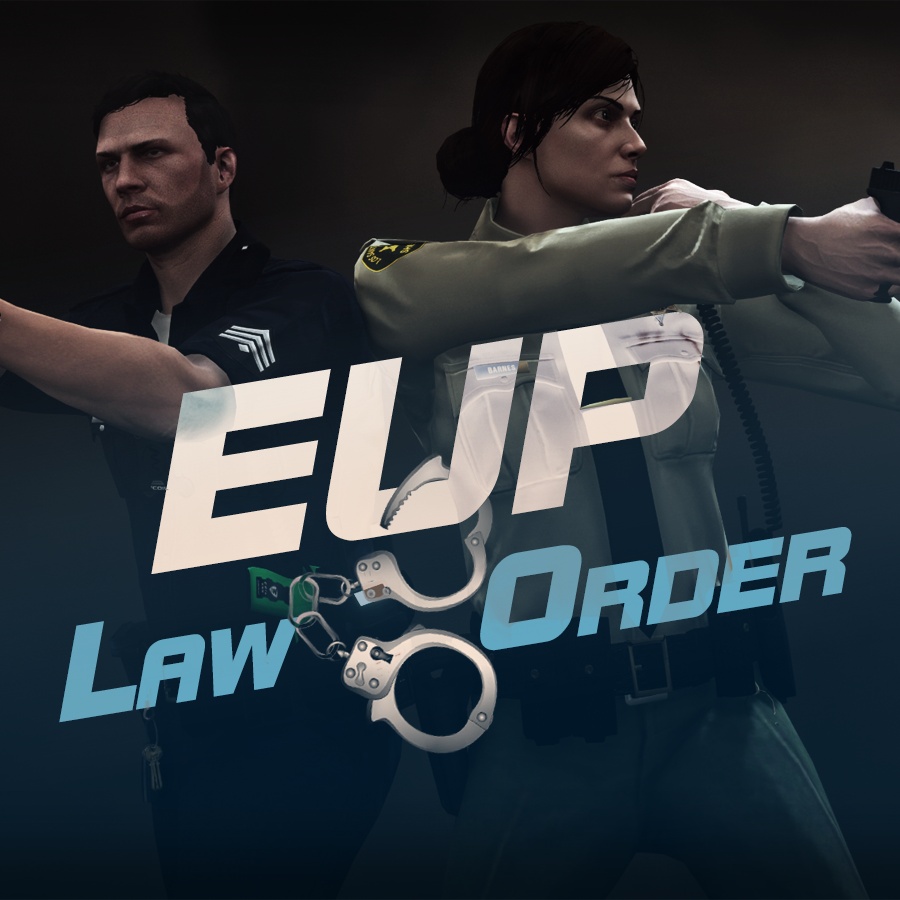
632635363_EUPlw.png.08a8e4d613dc7a278fc352b6b57ce8a2.png

EUP is an all-in-one modification that gives us the free range to create your own law enforcement officer as you patrol the streets and roads of San Andreas. U mad Ronson?

This time, play different - be different. Adapt your style to the situation. Get your gear on - use a High-Vis vest to direct traffic, a waterproof jacket on a rainy day or a tactical outfit when the situation gets hot. Choose from various lore-friendly departments base of real life. Customize various components of your outfits.

The mod that started as a holster and a vest retexture, now so expansive, most Australians finish downloading it right when an update comes out. Emergency Uniforms Pack Law & Order 8.2 offers an unrivaled catalog of lore-friendly California-inspired law enforcement uniforms for both male and female multiplayer characters. From tasteful evolutions of the classic LSPD outfits, you see AI cops wearing, to dozens of uniforms for entirely new lore-friendly law enforcement departments based on real-world California departments. Emergency Uniforms Pack has it all, and when tied with partner mods such as EUP Serve and Rescue, EUP Menu, and EUP LSPDFR Configs, you can totally transform your LSPDFR experience.

Creative Commons License
This work is licensed under a Creative Commons Attribution-NonCommercial-ShareAlike 4.0 International License.


If you were you were looking for the latest version of EUP and wish to support our work click the button down below:

Patreon

 
This mod is a free mod, the beta versions of EUP accessible only through our patreon page, is a tool for us to support the development of the mod and create a platform to interact with the community, 5 years later this mod became my main ''job'' and source of income, thanks to all the fans and supporters. Which means more quality and enhancements, since I can allow all my time to it and invest money into assets and programs.

The public version is still important to us and will receive updates, which is only made possible through our membership system.


For General discussions, beta registration, support, images contest and more follow join our Discord Server:


EUP Discord


Add-Ons


In order to select and customize outfits, you NEED to get the menu here:


Need help? Something went wrong? Not sure how to proceed?
Leave the comments and reviews alone, we don't really monitor them.


Follow the link to EUP Discord for help or comments


Edited by Alex_Ashfold
Links update

What's New in Version 9.3.1

Released

jsut updating the version umber to display a more accurate one. No need to downloand and reinstall, no new content.


Short Description

https://www.patreon.com/alex_ashfold

User Feedback

Recommended Comments

Jaggsta

Members

(edited)

4 minutes ago, Atwood16 said:

When will there be a oiv package installer for this


You click the whole zipped or winrar file in the package installer in open iv and it will load it and ask you to install.

Edited by Jaggsta

Kilyin

Members

(edited)

47 minutes ago, Jaggsta said:

is F11 not working for anyone else?

make sure you loadplugin the EUPClothingMenu or put it in your startup.

Edited by Kilyin

Jaggsta

Members

2 minutes ago, Kilyin said:

make sure you loadplugin the EUPClothingMenu or put it in your startup.

ok that was why OIV installer didn't do that.

emptw1

Members

(edited)

1 hour ago, Jaggsta said:

is F11 not working for anyone else?

Have you loaded the eupmenu plugin with rage hook?


@Atwood16 the .zip file you download is the oiv package that you install with openiv. You don't need to extract or unzip anything.


EDIT: Sorry for the reply, I didn't see that anyone had replied to both of your comments until after I posted.

Edited by emptw1

Space.

Members

I don't undertsand.. where's the OIV Package Installer?

emptw1

Members

7 minutes ago, DanielTrollz16 said:

I don't undertsand.. where's the OIV Package Installer?

Download the .zip file and put it somewhere on your computer where you can find it easily. DON'T unzip or extract the file, just leave it as it is.

Run OpenIV. Along the top of the window you should see things like: File Edit New View Favorites Tools Help (In that order)

Click on the tools, and look for the package installer option in the submenu that comes up (it should be second from the bottom)

This will ask you to select which package you want to install, so find the .zip file you installed and double click it. OpenIV will pretty much do the rest for you.


Space.

Members

4 minutes ago, emptw1 said:

Download the .zip file and put it somewhere on your computer where you can find it easily. DON'T unzip or extract the file, just leave it as it is.

Run OpenIV. Along the top of the window you should see things like: File Edit New View Favorites Tools Help (In that order)

Click on the tools, and look for the package installer option in the submenu that comes up (it should be second from the bottom)

This will ask you to select which package you want to install, so find the .zip file you installed and double click it. OpenIV will pretty much do the rest for you.


Ah thanks a ton! Really appreciate the help :)

CallMePIXY

Members

I had found a bug, when I change the uniform to one in this pack, it seems to be good. When I go into a vehicle my character changes the uniform to a diffrent uniform.

Sorry for my bad english, I can't really explain it, maybe the pictures can do it:

GTA5 2016-01-22 22-57-30-027.jpg

GTA5 2016-01-22 22-57-42-802.jpg

GTA5 2016-01-22 22-57-48-902.jpg

fireboy6117

Members

What is PIA in the uniforms

aidanc88

Members

Any help on installation of 0.7? The menu doesn't want to work for me.

PieRGud

Members Contributor

(edited)

@CallMePIXY That's an issue with LSPDFR 0.3.

@fireboy6117 PIA is the Patriotism and Immigration Authority and is a division of the NOOSE. It's based on the U.S. Dept. of Homeland Security's Immigration and Customs Enforcement.

Edited by PieRGud

Alex_Ashfold

Insiders Author

(edited)

2 hours ago, CallMePIXY said:

I had found a bug, when I change the uniform to one in this pack, it seems to be good. When I go into a vehicle my character changes the uniform to a diffrent uniform.

Sorry for my bad english, I can't really explain it, maybe the pictures can do it:

GTA5 2016-01-22 22-57-30-027.jpg

GTA5 2016-01-22 22-57-42-802.jpg

GTA5 2016-01-22 22-57-48-902.jpg

It's an LSPDFR 0.3 Issue, were are waiting for a potential fix, please refer to the LSPDFR support page, to report this issue.

52 minutes ago, fireboy6117 said:

What is PIA in the uniforms

Patriotism and Immigration Authority
http://gta.wikia.com/wiki/National_Office_of_Security_Enforcement

8 minutes ago, aidanc88 said:

Any help on installation of 0.7? The menu doesn't want to work for me.

Please read all the information, before you ask help, we make sure to provide all the information you need.
We included a video that shows on to install OIV package: https://youtu.be/2gzLHzd5eto

Edited by Alex_Ashfold

ToastinYou

Members

(edited)

I have v7.0 of EUP and there is no OIV package installer file or anything included, so I'm wondering what I do with Assembly.xml??


EDIT: Nevermind I figured it out, thanks!

All I had to do was leave the file zipped.

Edited by ToastinYou

Andartu

Members

3 minutes ago, ToastinYou said:

I have v7.0 of EUP and there is no OIV package installer file or anything included, so I'm wondering what I do with Assembly.xml??

Use OpenIV package installer and just find and click the unpacked download file..... YOU DO NOT HAVE TO UNPACK IT :)

BlueLine Vibes

Members

Thanks for the update Alex.  Awesome trailer as well.  Well done

Tarn519

Members

1 hour ago, Alex_Ashfold said:

Please read all the information, before you ask help, we make sure to provide all the information you need.
We included a video that shows on to install OIV package: https://youtu.be/2gzLHzd5eto

Just a heads up, they actually use a .OIV file in the video and thats what a lot of people will be looking for after extracting the zip. There was no instructions letting people know to leave the file zipped and open it through OpenIV as shown in the video. I had to figure that out myself.

Alex_Ashfold

Insiders Author

16 minutes ago, Tarn519 said:

Just a heads up, they actually use a .OIV file in the video and thats what a lot of people will be looking for after extracting the zip. There was no instructions letting people know to leave the file zipped and open it through OpenIV as shown in the video. I had to figure that out myself.

Thank you for the heads up, I'll make sure to precise it in "Important" tab

Soppy Pancakes

Members

(edited)

So wait, noob here. I did the OIV package install. Cool that was easy. BUT

1) I don't have a full backup of my GTA V game. I just make backups of the .rpf's I edit as I go

2) Did I fuck up? Is there a way to "uninstall" the OVI package to get the original .rpfs back? 

3) I normally use a Mod Manager and import modded rpfs that way. Since I did the OVI install did I just make my game non GTA:O capable? 

EDIT: Okay, I did have a backup of the update.rpf and I was searching for the mysterious dlc "EUP" when I realized that was this addon. I will try and download it again. Maybe. After some research. 

Edited by WmsK411

emptw1

Members

34 minutes ago, WmsK411 said:

So wait, noob here. I did the OIV package install. Cool that was easy. BUT

1) I don't have a full backup of my GTA V game. I just make backups of the .rpf's I edit as I go

2) Did I fuck up? Is there a way to "uninstall" the OVI package to get the original .rpfs back? 

3) I normally use a Mod Manager and import modded rpfs that way. Since I did the OVI install did I just make my game non GTA:O capable? 

If you use a mod folder, then all you have to do is move it out of your GTA V folder to get back to having "online friendly" .rpf (obviously, plugins and script files etc. have to be removed manually). If you don't use a mods folder, then you will need to delete and redownload the modded files to make them online friendly.

Delco24

Members

Is there any way to get the NPC cops to use the textures from EUP? The description makes a reference to using RDE, but I can't figure out what you're supposed to do.

Maybe its just me but when i download the mod, i dont get a .oiv and how do you get the uniform to work?

Alex_Ashfold

Insiders Author

(edited)

3 hours ago, Delco24 said:

Is there any way to get the NPC cops to use the textures from EUP? The description makes a reference to using RDE, but I can't figure out what you're supposed to do.

No, but I'm sure some people with mad scripts/programming skills will find a way one day to make those peds patrolling and responding.

RDE only affects NPcs and cars. Plus some data files and scripts to make the dispatch system more realistic and interesting.

Edited by Alex_Ashfold

Alex_Ashfold

Insiders Author

oBG1Unn.png

So seems like just a few people got the magic behind EUP Clothing Menu, with the menu not only you have all the uniforms preset saved, but you can make a few edits in the accessories section of the menu.

Example: Select the LSSD short sleeves uniform from LSPD category
Then go to the accessories section and change you rank or add extras such as body armor or High-Vis vest

Example: Select the LSPD Long sleeves uniform from the LSPD category
Then go to the accessories section and change your rank

Spoiler

MwzcPJa.jpg

Use Skin Control to make more advanced edits to your uniforms until the menu gets more features, I will set up a guide for advanced edits this week.

ParkourPotato

Members

I tried pressing f11 and nothing happened. help pls


Kilyin

Members

4 minutes ago, ParkourPotato said:

I tried pressing f11 and nothing happened. help pls


open RPH console (F4), loadplugin EUPClothingMenu.dll

Create an account or sign in to comment

Latest Mods

Account

Navigation

Search

Search

Configure browser push notifications

Chrome (Android)
  1. Tap the lock icon next to the address bar.
  2. Tap Permissions → Notifications.
  3. Adjust your preference.
Chrome (Desktop)
  1. Click the padlock icon in the address bar.
  2. Select Site settings.
  3. Find Notifications and adjust your preference.












