Skip to content
View in the app

A better way to browse. Learn more.

LCPDFR.com

A full-screen app on your home screen with push notifications, badges and more.

To install this app on iOS and iPadOS
  1. Tap the Share icon in Safari
  2. Scroll the menu and tap Add to Home Screen.
  3. Tap Add in the top-right corner.
To install this app on Android
  1. Tap the 3-dot menu (⋮) in the top-right corner of the browser.
  2. Tap Add to Home screen or Install app.
  3. Confirm by tapping Install.

Lberty Police Department/Springfield Pack 1.0

(3 reviews)

12 Screenshots

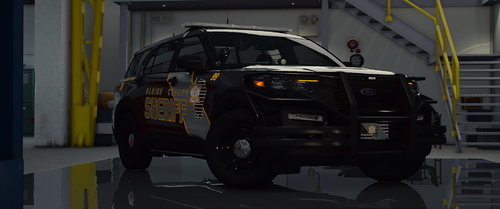
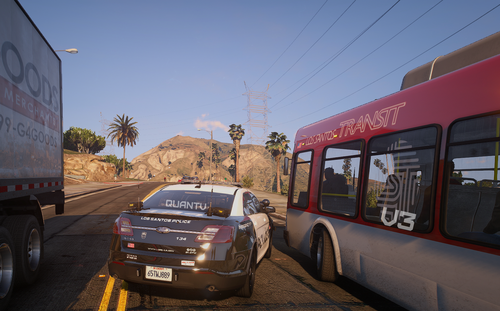
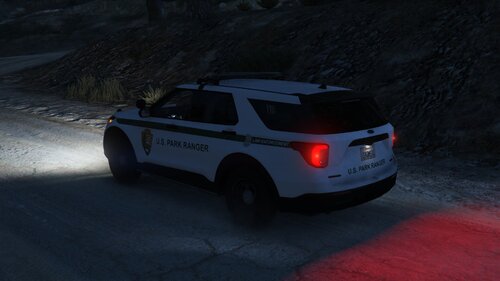
contains skins for Tahoe, CVPI DSF, CVPI BXBUGGS, Older Chargers, Dodge Magnum, Explorer, and 2015 Ford Mustang.

if there are any other type vehicles i left out,feel free to pm me and ill update this Pack.

What's New in Version 1.0

Released

  • * ADDED CJ24'S 2013 TAURUS TEXTURE

User Feedback

Recommended Comments

McAwesome6934

Members

Awesome pack man, you have my DL! One minor thing the mustang's plates are Cali, not LC.

BErad1502

Members Author

Awesome pack man, you have my DL! One minor thing the mustang's plates are Cali, not LC.

the plates are defaulted to what ever your vehicle share is. so if you want to change the plates on the mustang just change the vehicle share plate.

hul123

Members

These are beautiful man!!! do you have the links for the Mustang and Dodge Magnum? :) Youve got my download!

xDuSkAsSaSsInx

Members

Those skins are sexy!

LCPD-74

Members

Interesting to say the least.

Steele335

Members

where'd you get that tahoe man?

DiegoBoricua

Members

Love the textures. Can you please give us links to the cars?

strikerq12

Members

Any luck on that magnum? Been looking for along time and no luck.

Xkier19X

Members

Which State / city is it i cant find it anywhere

EMNK3665

Members

hi ,can you make or convert the dodge magnum for gta 5 please

Create an account or sign in to comment

Account

Navigation

Search

Search

Configure browser push notifications

Chrome (Android)
  1. Tap the lock icon next to the address bar.
  2. Tap Permissions → Notifications.
  3. Adjust your preference.
Chrome (Desktop)
  1. Click the padlock icon in the address bar.
  2. Select Site settings.
  3. Find Notifications and adjust your preference.