


Hey guys,
Basically what it does is making screenshot of a specific area of your choice, uploads it to an online imagehost (imgland.net) and then adds the image-url to your clipboard in just the matter of seconds.
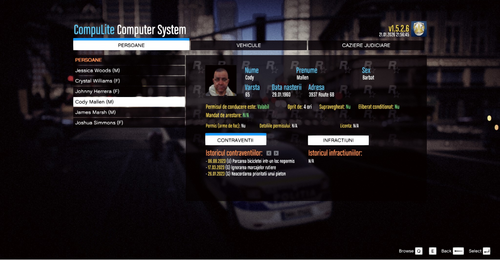
Here is an example of a screenshot i've made as an example:

Preview of the tool:

I would like some nice feedback on the tool of what I could add and what should be changed. It's still "a work in progress" and every suggestion is very valuable to me.
PS. If you rightclick after choosing your area to screenshot, you will be able to choose a pen tool which allows you to draw on your image before you upload it.
How-to:
1. Make sure ImgSnapper is running.
2. Press capture hotkey (Default: Alt+F1)
3. Select the area to screenshot
4. Paste in the url added to your clipboard wherever you wish to show your image.


![(Addon) [DLS/ULC/ELS] FiveM/SinglePlayer CalFire Police 2020 FPIU](http://s3-screenshots.int-cdn.lcpdfrusercontent.com/resize/500/-/monthly_2026_07/1.thumb.png.2d91d2b48311c04f88bd15f571adfefd.png)






Recommended Comments
Create an account or sign in to comment