


Piarulli246
Members
-
Joined
-
Last visited
Everything posted by Piarulli246
-
-
 Holy tits!
 -
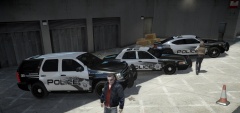 Well if you don't, hook me up with them because I want those in my game:)
 -
Um... You better release lmao. They look sexy as fuck!
-
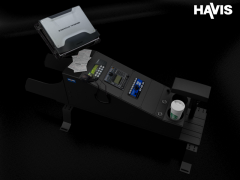 He doesn't make shit for GTA really. Its really for the wows and woahs. Looks good but too high poly for GTA use.
 -
 Nice idea! Will do.
 -
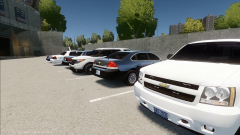 Thanks everyone!!
 -
From the album: Images by Foward
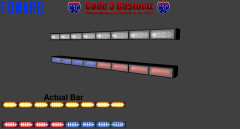
All for release soon. -
From the album: Foward's WIP
For release. Should I do a random spawning wraparound? -
![[WIP]LCSO CVPI Pack V4.0](//s3-gallery.int-cdn.lcpdfrusercontent.com/gallery/album_722/sml_gallery_3386_722_195336.jpg) AMEN! lol looks good Nick.
AMEN! lol looks good Nick. -
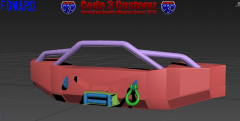
 I would go with Bugs' or Tramas CVPI rambar since it looks more accurate. Nice job though.
 -
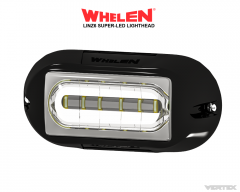 I don't really agree with CG since the top should be more indented and the screw holes should be closer to the glass. Doesn't look bad since you're going in the right direction.
 -
-
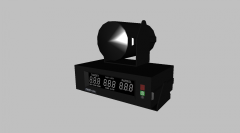 :D
:D -
Thanks.
-
-
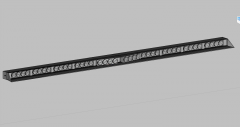
From the album: Scratch Made Parts by Foward
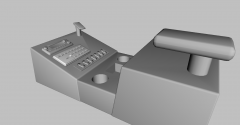
Kept it as low poly as I could. Count: 822 -
![[WIP]2008 LCPD CVPI](//s3-gallery.int-cdn.lcpdfrusercontent.com/gallery/album_722/sml_gallery_3386_722_16035.jpg) Ions are too big again.
Ions are too big again. -
 Yea I am sorry. I'm just finishing up with school with tests and shit so I been busy. They will be out very soon:)
 -
 Lol.
Lol. -
I took off the mirror lights and now have lights on the side rear door.
-
 I highly highly doubt that.
 -
I don't know what I want. I want it to be unmarked so I don't know about the mirror lights.
-
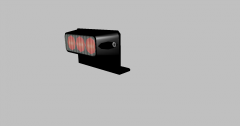 Um, might consider it.
 -
From the album: Scratch Made Parts by Foward
Kept it as low poly as I can. Count: 478


![[WIP]LCSO CVPI Pack V4.0](http://s3-gallery.int-cdn.lcpdfrusercontent.com/gallery/album_722/sml_gallery_3386_722_195336.jpg)
![[WIP]2008 LCPD CVPI](http://s3-gallery.int-cdn.lcpdfrusercontent.com/gallery/album_722/sml_gallery_3386_722_16035.jpg)
