


Creators: Due to background reprocessing of files, approvals and file security checks may be delayed. Thanks for your patience.


Pavy
Members
-
Joined
Everything posted by Pavy
-
There is a ton of videos with your specs, just learn to use google. https://www.youtube.com/results?search_query=gta+5+gtx+1050+ti+i3+7100 https://www.youtube.com/watch?v=cYtWMwtyjto https://www.youtube.com/watch?v=CvZ-9GfJ1GI https://www.youtube.com/watch?v=ViGkv0hmL1w
-
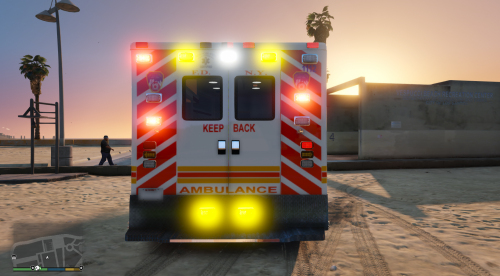 This is a nice skin compared to what I see on google images, but living in nyc 20 years I have never seen a pure white ambulance. Only these
 -
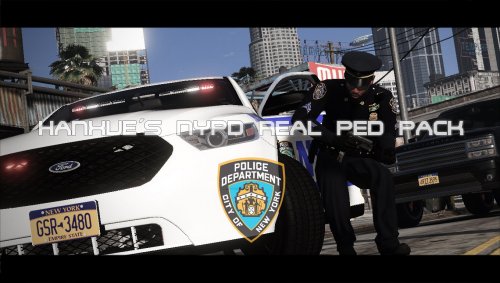 Too many bugs that are annoying. Male cop:The Radio on the shoulder moves to the chest when you pull your gun out which makes no sense to me. When you holster your gun, it moves back to shoulder.(Doesn't do this for the female cop) Male/female cop:When taking out your pistol, your badge disappears for a second, same for when you holster your gun. (Looks more bad if you use the 2nd badge, it disappears more) Undercover: A beard bug. When you holster/unholster your pistol, a beard will show up on your character regardless if you remove it via the trainer it will still appear when you pill out a gun.(Easier to understand in video) Undercover: Taking out your pistol doesn't remove the pistol model from your belt. Highway cop: Taking out your pistol doesn't remove the pistol model from your belt. Female cop: For some reason the female model has tattoos on both her arms that aren't removable..... Undercover: This model has 2 caps, 1 says POLICE on it, the other is random colors. I'm guessing its a glitched hat model. I installed everything in the appropriate location via read me. https://www.youtube.com/watch?v=4aAl6cBKYag
- 57 comments
- 9 reviews
-
This video shows it all, clicking play will start it @8:58 These chargers are just beautiful.
-
The best and only real one. http://www.lcpdfr.com/files/file/16999-els-nypd-mega-pack/
-
Can you make a minute video of this problem, hard to tell with screenshots
-
See if its working first, Bring up the els panel. I believe it's ctrl+p or alt+p. if it pops up, than make sure you are using an ELS vehicle and you put the els config file for that vehicle inside your els vehicle configurations folderThis one is just as good if not better, seeing as how his car is from 2015 try this one. And yeah DoctorGTA is exactly what Lundy said, he is complete clickbait.
-
 GTA5 2017-09-17 19-14-49-328.jpg
-
 GTA5 2017-09-17 19-13-20-725.jpg
-
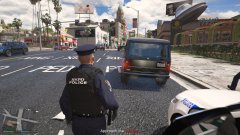 GTA5 2017-09-17 19-13-13-051.jpg
-
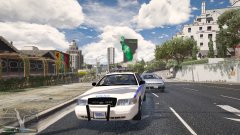 GTA5 2017-09-17 19-12-07-908.jpg
-
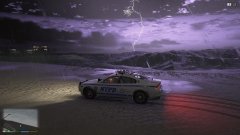 GTA5 2017-09-17 19-10-55-082.jpg
-
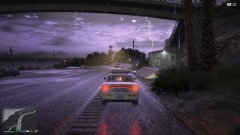 GTA5 2017-09-17 19-09-59-914.jpg
-
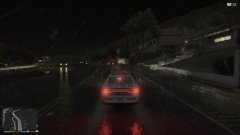 GTA5 2017-09-17 19-09-46-978.jpg
-
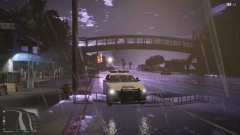 GTA5 2017-09-17 19-09-31-870.jpg
-
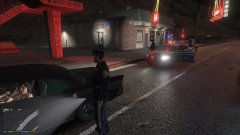 GTA5 2017-09-17 19-09-01-003.jpg
-
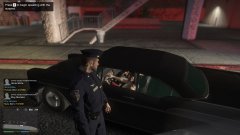 GTA5 2017-09-17 19-08-35-957.jpg
-
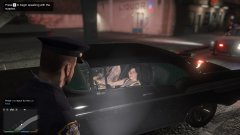 GTA5 2017-09-17 19-08-21-620.jpg
-
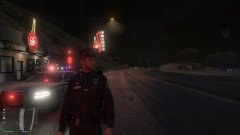 GTA5 2017-09-17 19-08-11-252.jpg
-
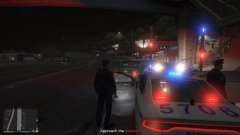 GTA5 2017-09-17 19-08-03-251.jpg
-
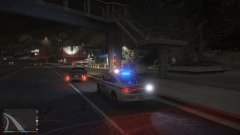 GTA5 2017-09-17 19-07-50-482.jpg
-
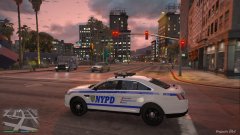 GTA5 2017-09-17 19-03-58-466.jpg
-
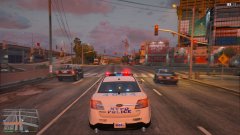 GTA5 2017-09-17 19-01-46-455.jpg
-
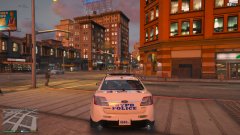 GTA5 2017-09-17 19-01-15-946.jpg
-
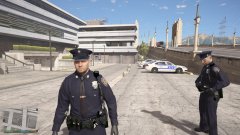 GTA5 2017-09-17 19-00-27-851.jpg
-
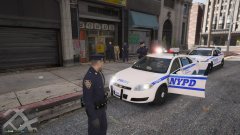 GTA5 2017-09-17 18-41-13-081.jpg
-
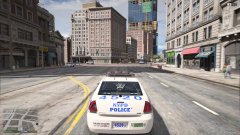 GTA5 2017-09-17 18-40-50-267.jpg
From the album: NYPD Pictures (Noob Version)
From the album: NYPD Pictures (Noob Version)
From the album: NYPD Pictures (Noob Version)
From the album: NYPD Pictures (Noob Version)
From the album: NYPD Pictures (Noob Version)
From the album: NYPD Pictures (Noob Version)
From the album: NYPD Pictures (Noob Version)
From the album: NYPD Pictures (Noob Version)
From the album: NYPD Pictures (Noob Version)
From the album: NYPD Pictures (Noob Version)
From the album: NYPD Pictures (Noob Version)
From the album: NYPD Pictures (Noob Version)



