




Pavy
-
Joined
Everything posted by Pavy
-
how did you create sheriff3?
-
did you change the model for fbi2?
-
1.Does sheriff3 spawn before you added the skins? 2. How did you replace the skins?
-
I'm just mentioning it since you didn't state the reason for your edit. It's for other users to see if they check out this thread and know the whole story. What are you talking about mate? I'm just trying to help you. Good luck getting help.
-
Your first post said your lspdfr was outdated, but I see you now edited that part out. Your game version isn't updated. Go to steam, right click gta 5 and Verify the game cache. It updates the game to the current version. Rather then uninstalling and downloading it all over again...
-
what? screenshot please?
-
" Major service update. As it stands, support for the Paperwork++ has been closed. The program was near completion but was poorly developed and unfortunately was somewhat clunky. As of now (22/07/2018), the hosting service for Paperwork++ has been cancelled."
-
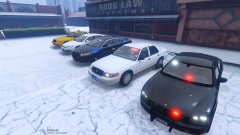
From the album: New York City/State Police Vehicles
-
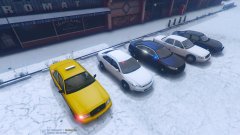
From the album: New York City/State Police Vehicles
-
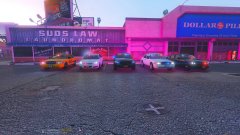
From the album: New York City/State Police Vehicles
-
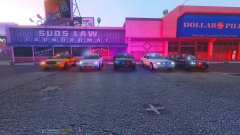
From the album: New York City/State Police Vehicles
-
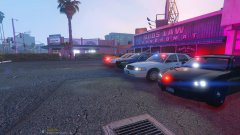
From the album: New York City/State Police Vehicles
-
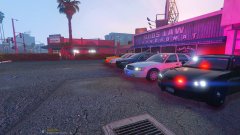
From the album: New York City/State Police Vehicles
-
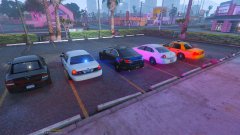
From the album: New York City/State Police Vehicles
-
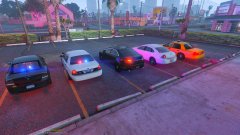
From the album: New York City/State Police Vehicles
-
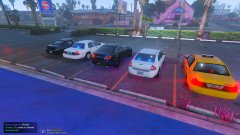
From the album: New York City/State Police Vehicles
-
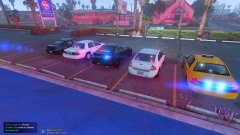
From the album: New York City/State Police Vehicles
-
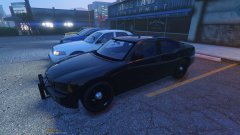
From the album: New York City/State Police Vehicles
-
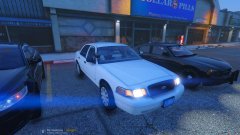
From the album: New York City/State Police Vehicles
-
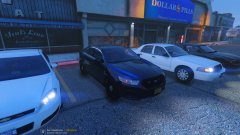
From the album: New York City/State Police Vehicles
-
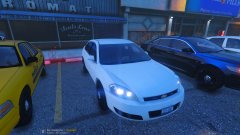
From the album: New York City/State Police Vehicles
-
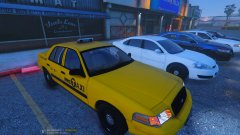
From the album: New York City/State Police Vehicles
-
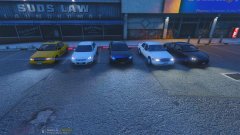
From the album: New York City/State Police Vehicles
-
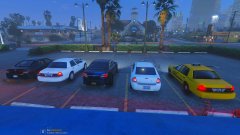
From the album: New York City/State Police Vehicles
-
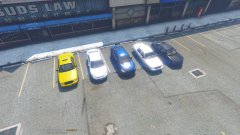
From the album: New York City/State Police Vehicles

