


PsP_Z
Members
-
Joined
-
Last visited
-
PsP_Z changed their profile photo
-
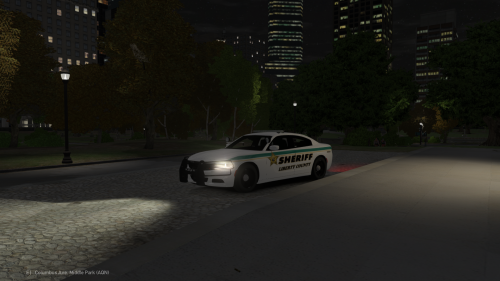 Really stunning vehicle. I added a black livery with ghost like graphics and it looked phenomenal. 10/10
- 3 comments
- 1 review
-
you can even just hit the windows key and the prt sc key and it'll take one.
-
This looks very similar to another one. But I like it.
-
-
-
-
-
Windows 8 is not all that bad. All it takes is time to get used to it, there are only slight differences that make it seem like some huge change.
-
-
We need a handling line and a ELS file. The most common thing I have seen people leave out of models.
- 13 comments
- 1 review
-
Is there a tahoe this is designed around.
-
-
-
-
-
I have been trying to make the light bar on a truck I recently added light up. Meaning have it flash and the environment flash the red with it. Any one have a way that I can do this?
-
Might I suggest changing the direction of the letters in ALS. It can look like SLA
- 7 comments
- 4 reviews
-
That may be the case but who do you think they got the cab from.


