


CG Blaze
Members
-
Joined
-
Last visited
Everything posted by CG Blaze
-
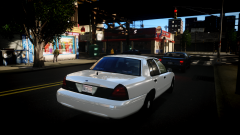 Your skins are usually so nice, why leave this one unpainted? :p
 -
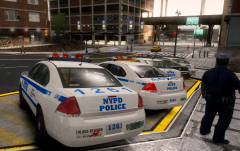
From the album: Miscellaneous
The release of Sgt.Kanyo's excellent NYPD models has prompted me to start using (and adding to) my NYPD pack. Nice to have another proper Impala to compliment the previously released versions! -
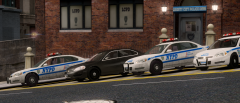
From the album: Miscellaneous
The release of Sgt.Kanyo's excellent NYPD models has prompted me to start using (and adding to) my NYPD pack. Nice to have another proper Impala to compliment the previously released versions! -
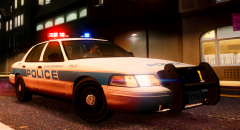
From the album: Miscellaneous
Finished rigging Master Yoda's Whelen Freedom with custom 'DSPD' flashpatterns and colors My first custom model for my fictional department is on its way! Model/Skin are both WIP. -
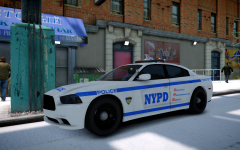 Yes, agreed. Hope our comments didn't discourage you! Just wanted to put that info out there. :)
 -
^^ This. NYPD does not use marked 2013 Chargers at this time. What you saw was a movie prop. The only 2013 Chargers in NYPD service are unmarked precinct cars.
-
Dat action wheel doe...
-
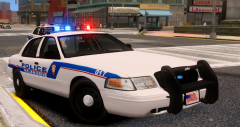
From the album: Miscellaneous
Just a little test. Been messing around Master Yoda's Whelen Freedom. Will eventually be further modified and fitted to my personal "Dukes-Steinway Police" collection. But, for now, I just wanted to post a pic of the first model I've assembled that didn't have something wrong with it by the time it got in game! :) CVPI assembled by yours truly, the wonderful skin is by kpdofficer. Available in the downloads section. -
Excellent. Absolutely excellent. I love a good NYPD model, and quite honestly though there are many out there, most aren't too accurate. I've been following your releases since your early LAPD stuff, and I know your attention to detail sets your work apart from a lot of others'. So thanks for giving the NYPD the same special treatment.
- 16 comments
- 8 reviews
-
-

- 5
-
-
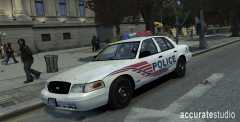 LOVE the concept, Teddy! Really adds to the realism. I wish I had that door trim though.
 -
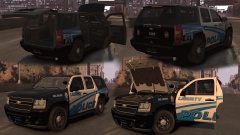 I think I know who you're talking about... Looks amazing! Very, very glad to see a new Tahoe model. The current one is... well, ok.
 -
![[WIP] 2013 NYC snow plow](//s3-gallery.int-cdn.lcpdfrusercontent.com/gallery/album_547/sml_gallery_2101_547_201360.png) Hah! I was just wishing the other day that someone made one of these! Awesome!!!
Hah! I was just wishing the other day that someone made one of these! Awesome!!! -
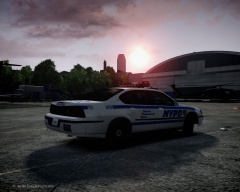 Nice shot... I remember when those were still common in active service.
 -
Screw her. Spoiled brat.
-
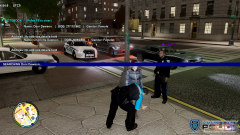 Taurus is part of Cj24s 2013 Interceptor pack. Skin by yours truly.
 -
Pics of a lil NYC area based skinning project I've been working on.
-
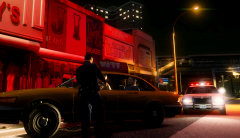 DSPD Pulls Over a Taxi
-
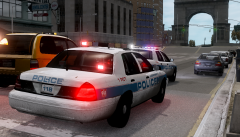 Traffic Stop
-
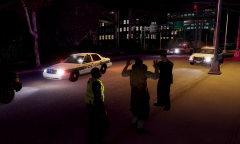 Warrant Arrest
-
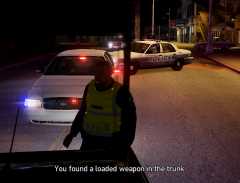 Loaded Weapon!
-
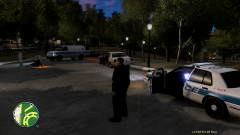 Shots Fired
-
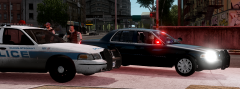 121 and an Unmarked Traffic Unit
-
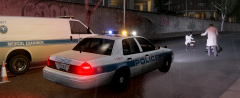 Struck Pedestrian
-
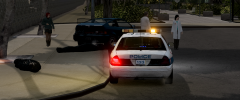 Securing the Scene
-
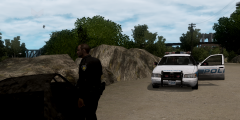 Abandoned/Charred Vehicle
-
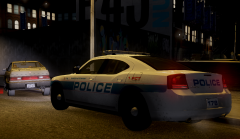 DSPD 178 In Action
-
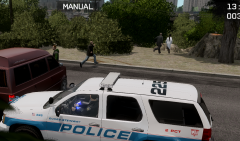 Coroners Under Attack!
-
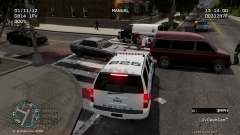 Coroners Under Attack!
-
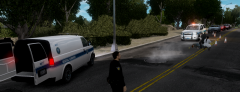 Accident Investigation
-
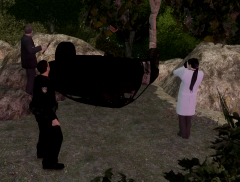 Accident Investigation
-
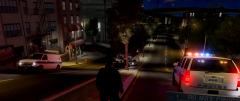 Rollover Accident
-
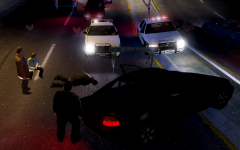 Rollover Accident
-
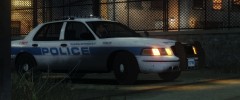 Unit 176
-
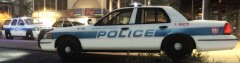 135
135
-
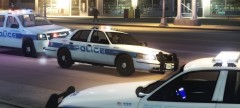 Responders
-
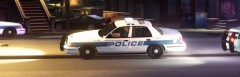 Accident Investigation
-
-
From the album: Dukes-Steinway
DSPD Unit 135 pulling over an LC Taxi for a busted taillight. The driver had no prior encounters with the police so he was sent on his way with a warning. -
I've tried re-exporting several times, no luck. Are you saying this could entirely be the fault of the program and not something I did?
-
Hey all, Newbie to Zmod here, still trying to learn the ropes. Textures seem to be my biggest hurdle. I've taken Reboot/Master Yoda's Freedom and moved around the modules, extras and such to my liking. I have not changed anything else besides those, aside from adding L0's and L1's. Now, everything in theory should be working fine. The lightbar looks perfect in Zmod, looks fine in OpenIV (although the extras don't show through the lightbar glass), but looks completely disastrous in game. I'm really not sure where to go from here as far as fixing it, and I'm hoping someone here could point out where I've gone wrong. I'd be willing to send out the project files for closer examination. Enclosed in the spoiler tags are pictures of my hierarchy, the bar in OpenIV, and the bar in game, respectively. I HAVE added the appropriate textures to the .wtd, so that's not it. And I should note that all of the extra's do emit light and spawn properly, despite being encased in this madness. Any help whatsoever would be greatly appreciated. Thank you for your time.
-
That's not up to me to decide. Read the readme in the file, they're not my models.
-
Luckily for you, I've got some free time today. I've gone ahead and modded the appropriate files so that at least you'll have a [close to] proper light setup for your car. Now all you need is a skin and you're good to go! http://www.mediafire.com/download/medgcx4fe4sbdf7/WesterlyRI_Emerglights.rar Link to the model(s): '?do=embed' frameborder='0' data-embedContent>>
-
All the lightheads on CJ24's CVPI (the one in the pack with the 2013 Charger and Tahoe) are changeable. Would be a really close match if you got a skin and mapped the lights the way they are in the video.
-
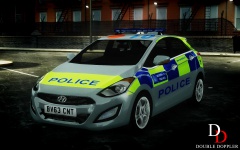 Sweet! Would you mind sharing what road textures those are?
 -
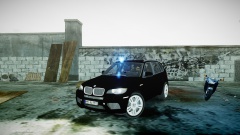 Very nice. If you don't mind me asking, how did you manage to make the roof beacon removable? I've been trying to do something similar on one of my cars.
 -
Yup, they keep up with their surroundings. The CVPI taxis were identifiable by their black door trim, which regular taxis don't usually sport. That and the fact that they are CVPI's, not the extended wheelbase taxi models used by the NYCT's. Now they're much harder to spot, as they often don't have any visible equipment. Highway Patrol also uses taxis, but those often sport the same interior lighting packages that the rest of the NYPD HWY unmarkeds do - that being a pair of R/B Slimlighters in the rear deck, a R/W Slimlighter up front and maybe a R/W Talon or FS Viper. Here's a video of an Altima taxi:

![[WIP] 2013 NYC snow plow](http://s3-gallery.int-cdn.lcpdfrusercontent.com/gallery/album_547/sml_gallery_2101_547_201360.png)
