Skip to content
View in the app

A better way to browse. Learn more.

LCPDFR.com

A full-screen app on your home screen with push notifications, badges and more.

To install this app on iOS and iPadOS
  1. Tap the Share icon in Safari
  2. Scroll the menu and tap Add to Home Screen.
  3. Tap Add in the top-right corner.
To install this app on Android
  1. Tap the 3-dot menu (⋮) in the top-right corner of the browser.
  2. Tap Add to Home screen or Install app.
  3. Confirm by tapping Install.

Shots Fired

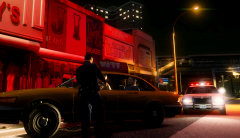
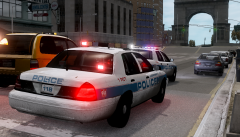
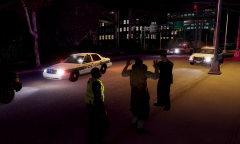
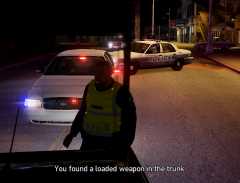
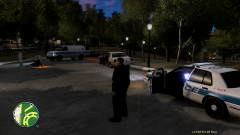
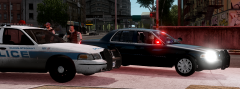
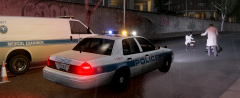
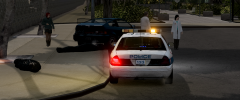
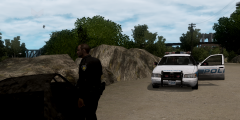
Reports of an armed robbery lead to unit 135 stopping and questioning a male digging through the trunk of a car parked in Meadow Park early this morning. A quick survey of the items in the trunk found a loaded weapon in plain sight. It was at that point the suspect pulled a second weapon out from his waist. The suspect took aim at the officer and fired one shot, missing. The officer then returned fire, killing the suspect.

Meadow Park was closed to the public for most of the day as an investigation unfolded.

  • From the album:

    Dukes-Steinway

    · 23 images

    Account

    Navigation

    Search

    Search

    Configure browser push notifications

    Chrome (Android)
    1. Tap the lock icon next to the address bar.
    2. Tap Permissions → Notifications.
    3. Adjust your preference.
    Chrome (Desktop)
    1. Click the padlock icon in the address bar.
    2. Select Site settings.
    3. Find Notifications and adjust your preference.