JewishBanana
Members
-
Joined
-
Last visited
Everything posted by JewishBanana
-
 '?do=embed' frameborder='0' data-embedContent>>
 -
From the album: The Precinct Life.
-
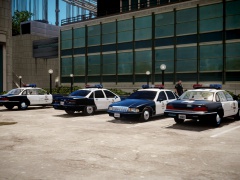
I went to the LAPD museum. Here are a few pictures from there; EDIT; here is a full album for those interested. Not all pictures are of the best quality.
-
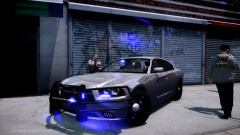 Alpha as fuck.
 -
You shouldn't rate the texture on whether or not the model he's using for it looks accurate. You should be rating the texture on it's quality and design.
- 3 comments
- 1 review
-
-
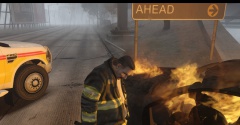 This is the perfect desktop background. ^I agree with drdetroit.
 -
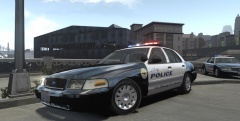 Do you have a link to that model?
 -
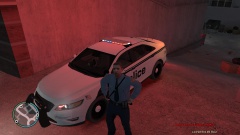 It's a damn great vehicle nonetheless.
 -
Not a 2013. More like the 2011.
-
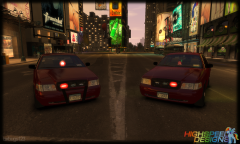 That air freshener makes the model perfect.
 -
 Quite well actually. No game-breaking bugs that I've encountered!
 -
From the album: JewishB's Miscellaneous Shots
-
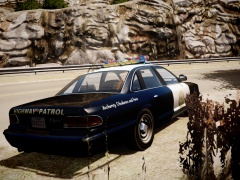
From the album: JewishB's Miscellaneous Shots
Spoiler *Explanation for SAHP in Liberty City* Officers from different departments all around the states are attending a fleet showcase being held in Liberty City's Algonquin borough. This includes LCPD, SAHP, LSPD, and even ASP officers have attended. Take that Ineseri. -
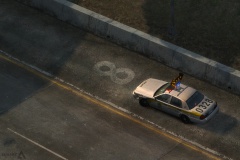 I never thought I would be able to see the day that Caine would show off work in progress shots. Bravo!
 -
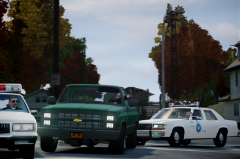 Do you have a link to that Chevy?
 -
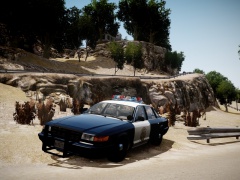
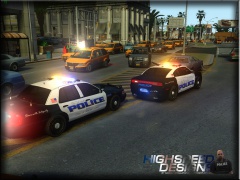 The mountain background gives a unique twist on the boring black and white. Very cool design.
 -
Kudos to Lt.caine and the entire Dev team for the unparalleled coding knowledge they posses. I can't even comprehend the immense work that goes into reverse engineering a game like GTA IV. It's surprising to me that we've not heard of a game or software development studio recruiting people like Sam, Caine, LMS, ect. I do hope we see more of this unknown "thing" in the near future.
-
-
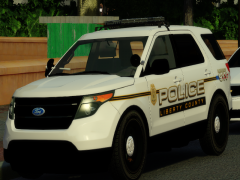 Amazing to know. Thanks!
 -
What do the county police do? Are they similar to a sheriff's department?
-
-
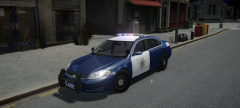 Well, if it helps, you've got my vote for an SJPD pack. More California related police cars in GTA IV couldn't hurt.
 -
I've always had a fondness with the SJPD's fleet. I like how they stray from the traditional b&w by using a darker navy blue. Hope you release this model!
-
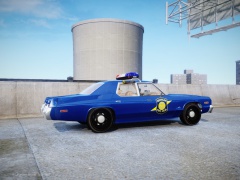
From the album: The Precinct Life.
Guarding the state with a watchful eye and an attentive ear. Spoiler