


DMac18206
Members
-
Joined
-
Last visited
Everything posted by DMac18206
-
-
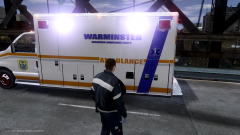
From the album: GTAGamerHD
Texture I just finished of my local Ambulance Looks sweet! -
![[WIP] 2013 Ford F450 - FDNY ambulance (lights preview)](//s3-gallery.int-cdn.lcpdfrusercontent.com/gallery/album_547/sml_gallery_2101_547_1122145.png) Can I have it? :D Nice work can't wait!
Can I have it? :D Nice work can't wait! -
-
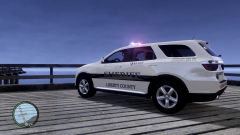
From the album: GTAGamerHD
-
-
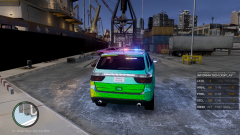
From the album: GTAGamerHD
-
-
Secrets you must not know :D JK and I am using a 2010 only one I have unfortunately
-
Challenge accepted I will start on it now :D
-
Bookmarked Thank you! :)
-
-
Probably not attached fully can you post a picture of your zmodeler?
-
next question! I am having the same problem with rear lights now :/
-
You sir have been very helpful to me! In return I give you cookie and some rep! :D
-
OMFG I am dying!
-
Thanks and it is a Game4video edit of mine! If you want it message me :D
-
I have a lightbar in Zmod and I have no idea howto assign the textures! I am new to this therefor I am taking things 1 day at a time. If you have any ideas let me know ASAP Picture!
-
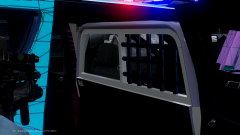
From the album: GTAGamerHD
-
From the album: GTAGamerHD
-
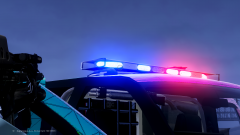
From the album: GTAGamerHD
-
-
-
Thanks man! here are the results
-
Fraps is what I use -snip-


![[WIP] 2013 Ford F450 - FDNY ambulance (lights preview)](http://s3-gallery.int-cdn.lcpdfrusercontent.com/gallery/album_547/sml_gallery_2101_547_1122145.png)


