



Han'SGarage
Members
-
Joined
-
Last visited
Everything posted by Han'SGarage
-
-
 Don't need suggestion lol because I already made one with the honeycomb grill before this one.
 -
From the album: CVPI [GTA V]
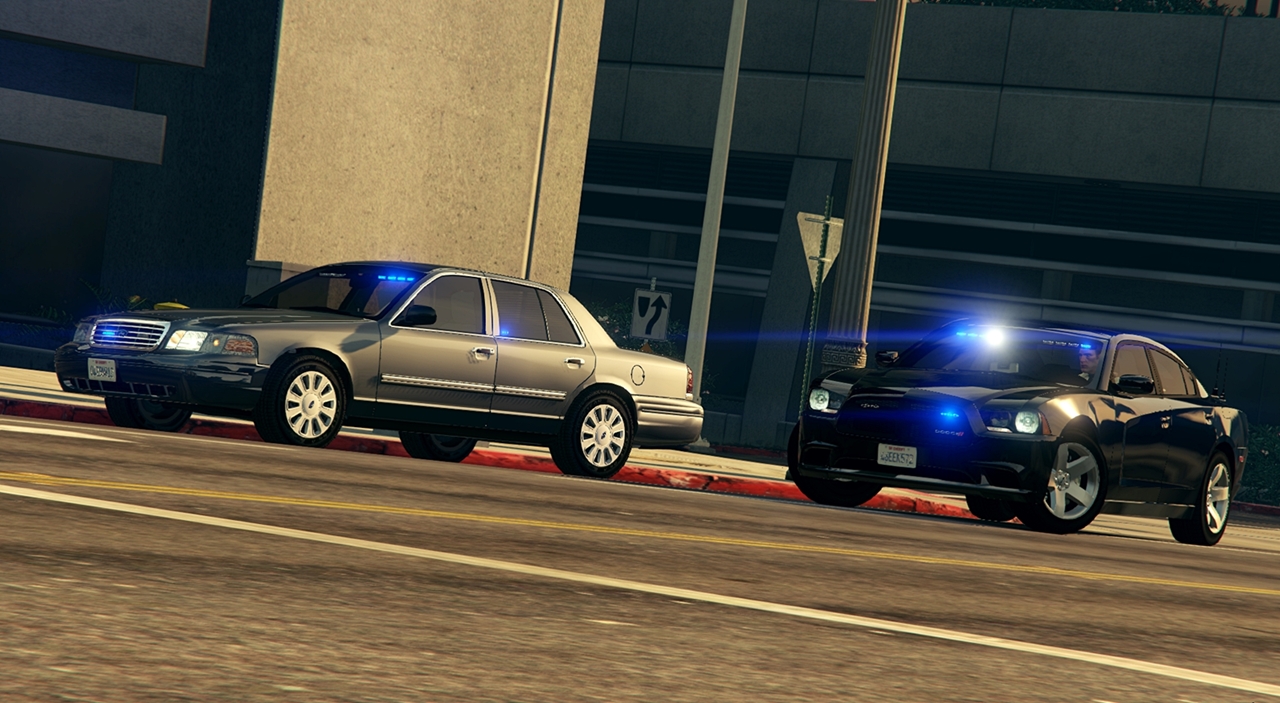
Added lights in both side. Huge thanks to F5544 for support!© NIGHTKID GARAGE
-
 awesome as always!
 -
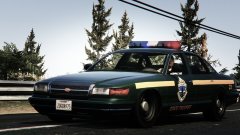 That front grill looks really good man
 -
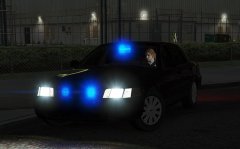 Do you have any pics? I'm not sure how it looks like...
 -
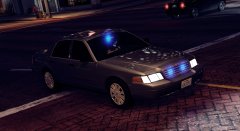 Thank you and thanks again for let me use your push bar for fugitive!
 -
I'm working on that Thanks man
-
-
-
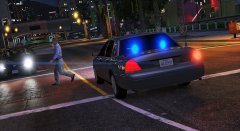
I added video and you can check how lights works. To answer your question, I did something similar for extras and edited texture. If you need details, PM me anytime.
-
Unmarked CVPI
© NIGHTKID GARAGE
-
I did it to my personal cars and it worked fine. I'm sure other people will doing it soon.
-
-
-
-
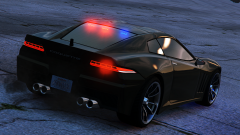
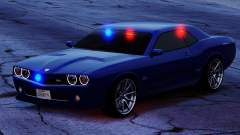
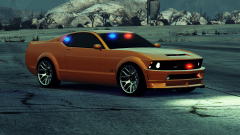
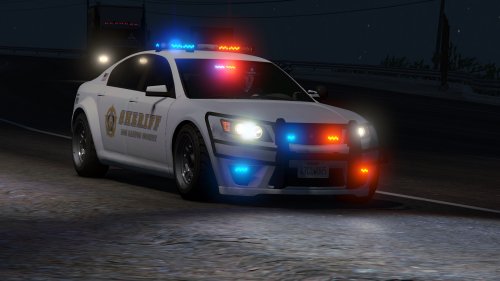 Finally! No problem, have fun man. I'd like to know what do you have as add on cars. PM me the detail. Do you have add on cars? PM me please.
- 47 comments
- 15 reviews
-
I think I made a mistake on vehicle file section in readme. But, other instructions are correct. It's in both readme file and video. Hope this will help and solve your issue.
- 47 comments
- 15 reviews
-
Did you install everything correctly? Like, install vehicle files in GTAV/mods/update/x64/dlcpacks/mpchristmas2/dlc.rpf/x64/levels/gta5/vehicles/xmas2vehicles.rpf or if you are not using mods folder GTAV/update/x64/dlcpacks/mpchristmas2/dlc.rpf/x64/levels/gta5/vehicles/xmas2vehicles.rpf date files are also going to mpchristmas2 dlc.rpf Because police2 is in different location, it has nothing to do with xmas2vehicles.rpf.
- 47 comments
- 15 reviews
-
Awesome, let me know if you have any issues. did you replace any police car with charger or add the charger in your dlc.rpf?
- 47 comments
- 15 reviews
-
Yes, You forgot to add these texture lines <Item> <parent>vehicles_poltax_interior</parent> <child>polfugitive</child> </Item> <Item> <parent>vehicles_poltax_interior</parent> <child>polfugitive2</child> </Item> Paste those lines to very bottom of vehicles.meta
- 47 comments
- 15 reviews
-
-

- 1
-
-
Do you have any added cars in you dlc.rpf already? It's possible, you will have to remap the all light emissive texture in light bar tho. I don't think you can change anything in original carvariation unless its dlc carvariation because original carvariation is ymt file. Carvariation for dlc cars are usually .meta file that you can edit in notepad but I don't think there's tool that you can open .ymt file yet. So, I recommend either just add my cars or replace with police2.
- 47 comments
- 15 reviews
-
It does have all LODs since this car was vannilla model. What do you mean by working LODs? like UV mapped all LODs?
- 47 comments
- 15 reviews
-
Probably that's why. I'm pretty sure you will have to change sirensetting in carvariation.meta If you replace it. Replace police2 with mine and see if lights working.
- 47 comments
- 15 reviews
-

