



Han'SGarage
Members
-
Joined
-
Last visited
Everything posted by Han'SGarage
-
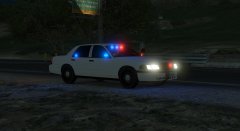 Unmarked CVPI with steel wheel. Finally got the permission for spotlight. Almost done!
© NIGHTKID GARAGE
-
 I added FLAG_EXTRAS_STRONG in flag line, if you are using your own, add that flag. It should fix that problem. Pretty sure real CVPI has chrome window trim either chrome grill or honeycomb grill.
- 208 comments
- 59 reviews
-
-

- 1
-
-
Idk what are you talking about, trim is black. No. Never heard that issue before, did you replace vehicles.meta? I'm pretty sure I said I will probably add it in next update. read README file please! I'm testing it now, I will up load new version in few days. Here you can check progress. http://www.lcpdfr.com/gallery/album/4206-cvpi-gta-v/
- 208 comments
- 59 reviews
-
-
Hmmmm....weird Because all 4 models works for me. Try to download 2.0 again. when I uploaded first I uploaded wrong files and I uploaded correct one again. latest one should work with no problem.
- 208 comments
- 59 reviews
-
-
- 1
-
-
Yeah, but It won't be all blue due to gta5 lighting system. Both. I originally made this car for my personal use (not for public release), It was based off my local pd's vehicle. Some people wanted this after I posted screenshots, so I added more stuffs then released it. No need to argue. I'm working on it and it will be up when its done. http://www.lcpdfr.com/gallery/album/4206-cvpi-gta-v/
- 208 comments
- 59 reviews
-
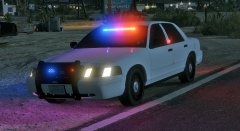
From the album: CVPI [GTA V]
This one will be released in next update of Unmarked CVPI pack.© NIGHTKID GARAGE
-
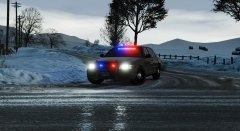
From the album: CVPI [GTA V]
This one will be released in next update of Unmarked CVPI pack.© NIGHTKID GARAGE
-
You need to change audio hash in vehicles.meta read this http://www.lcpdfr.com/forums/topic/50909-adding-a-new-emergency-vehicle-is-possible-now/?page=1
- 208 comments
- 59 reviews
-
I forgot to upload correct files. Indicator issue is fixed now. For taillights, I'm just gonna leave like that because that looks more like oem taillights in real life.
- 208 comments
- 59 reviews
-
-
- 1
-
-
I hope you made backup files, install your back up files first and try again. There was a mistake in readme file, you need to replace police4.ytd. instead police.ytd. Make sure replace vehicles.meta too
- 208 comments
- 59 reviews
-
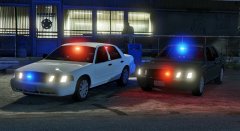 Ver.2.0 is available now.
© NIGHTKID GARAGE
-
-
Do you have any screenshots or something? Kinda hard to understand. Also, did you replace police 4 or installed as add on car?
- 208 comments
- 59 reviews
-
Don't worry guys I will add red/blue version in near future. I'm pretty sure I said I will add those in next update in readme file! In gta4 with els, you are correct. But in gta5, you need to change texture plus you actually have to use zmodeler to make it work correctly. I will look into indicator issue. For brake lights, I left it that way because I don't think that bottom part light up in real life crown victoria. Did you replace this with other police model?
- 208 comments
- 59 reviews
-
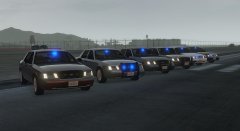 I replace police4 and add another one.
 -
Just released this pack!
© NIGHTKID GARAGE
-
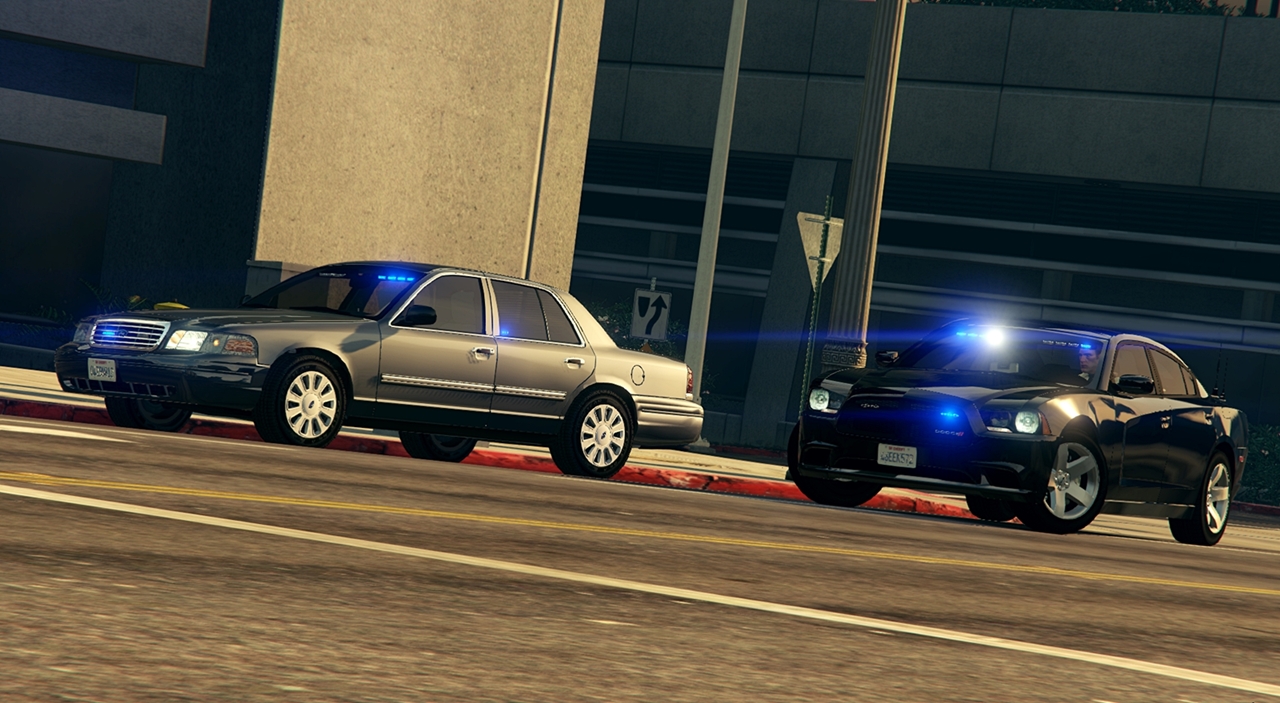
Ver.3.0 is available now! Hello, Ver.3.0 - Three cars added 1. Unmarked CVPI with SAP package (Chrome grill, Crown victoria emblem, hubcap) 2. Unmarked CVPI with Honeycomb grill and hubcaps (with Police Interceptor badge and black trunk trim) 3. Unmarked CVPI woth Honeycomb grill and Steel wheels (with Police Interceptor badge and black trunk trim) What's new in Ver.3.0? - Ver.3.0 cars made based on F5544's updated CVPI with HQ interior - New lighting setup(only red and blue) Ver.3.0 cars share same lighting equipment but setup is different - Added steel wheel version - Working spotlight (set as extra for Honeycomb grill model only) - Also the rest of police equipment from earlier version Ver.2.0 - cars have same feature as Ver.1.0 but Red/Blue lighting setup is added Ver.1.0 - contains two vehicle models 1. Unmarked CVPI with SAP package (All blue lighting with Crown victoria emblem and chrome trim) 2. Unmarked CVPI with Honeycomb grill (All blue lighting with Police Interceptor badge and black trim) Both models are made to replace police4 model,or you can use as an add on vehicle. Make sure follow install instruction. [Overview] Both cars sharing most of same features - Lighting setup is pretty similar but little different. Front, side and rear. - All blue (Ver.1.0) or Red/Blue (Ver.2.0 and Ver.3.0) - Both models have hubcaps - Arma Laptop and console - Stalker Speed radar (extra for both models) - Panasonic Dashcam (extra for both models) - SecureCOM Antennas (extra for both models) - Partition (Honeycomb grill model only) - Two pushbars(Rhino pushbar and Setina Pb-200 plus one optional Setina wraparound. (Honeycomb grill model only) [Liveries] Despite the name of this pack, you can still use liveries. Both models use standard cvpi template for F5544's CVPI, Add skins to ytd file by using openiv. [Known Issues] Check out second screen shot and look rear door light. When you spawn or fix the car(both models). You will see the small part of siren mesh(led texture when light is on) without siren is on. Simply, turn your siren and turn it off. I will go away. Thanks to all modders who gave permission to use and convert parts. Special thanks to F5544 for answering all my questions! ***** PM or comment here if you have any problems or help ***** ***** This download is exclusive to LCPDFR.com only. DO NOT REUPLOAD other places***** ***** Please contact me before you do anything with these cars!!!! *****
- 208 comments
- 59 reviews
-
-
-

- 27
-
-
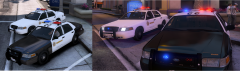
![Unmarked CVPI mini pack [All Blue]](//s3-gallery.int-cdn.lcpdfrusercontent.com/monthly_2015_10/small.pr3.jpg.0c0e41e5981955815ce3a8761ffa10fe.jpg) Pretty close to release so I want to give a little heads up 1. No more Rhino wraparound (couldn't get permission) 2. All blue lighting for now (I will add red/blue later on) 3. Two different versions (Chrome grill and Honeycomb grill. Also, light setup is little different too) 4. Few equipment are extras so you can use it or take them off.
Pretty close to release so I want to give a little heads up 1. No more Rhino wraparound (couldn't get permission) 2. All blue lighting for now (I will add red/blue later on) 3. Two different versions (Chrome grill and Honeycomb grill. Also, light setup is little different too) 4. Few equipment are extras so you can use it or take them off.© NIGHTKID GARAGE
-
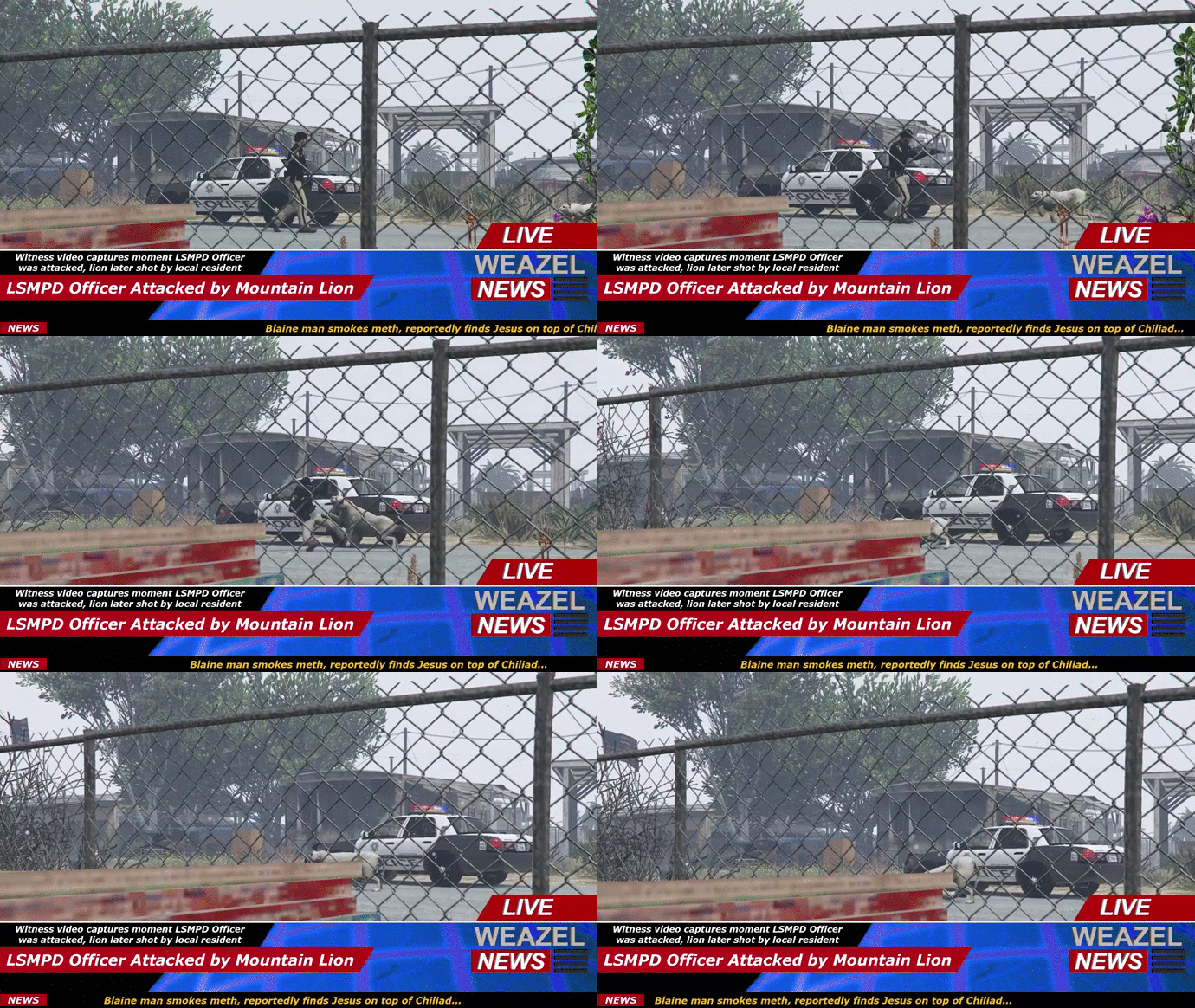 Thought this was real life too good stuff!
 -
Amazing video and stanier looks pretty cool with cvpi hubcaps. I feel bad for that officer who got hit million times!
-
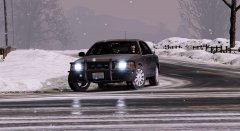 Thank you so much! It means alot. It will take me some time because I need to make sure get all permissions and credit right prior to release. Then I also have few more stuffs that I wanna add.
 -
Yeah, I got idea from our local pd and shp cars.
-
 good stuff!
 -
I made small trunk mount for antenna and it's kind hard to see in that picture.

![Unmarked CVPI mini pack [All Blue]](http://s3-gallery.int-cdn.lcpdfrusercontent.com/monthly_2015_10/small.pr3.jpg.0c0e41e5981955815ce3a8761ffa10fe.jpg)
