
Han'SGarage
Members
-
Joined
-
Last visited
Everything posted by Han'SGarage
-
-
 sick color
 -
 Hmm... not sure should I?
 -
I agree with BlackJesus1.
-
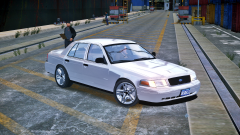 Me too. That's where I saw pics of that CV.
 -
lovely!
-
True, but I don't think it's ridiculous to modify cars. Maybe that's because my car is modified lol I kinda agree with VIP style cars. Some of them are okay but most of them went too far. Anyway, hooked up CVPI was just not what I expected. It was weird then I felt it's pretty cool same time.
-
None taken because ridiculousness is the point of that car. I never thought people out there would modify cvpi till I saw one.
-
-
From the album: NIGHTKID'S GARAGE
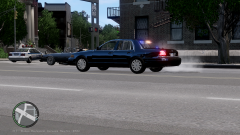
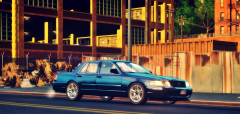
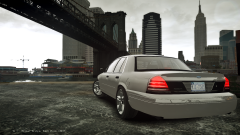
So, I've been looking for a new daily (in real life) lately. I saw some modified cvpis on forum and decided to make my favorite one. - Shelby gt500 wheel - Brembo brakes - made front lip and little duckbill spoiler for trunk. -
From the album: NIGHTKID'S GARAGE
So, I've been looking for a new daily (in real life) lately. I saw some modified cvpis on forum and decided to make my favorite one. - Shelby gt500 wheel - Brembo brakes - made front lip and little duckbill spoiler for trunk. -
From the album: NIGHTKID'S GARAGE
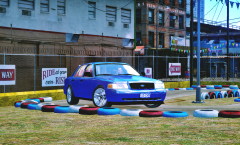
Tearing up go-kart circuit! -
From the album: NIGHTKID'S GARAGE
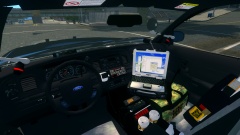
So, I've been looking for a new daily beater(in real life) I saw some modified cvpis on forum and decided to make my favorite one. - Shelby gt500 wheel - Brembo brakes - made front lip and little duckbill spoiler for trunk. -
 amazing!
 -
Always love to see unlocked dev parts. I have great respect for those who can scratch model stuffs. These look great and thanks for sharing!
- 14 comments
- 2 reviews
-
-

- 1
-
-
Korean and English
-
 I always love your pictures and stories man That skin would look pretty good on chargers!
 -
-
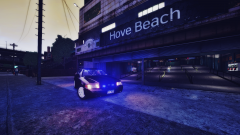
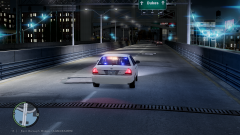
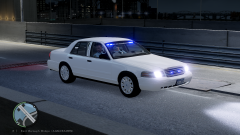
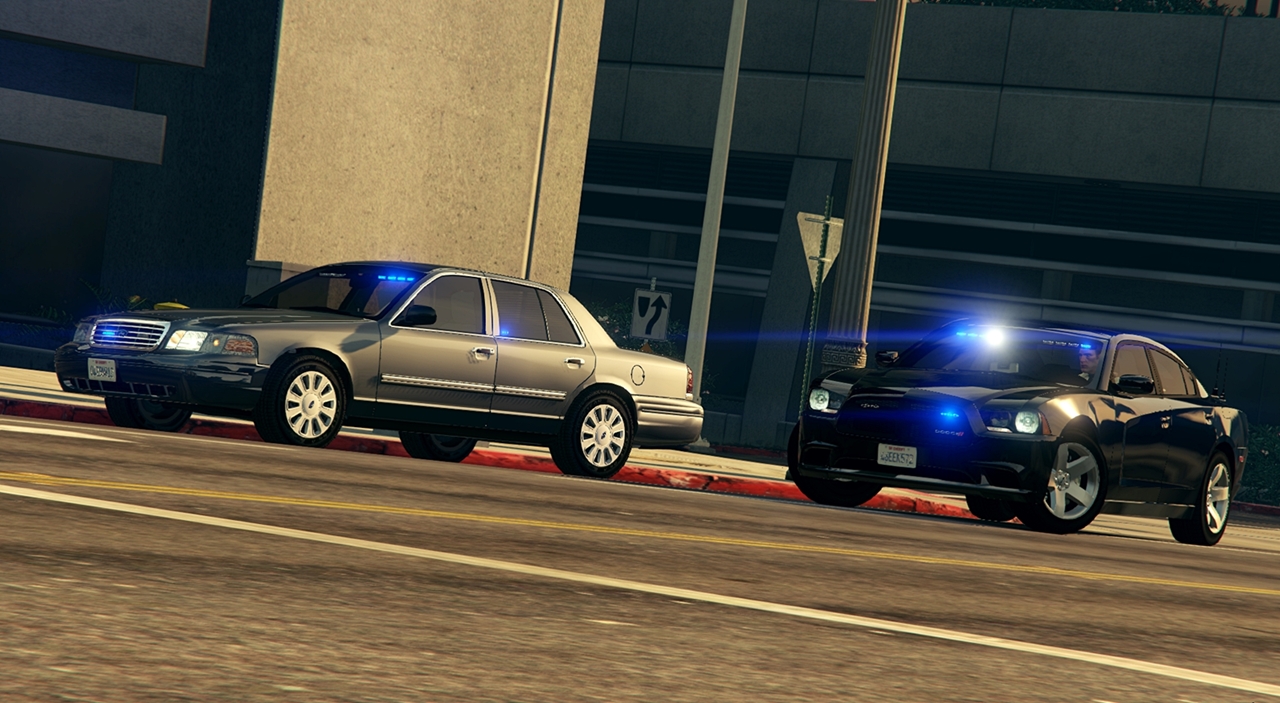
From the album: Unmarked Crown Victoria
-
-
-
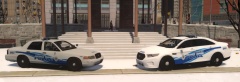 Nice
Nice -
That's awesome man!
-
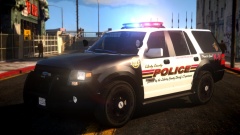 plus, I'd take that expedition emblem off.
 -
tire texture look bit weird tho other than that, looks awesome brother!