
BroCop
-
Joined
-
Last visited
Everything posted by BroCop
-
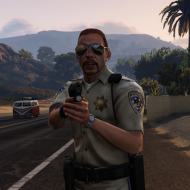
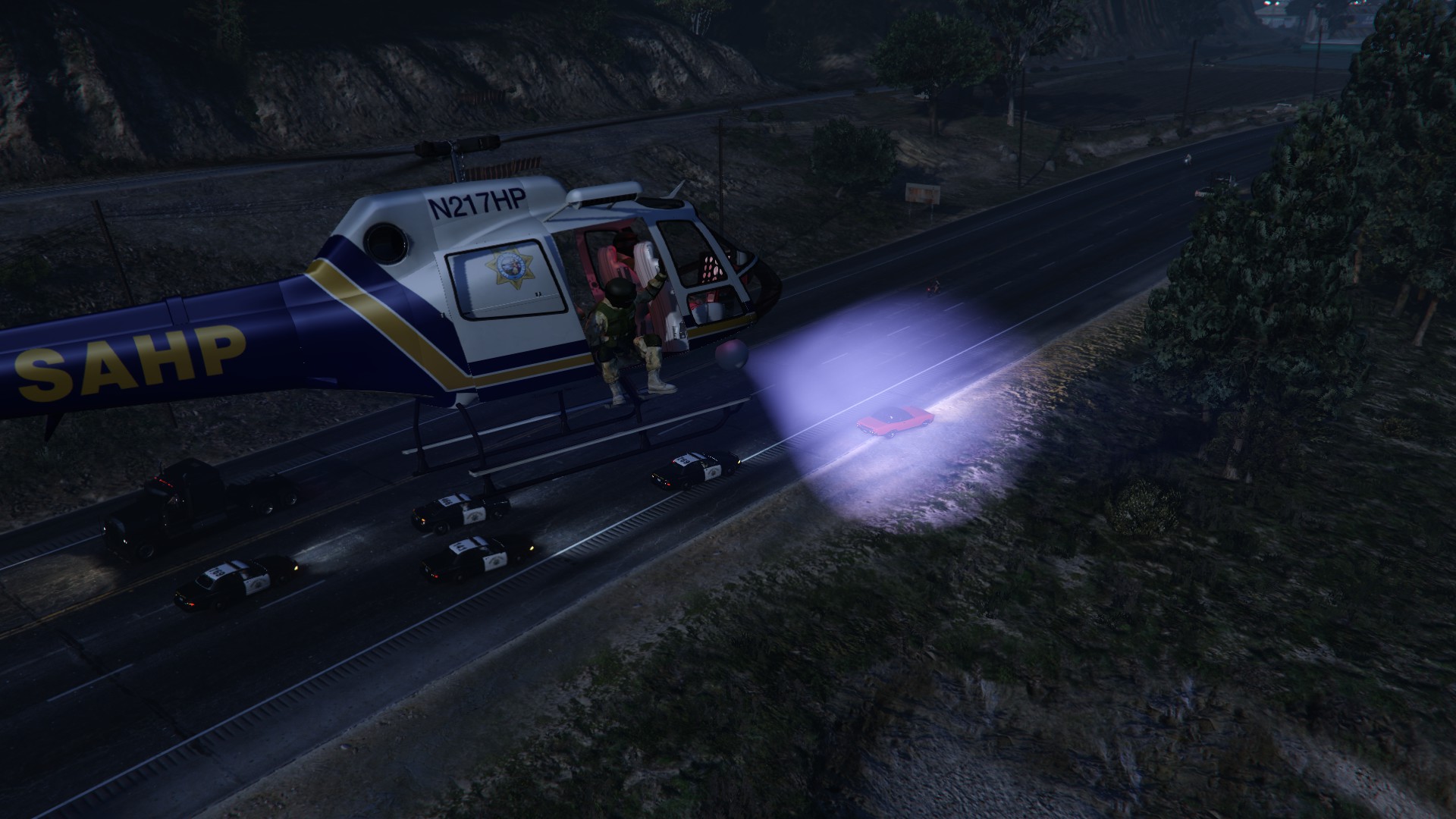
F5544's improved cop model in action!
-
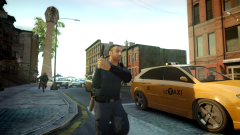 F5544 Improved Cop (20)
-
 F5544 Improved Cop (19)
-
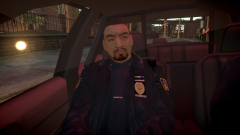 F5544 Improved Cop (18)
-
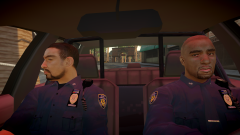 F5544 Improved Cop (17)
-
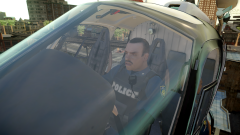 F5544 Improved Cop (16)
-
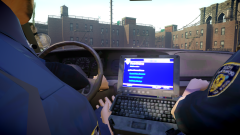 F5544 Improved Cop (15)
-
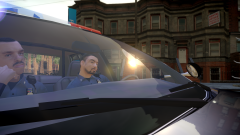 F5544 Improved Cop (14)
-
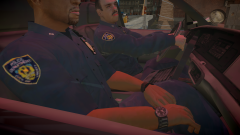 F5544 Improved Cop (13)
-
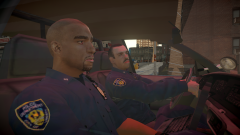 F5544 Improved Cop (12)
-
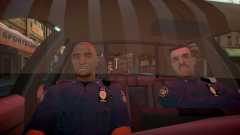 F5544 Improved Cop (11)
-
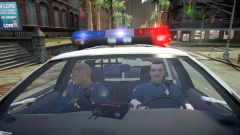 F5544 Improved Cop (10)
-
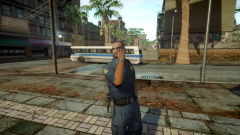 F5544 Improved Cop (9)
-
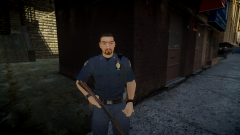 F5544 Improved Cop (8)
-
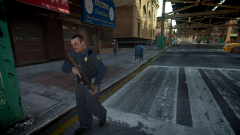 F5544 Improved Cop (7)
-
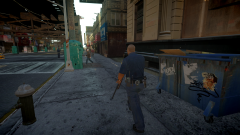 F5544 Improved Cop (6)
-
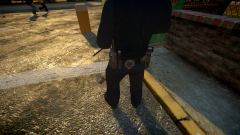 F5544 Improved Cop (5)
-
-
From the album: F5544's New Improved Cop V2.0
-
From the album: F5544's New Improved Cop V2.0
-
From the album: F5544's New Improved Cop V2.0
-
From the album: F5544's New Improved Cop V2.0
-
From the album: F5544's New Improved Cop V2.0
-
From the album: F5544's New Improved Cop V2.0
-
From the album: F5544's New Improved Cop V2.0
-
From the album: F5544's New Improved Cop V2.0
-
From the album: F5544's New Improved Cop V2.0
-
From the album: F5544's New Improved Cop V2.0
-
From the album: F5544's New Improved Cop V2.0
-
From the album: F5544's New Improved Cop V2.0
-
From the album: F5544's New Improved Cop V2.0
-
From the album: F5544's New Improved Cop V2.0
-
From the album: F5544's New Improved Cop V2.0
-
Pretty simple process. For clarification, iCENHANCER is a modified version of ENB that is designed to look photo-realistic. ENB is a project by a Russian modder who basically makes massive graphical improvements to games like Skyrim, GTA IV, Fallout and many other titles. Something to keep in mind is that the latest patch, 1.0.7.0, (which LCPDFR, Bravehearts policing script and the VDH series of mods all run on) doesn't work as well with ENB. Boris (ENB guy), who has only just recently begone working on GTA IV graphic mods again, never patched ENB to 1.0.7.0, and instead left the work at 1.0.4.0. Always, always check an ENB to see if it works on 1.0.7.0/EFLC or if it is only for 1.0.4.0. In addition, SSAO is not patched to 1.0.7.0, and as such 1.0.7.0 ENB's will never look as good as 1.0.4.0's until Boris patches it. Assuming you are running 1.0.7.0, here's the install guide for iCEnhancer 2.1: Download iCEnhancer 2.1 from here: http://www.gtavision.com/index.php?section=downloads&site=download&id=3278 Install it, use the tweak guide if you'd like. Then, install ChinaGreenElvis's red sky fix from here: http://www.gta4-mods.com/misc/cge-enb-red-sky-fix-for-gta-iv-and-eflc-f16575 And install that in the common/shaders folder AFTER installing iCEnhancer. Thank me later. And there you go.
-
As someone who was adopted by a gay couple, I can tell you that concerns over excessive bullying (at least for me) are somewhat unfounded. I have never once been teased, bullied or otherwise inconvenienced because I have two mothers. Most of my friends actually thought that was awesome. Of course, I live in California, so results may vary. From that, their isn't really any evidence that gay couples are worse parents, and there is some evidence pointing to them being better parents. Why? Because a heterosexual couple's only requirement to have a child is forgetting a condom. A homosexual couple has to be reviewed by the state when they decide they are ready for a child, and then can adopt one. And on the religious argument, I'm sorry, but trying to determine public policy on a small section of Leviticus is ridiculous. I have a feeling that a law banning the kindling of fire on Sunday, shaving of ones sideburns, or legally mandated circumcision wouldn't go down too well, and all of those things are in Leviticus.
-
I believe this would interest you.
-
Normal maps take advantage of the shaders to fake 'bumpiness'. They make 2D textures look 3D at certain angles. The best example I can think of can be found in vehshare.wtd. The licence plate texture is flat. However, the normal map is pinkish and matches up. When you look at the car, the licence is 'raised' even though there is no modeling that has done so. The general idea for normal maps is to use them to add small details that cannot be modeled in, but they shouldn't be responsible for all of the details.
-
So the other day I was messing around with openiv's new animation viewer. This led me to look around at just how walking styles are set up. I noticed that most of the animation packets are the same (ie, they all have 'idle' 'start walk' 'walk' etc...), which is why you can change pedestrian walking styles. This made me wonder if I could finally get SWAT guys to stand correctly and use their rifles right when walking. I found all of the unique movements (hand signals) that SWAT peds use are in their own file that doesn't show up in peds.ide. I hunted around for the walking/idle style that the cops holding assault rifles on guard duty use, and found it! It's called move_rifle. So, how do we use it? Let's look at the vanilla SWAT line: M_Y_Swat, M_Y_Swat_p, COP, move_m@swat, GESTURES@MALE, GESTURES@M_PHONE,FACIALS@M_LO, visemes@m_lo, 0, move_m@swat, null, -1,-1, PED_TYPE_PLAYER, VOICE_PLY_CR, VOICE_PLY_CR The lines breakdown somewhat like this: M_Y_SWAT = This is simply saying what ped you're using. It corresponds to the .wdd in componentpeds.img. M_Y_SWAT_P = This is the helmet/hat that the ped uses. It is almost always the same as the ped name, just with _p. Write NULL if you don't want them to have hats. COP = This is the relationship group it is in. COP, CIVMALE, CIVFEMALE, etc... move_m@swat = This is the important one. This is the default walking style of the pedestrian in question. This covers how the walk, idle, and run. We'll be changing this to move_rifle. I don't specifically know what the rest of the lines are, but I believe they deal with how the ped gestures and uses phones. Sure enough, it works fine! Here's a line for the regular NOOSE peds (yes, it is the same even if you've modified the texture or something) M_Y_Swat, M_Y_SWAT_P, COP, move_rifle, GESTURES@MALE, GESTURES@M_PHONE, FACIALS@M_LO, visemes@m_lo, 0, move_rifle, null, -1,-1, PED_TYPE_PLAYER, VOICE_PLY_CR, VOICE_PLY_CR And here's the line for (removes the spawning of NOOSE helmets. If you find the idea of helmets randomly exploding out of cops heads the first time they get shot funny, than use the first line.) M_Y_Swat, null, COP, move_rifle, GESTURES@MALE, GESTURES@M_PHONE, FACIALS@M_LO, visemes@m_lo, 0, move_rifle, null, -1,-1, PED_TYPE_PLAYER, VOICE_PLY_CR, VOICE_PLY_CR So there you go. The rather common problem has been solved! (note to mods, I'll be adding this to the tutorial section in just a second.)
-
So the other day I was messing around with openiv's new animation viewer. This led me to look around at just how walking styles are set up. I noticed that most of the animation packets are the same (ie, they all have 'idle' 'start walk' 'walk' etc...), which is why you can change pedestrian walking styles. This made me wonder if I could finally get SWAT guys to stand correctly and use their rifles right when walking. I found all of the unique movements (hand signals) that SWAT peds use are in their own file that doesn't show up in peds.ide. I hunted around for the walking/idle style that the cops holding assault rifles on guard duty use, and found it! It's called move_rifle. So, how do we use it? Let's look at the vanilla SWAT line: M_Y_Swat, M_Y_Swat_p, COP, move_m@swat, GESTURES@MALE, GESTURES@M_PHONE,FACIALS@M_LO, visemes@m_lo, 0, move_m@swat, null, -1,-1, PED_TYPE_PLAYER, VOICE_PLY_CR, VOICE_PLY_CR The lines breakdown somewhat like this: M_Y_SWAT = This is simply saying what ped you're using. It corresponds to the .wdd in componentpeds.img. M_Y_SWAT_P = This is the helmet/hat that the ped uses. It is almost always the same as the ped name, just with _p. Write NULL if you don't want them to have hats. COP = This is the relationship group it is in. COP, CIVMALE, CIVFEMALE, etc... move_m@swat = This is the important one. This is the default walking style of the pedestrian in question. This covers how the walk, idle, and run. We'll be changing this to move_rifle. I don't specifically know what the rest of the lines are, but I believe they deal with how the ped gestures and uses phones. Sure enough, it works fine! Here's a line for the regular NOOSE peds (yes, it is the same even if you've modified the texture or something) M_Y_Swat, M_Y_SWAT_P, COP, move_rifle, GESTURES@MALE, GESTURES@M_PHONE, FACIALS@M_LO, visemes@m_lo, 0, move_rifle, null, -1,-1, PED_TYPE_PLAYER, VOICE_PLY_CR, VOICE_PLY_CR And here's the line for the spawning of NOOSE helmets. If you find the idea of helmets randomly exploding out of cops heads the first time they get shot funny, than use the first line.) M_Y_Swat, null, COP, move_rifle, GESTURES@MALE, GESTURES@M_PHONE, FACIALS@M_LO, visemes@m_lo, 0, move_rifle, null, -1,-1, PED_TYPE_PLAYER, VOICE_PLY_CR, VOICE_PLY_CR So there you go. The rather common problem has been solved! (note to mods, I'll be adding this to the tutorial section in just a second.)
-
codeacademy.com has a lot of solid tutorials. I recommend starting on Javascript, a lot of the rules are similar to many other languages. Once you have your feet wet, check out the scripting tutorials on gtaforums and here, and then start building things. The unfortunate thing about scripting is that it takes a lot of time to get to even a basic level. If it helps, you're basically learning a new language, the only difference is that you're building things with the words instead of simply speaking it, and it is nothing like any other language on earth. New grammar, styles, etc. Good luck!
-
I can make normal maps very easily, (GIMP plugin) So I'd be happy to help someone as talented as you! I'm not as good at texturing things, but I'll try if I can. Shoot me a PM with some specifics and I'll get you those normal maps asap.
-
I'm not sure if there is a way for you to even edit this with 3DS Max, but there appears to be a problem with the white head (and by extension, through testing, all of the heads but the black and
- 107 comments
- 35 reviews