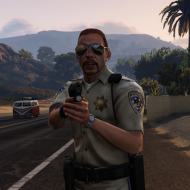

BroCop
Members
-
Joined
-
Last visited
Everything posted by BroCop
-
 Excellent news! I cannot wait.
 -
That is beautiful! Cannot wait for these. I know who'll be patrolling this weekend. Any idea what you'll do after this? Female sheriff, IAA or something completely new? :P
-
100% interested. Any idea how ready this is for a beta? I'd love to be using this yesterday.
-
Sam, are you still working on privately converting a few peds? How has that been going? I'm curious to see if some of the bugs in the beta are going to be permanent or if you've worked around them.
-
I'm pretty sure a 20mb car, if there even is one, would crash the game. :P The highest poly car in the vanilla game is one of the motorcycles and clocks in at ~650kb. The DSF CVPI by CJ24 out of the box is 800kb. The old CVPI on GPM was 3.2mb, and most of the high poly mods on gta4-mods.com top out at 4 mb. A better measure of high polyness might be the size of your vehicles.img. It's 82mb vanilla, and you generally run into problems sometime between 100-120mb, even on good systems. Even 90mb will cause the Taxi Bug to crop up 90% of the time. Big, insane car packs will jack it to 250-300 mb easy, and I've seen at least one take it to 400mb. Now, concerning OP's problem here. I have a 660ti 2Gb and I assure you you should be getting a much better performance, unless you have a huge car pack installed. Take commandline.txt out of your folder and try running the game. I've found commandline.txt is generally more trouble than it is worth, barring -fullspecaudio.
-
I just received the sheriff peds to do some work, no female sheriff peds were included.
-
A few shots that don't feature the GTA V peds, but still look great. Love this ENB
-
From the album: CryENB Shots
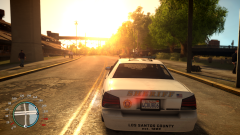
Got this shot while beta testing the GTA V peds. Car is Yard1's, ENB Is CryENB. Location is the industrial yards in Alderney. -
Here's a couple more shots to keep you all sated while Evan finishes up. :P
-
Some WIP shots of the GTA V to GTA IV conversion of peds. ENB is CryENB
-
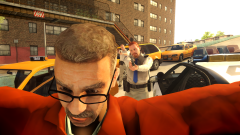
From the album: San Andreas Highway Patrol - Coming Soon
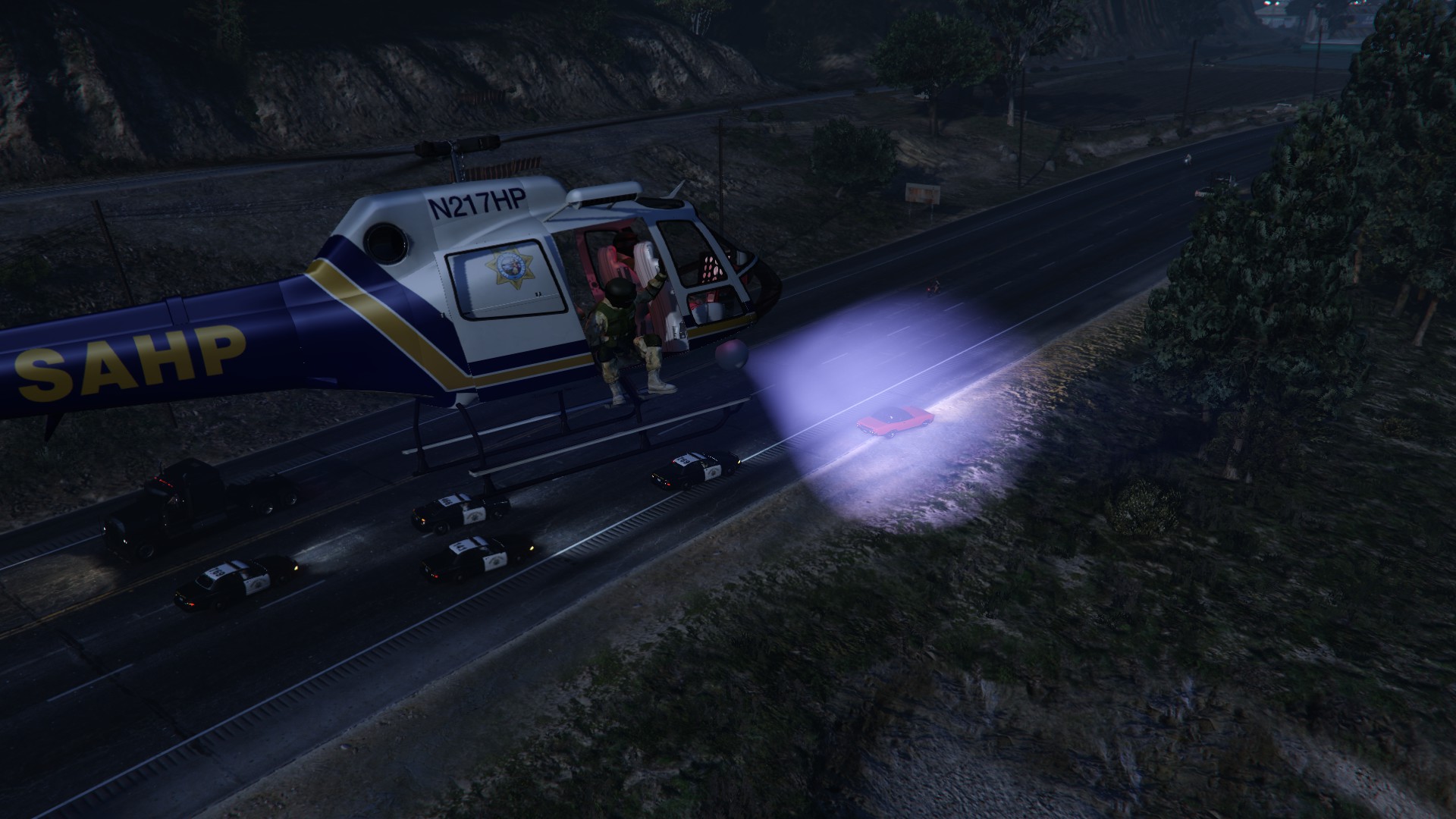
(CryENB) Another shot of the SAHP, coming (very) soon. Special thanks to Yard1 and Ekalb for awesome cruiser, which has been great for screenshots. -
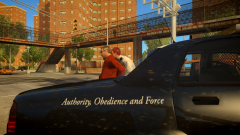
From the album: San Andreas Highway Patrol - Coming Soon
(CryENB) Another shot of the SAHP, coming (very) soon. Special thanks to Yard1 and Ekalb for awesome cruiser, which has been great for screenshots. -
The one from GTA V is getting released in the next few days, if I read it correctly.
-
Sounds excellent! I'll wait patiently. I'm excited just to be helping!
-
For those getting weird FPS drops that they don't generally receive with other ENB's, I've found bumping skylighting quality to 2 gave me 10+ fps.
- 49 comments
- 15 reviews
-
>Here's a few more shots for those wanting them.
-
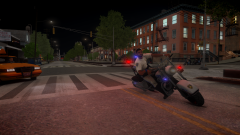
From the album: San Andreas Highway Patrol - Coming Soon
(CryENB) Upcoming release of the SAHP ped from GTA V! -
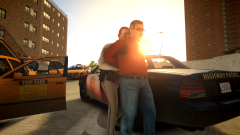
From the album: San Andreas Highway Patrol - Coming Soon
(CryENB) Upcoming release of the SAHP ped from GTA V! -
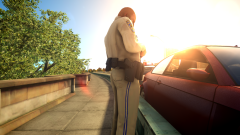
From the album: San Andreas Highway Patrol - Coming Soon
(CryENB) Upcoming release of the SAHP ped from GTA V! -
Alright, sounds good! Oh, I'm thinking the newer DSF template, not the older one on GPM. ;)
- 9 comments
- 8 reviews
-
I can confirm, his ENB is the problem for the glare, at least on peds with the specular map done correctly. Here's a couple shots of the SAHP on my game, running CryENB '> '> '>
-
Great looking skins! Curious, are they based on a particular department? I'd like to slap one onto my CVPI, but I don't know what to search for. :P
- 9 comments
- 8 reviews
-
I'm not going to be that guy that pressures you into doing something, especially if you don't feel like it is of sufficient quality. However, I think the model looks better than you are giving it credit for. GTA V peds are obviously more important, but I think the LVPD ped is worth resurrecting at some point.
-
Oh, this looks beautiful! Question, does it appear that the textures for the various uniforms (sheriff, LSPD) are more or less interchangable? Similar to m_y_cop and m_y_cop_traffic. Or are they uv mapped differently? Also, consider me also interested in the LVPD peds you were working on Sam! Would love to see them, even if it's only privately. Given your level of quality work, they've got to look pretty swell.
-
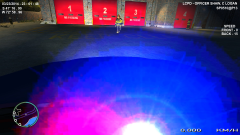 Wait, non-els? How'd you get bright blue corneas? The Vanilla ones are white with a slight tint.