



HBengtson
Members
-
Joined
-
Last visited
Everything posted by HBengtson
-
Looks great! I can't wait for it to be released
-
 Looks good!
 -
In game shots from HBengtson
-
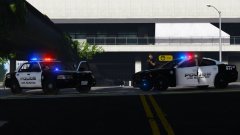
From the album: HBengtson In Game
You don't want to mess with these guys! See more shots on my new website: http://sadps.cf/ -
 Yes sir, that's a beautiful model
 -
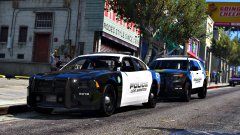
From the album: HBengtson In Game
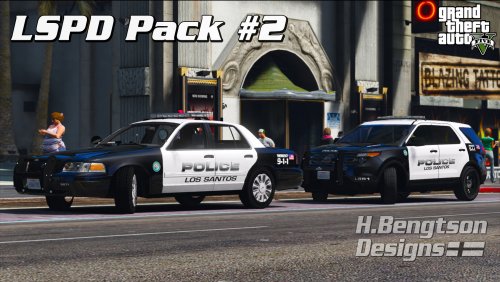
Some slick-looking new units for the LSPD! See more shots on my new website: http://sadps.cf/ -
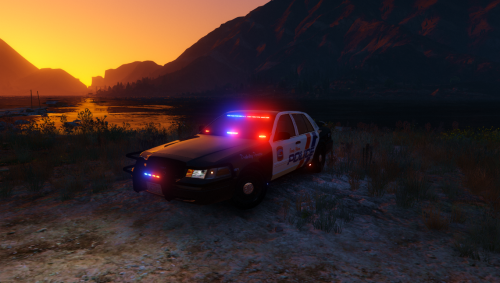 I love the idea that you were going for. Christmas trees look outstanding in my opinion. However, the car lacks detail in some areas. Like @Prophet said, there is no wiring to any of the LEDs. The car is dark green on some of the equipment and body areas, where it should be black. I also would have liked to see the wrap around, push bar, and ALPR system be extras. Other than that , great work!
- 41 comments
- 29 reviews
-
-

- 2
-
-
-
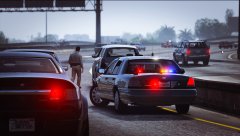
From the album: HBengtson In Game
-
-
-
-

From the album: HBengtson In Game
-
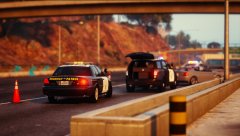
From the album: HBengtson In Game
-
-
-
-
-
 If you install it correctly then there won't be any issue. Please refrain from using the comments section as a support forum. Send me a message or open a forum topic.
- 42 comments
- 14 reviews
-
 That's all I know how to do. Try making a thread on here, maybe someone else knows. And message someone privately next time you need help
- 40 comments
- 6 reviews
-
-
-
-
-
Open the .ytd file of the car that you want to replace the texture of, find the stock texture in there (for example cvpi_sign_1 for a CVPI), click replace, select the texture that you want to import, and save it
- 40 comments
- 6 reviews


