


William Bradford
Members
-
Joined
-
Last visited
Everything posted by William Bradford
-
 i think there should be an option to save the inventory for the player inventory and car trunk inventory and i also think there should be a car glove box inventory and i also think there should be more police armorys for the departments where you can change the location if you use custom stations like me i use custom Los Angeles County Sheriff's Department station and a Los Angeles Police Department station and a California Highway Patrol station
 -
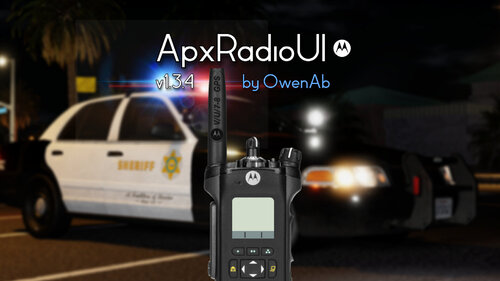 can you also make the like callsign change as Tommy's radio and a more realistic way of starting and connecting the radio to the zones and channels please bc that would make the radio so much more realistic btw i love the radio i mainly use it for LAPD METRO SWAT and CHP SWAT and LASD SEB and LASD OSS
- 87 comments
- 12 reviews
-
when there comes a new version of APX Radio UI could you add a UI like the Tommy's radio script for fivem and make it so that we can change our callsigns in game instead of the .ini file
- 87 comments
- 12 reviews
-
could you make this a fully working dispatch mod instead of a plugin bc that would be really nice to see especially with the channels and more
- 87 comments
- 12 reviews
-
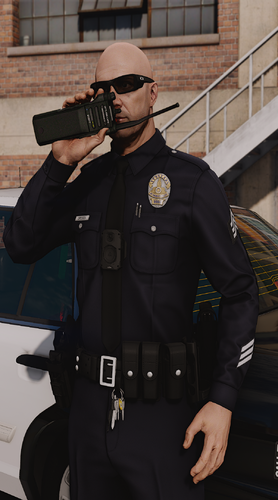 yes please and can you please help me get the radio animations for work bc they are not fully working for him and i would love to see some of the LA. REALTY server radio animations as a mod for lspdfr and grammer police
- 77 comments
- 7 reviews
-
-
-
-
 yeah of course but what about the search warrent like if i am RolePlaying as a LAPD Detective and i needed to search a house then i would need a search warrent
- 392 comments
- 9 reviews
-
-
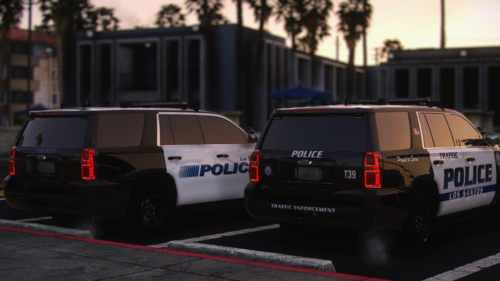 how can i use this pack with Luxart Vehicle Control
 -
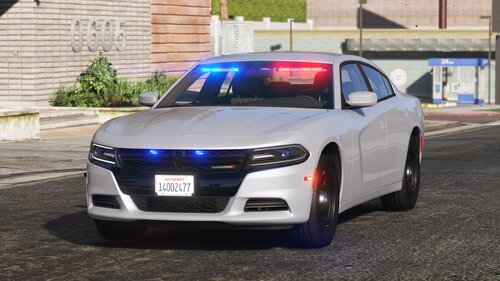 i was trying to use it with DLS V2 and it does not work so he is probly not gonna update it
- 16 comments
- 1 review
-
when are you gonna release the Smart Siren SirenMastery UI replacement
-
i need help with compileling a file for my lspdfr game Agency Switcher Compile Ready.pdf
.thumb.png.4ae541125774b3d59e60a0636013f9c1.png)
