



IceGuy221
Members
-
Joined
-
Last visited
Everything posted by IceGuy221
-
 AdvancedHookV is now outdated with the latest update. ELS still has had issues regardless, many have recommended using 7-zip to install it instead of WinRAR, however I haven't personally confirmed if it's a solve. I would also ensure that everything else is updated, like your game config, ragenativeui, scripthookv, and if you use the nightly build, scripthookvdotnet (nightly) as well as any adjusters that function directly with your asi loaders. However yes, this mod desperately needs and update
- 2,679 comments
- 235 reviews
-
-

- 1
-
-
So sorry, but i was having a hard time understanding what was said there. It looked like you said you got the error from using 7-zip and then said that 7-zip fixed the issue? I used WinRAR to during my install. perhaps a more clear message could help me I hope?
- 2,679 comments
- 235 reviews
-
Did you find a solution by chance?
-
 it doesn't matter which way the file type is. the only difference is that the png gives you a preview and the dds gives you the coding. for example if you download a file with a dds texture, you can manually change it from texture.dds to texture.png by just changing the very end and it will swap it to the preview. you can do this with any dds or png file. they are the same thing and you can install it after swapping to either format
 -
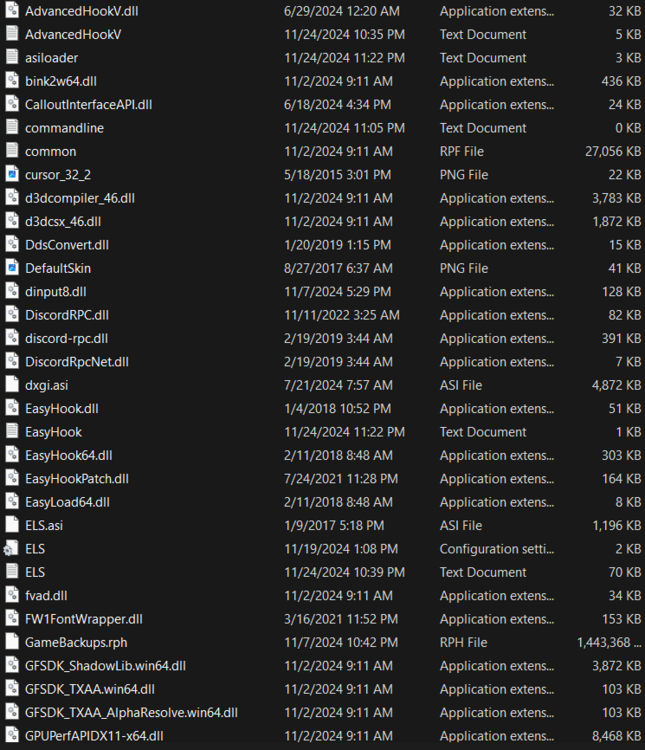
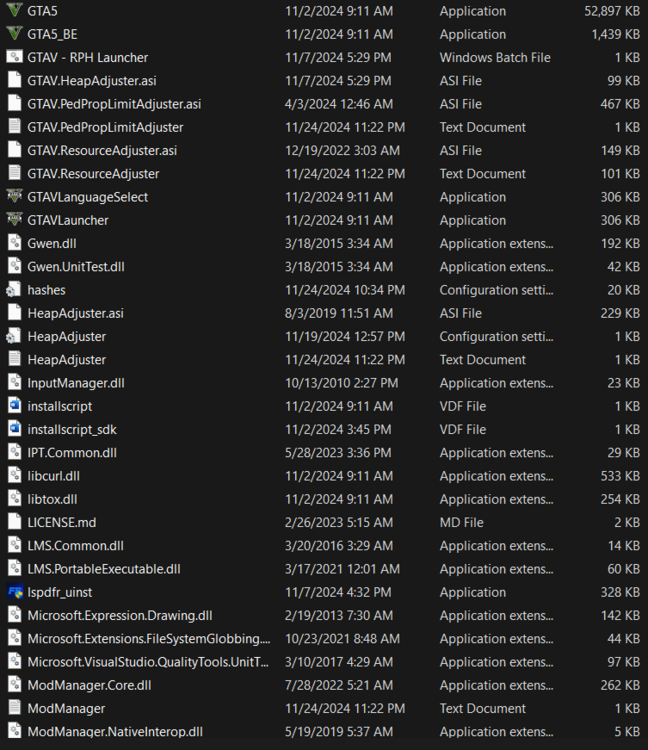
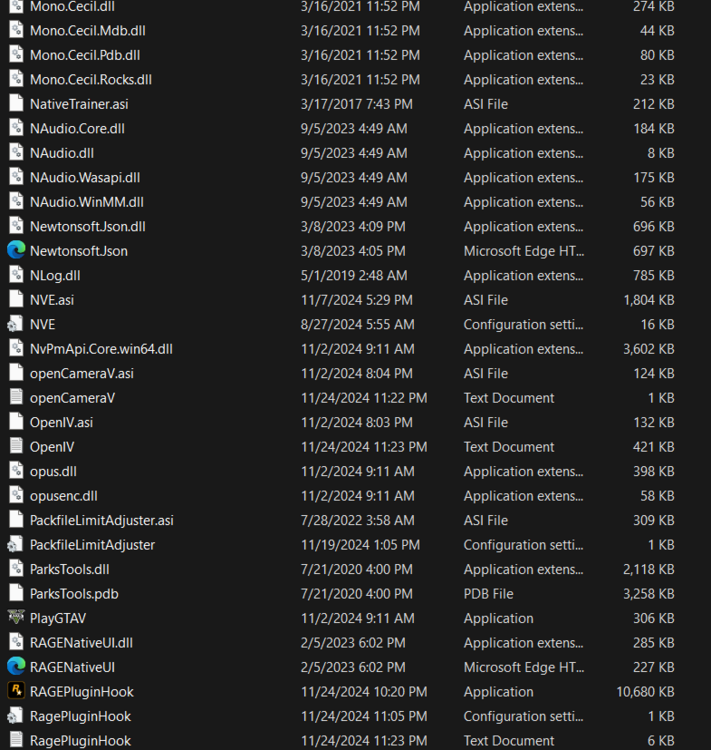
this error also popped up with the most recent crash. the exception looks a little different than the one in the other photo Either this happens and the game keeps running or the game hard crashes with no error report
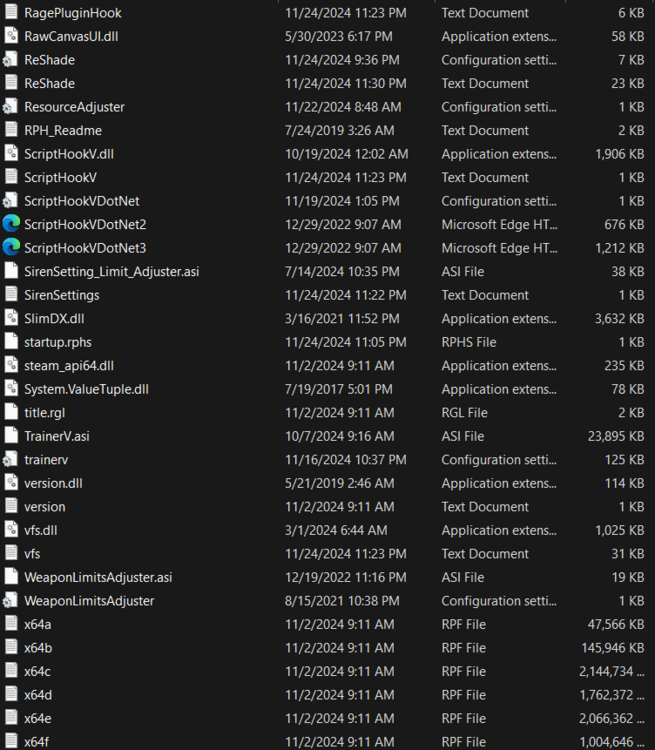
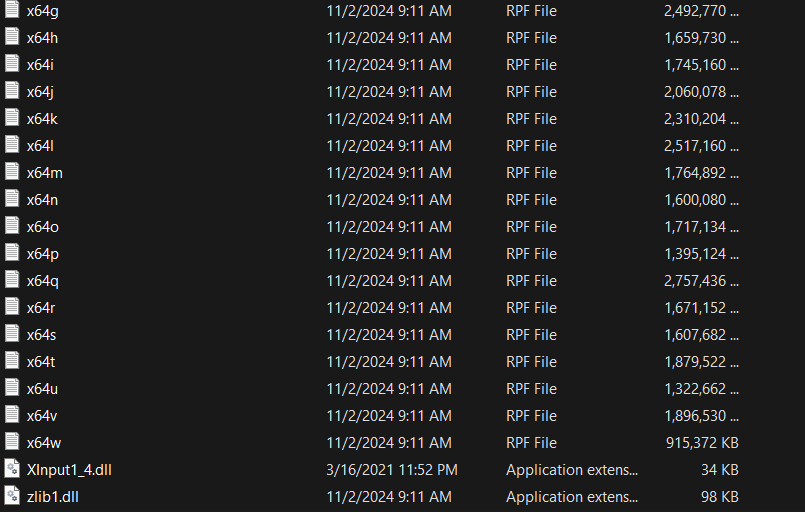
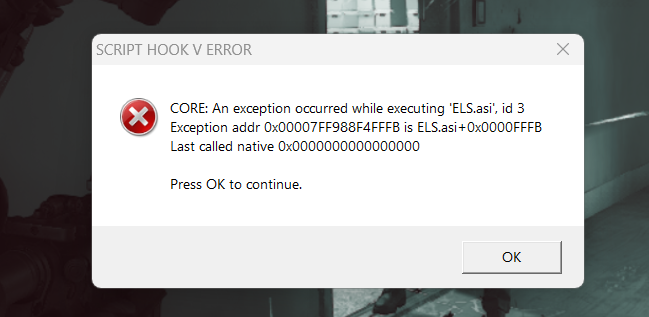
-
 it's good but starts off quiet. It does get louder but after the audible sounds of whatever it is you moved to make it louder moving lmao. either way great pack, wouldn't mind a fresh update that makes it a smooth background music
 -
-
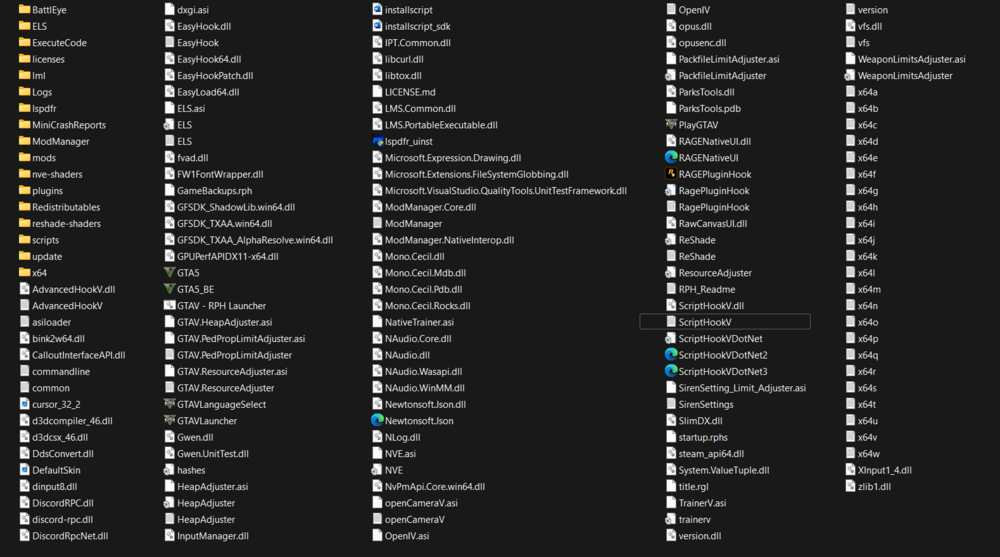
ScriptHookV.log Obviously...LCPDFR.com is the only place I've ever downloaded ELS from. Unless of course you're referring to another website without posting the link. (Genius)
-
-
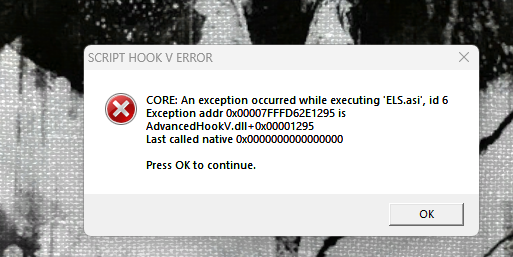
Lately I've been getting a lot of light crashes showing what is in the image attached. I tried installing the AdvancedHookV with the ELS but that didn't fix it. Does Anyone Know A Solution
-
I'm having the same issue, but no dynamic lighting is not the issue, i don't even have the dynamic lighting system and mine does this even if there are no els functions running at the time of the crash. for example i went on duty, started getting set up and it crashe through scripthook. maybe scripthook needs updated or advancehook, but i'd say Lt.Caine should double check and make sure els doesn't need updated I'm having the same issue, but no dynamic lighting is not the issue, i don't even have the dynamic lighting system and mine does this even if there are no els functions running at the time of the crash. for example i went on duty, started getting set up and it crashe through scripthook. maybe scripthook needs updated or advancehook, but i'd say Lt.Caine should double check and make sure els doesn't need updated ignore the very first quote, i don't know why it keeps attaching itself its from a whole other page
- 2,679 comments
- 235 reviews
-
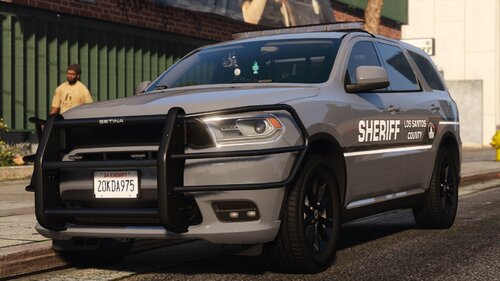 looks nice, would love a red and blue version though!
 -
I have tried the modding dlc v pack by albo but for me It just doesn't help me out the way I need it too. mainly because i can't sit and watch a video lol. But the video missed some key point that I was looking for and mainly covered most of what i already had like the .meta files. I'm mostly looking for the setup2.xml, content.xml, and els. but a whole process would be heloful if you are willing
-
 Thank You I just got done editing it lol. I forgot it had a non-reflective variant somehow
- 175 comments
- 18 reviews
-
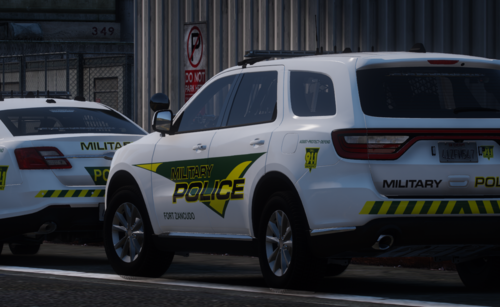 Do you think you could do an Impala (ipack5) or a 14/18 Charger livery? I love these they're super accurate. also if you know anything about how I can make an addon pack with ELS out of troopercorentin's template/vehicle pack for my own personal use I would love the tips brother.
- 8 comments
- 1 review
-
Great pack, but there was one car i was intending on changing the livery for with this pack to use for another department, however, the reflective resource for the vehicles will overlap the new livery once it's imported. I tried just deleting the reflective resource from the vehicle file, but then it removes a section of the livery where it was overlapping, causing it to look buggy, switching from white, to black, to almost a transparent/brown color in those sections of the car
- 175 comments
- 18 reviews
-
I've been using other add-on packs a lot lately and got to thinking about creating my own. And considering that it won't be as simple as a replacement pack, and YouTube seems to be useless at getting you what you need in the realm of modding, I was hoping that someone from the community could help out. I have templates that are read to use, ad well as as the following .meta's - carcols.meta - carvariations.met - handling.meta - vehicles.met - __resource.lua Not sure if anything else other than those, the templates, and the vehicle files are needed, nor e proper way to path them.
-
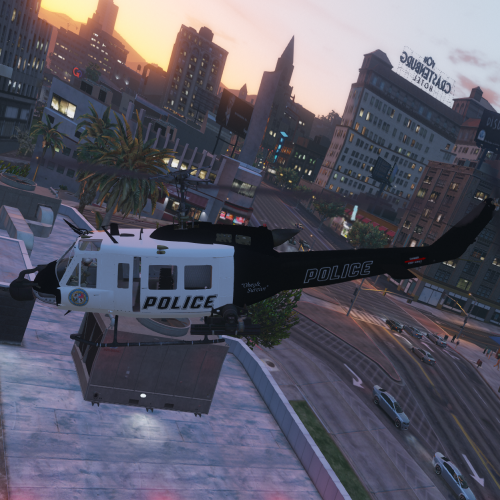 [OUTDATED] ----------------------------------------- Required File Which is linked in description no longer exists/was removed from gtav-mods.com
- 5 comments
- 1 review
-
 always have loved having this mod, however lately it hasn't been working. I don't have anything that should conflict with it. I may be in need of an update?, it has been quite some time since the last update
- 560 comments
- 97 reviews
-
 I think this might need updated, it has been 10 years after all. the game crashes when i y to edit spotlight positioning for a new car that support the spotlight resource, usually when editing the Y axis specially
- 476 comments
- 73 reviews
-
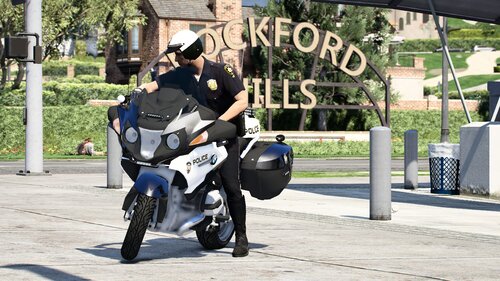 Looks like a great pack but would be amazing if there was an add-on version!
 -
 you don't need this if you run callout interface. I haven't noticed anything different about this. callout interface already this a launcher of its own that is the same. just go into your files and find the menu key for it, and change the keybind to your preference. this looks more stripped to me, but maybe I'm wrong
- 22 comments
- 1 review
-
-
-



