PhillBellic
Members
-
Joined
-
Last visited
Everything posted by PhillBellic
-
It would help if you could link to an Image of the PD's Livery.
-
Baw Baw. Officer Vic?
-
 "Get away from my Donuts!"
 -
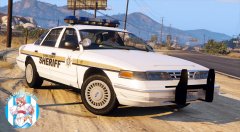 Awesome Livery, Illusionary.
 -
Yard's making a 'NOOSE' Patriot here.
-
Could be that, or the Garage was repaved with new Concrete, and the Patriot has sunk into it before it dried.
-
I just noticed that as well, Loot. Probably a 'Dummy' problem.
-
The NYPD/LCPD on the other hand {did use Halogens}...
-
As am I. CP, I'm available to make some 'East Coast' Liveries on one Variant of this. Perhaps using the Lightbars from Yard's SAHP Stanier to complete the look.
-
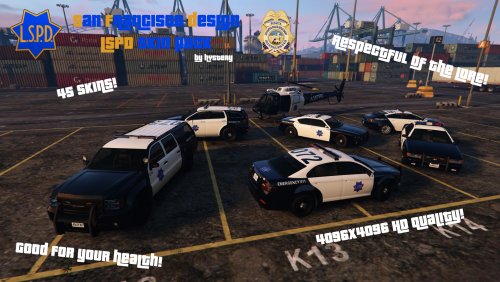 It looks like some Officers turned the wrong way on the I-5. Good work. Simple but effective.
 -
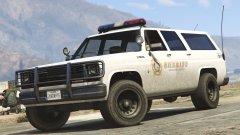 Hmm, looks sexy.
 -
He did, but that one doesn't have full UV Mapping (Texture Templates).
-
I have one labeled POLP V3.2X. That's the same one?
-
I'm digging that Coast Guard Livery.
-
Yard, who's Template does this use?
-
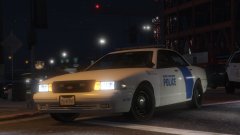 Aww. Why isn't Natalia On Patrol tonight?
 -
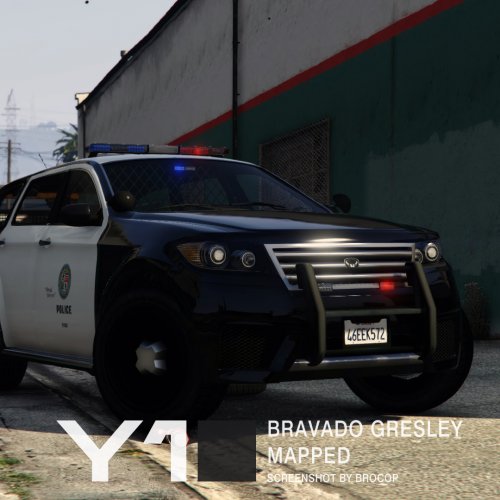 I think that the Lightbar is fine. For a Vanilla Styled Vehicle it looks great.
- 13 comments
- 3 reviews
-
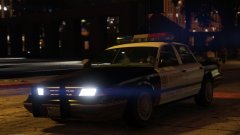 That's the Vapid Police Cruiser from IV. Well the Base Model at least. I know Lundy's Secret. p.s., Any Day Time Shots?
 -
Great setup, Yard. Great setup, Yard. Great setup, Yard. Great setup, Yard. Great setup, Yard.
- 13 comments
- 3 reviews
-
I didn't even notice the Wheel. :p I like it a lot.
-
Nice. Could you provide some other viewpoints as well?
-
-
Well, shit. That's definitely not good news.
-
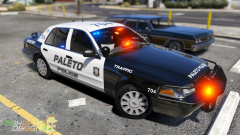 I really like this Livery.
 -
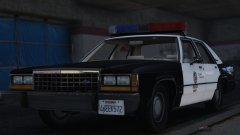 46EEK572. It's like its the only License Plate Number in the State.