PhillBellic
Members
-
Joined
-
Last visited
Everything posted by PhillBellic
-
 But they are opening themselves up to the World now.
 -
 Heh. Looks like Eddie Murphy.
 -
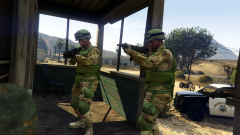 It's done in a similar fashion to CP-702's Ped Meshes IV Tutorial, right?
 -
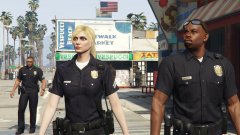 Dang. I missed an opportunity to reference that, didn't I.
 -
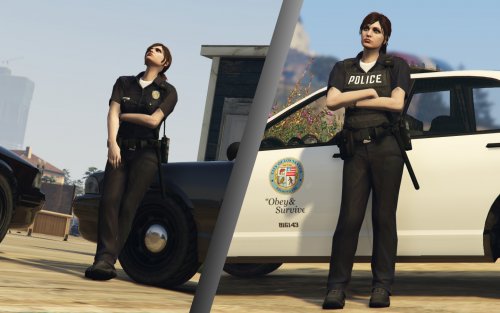
Nice Photo. However, why is Natalia not wearing Shades? I think that would complete the look.
-
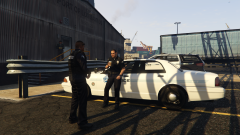 Looks very Impressive. Will there also be Female Officers as well?
 -
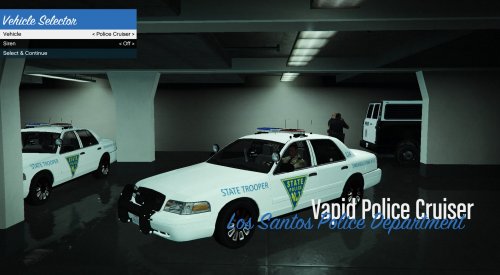 The Door Sections need Major Work. The rest is okay.
 -
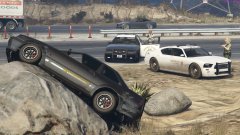 Mount Akina is looking pretty small these days.
 -
-
 Bow chikka chikka wow wow.
 -
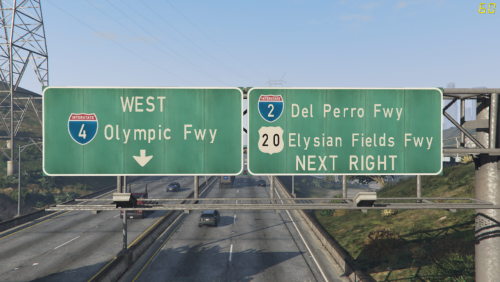 The Sign Maker must have indeed been wasted. I like the effort you have put in, 'Jack.
- 1 comment
- 1 review
-
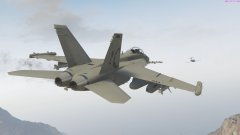 Enforcing Speed Limits, are we?
 -
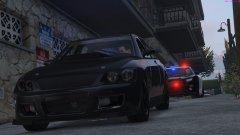 Yay. Natalia's back!
 -
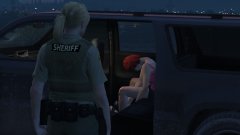 Then why did you shoot her?
 -
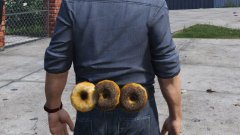 "You have the right to remain silent. You have the right to a Donut in a Court of Law..."
 -
-
How about remaking your Sadler Ambo for V?
-
I've been following your progress on GTAForums, and I still think this is a great Project.
-
Sorry. This poster joined after 1990.
-
Rekt back. :D One of the Management Team?
-
Ding. Empire?
-
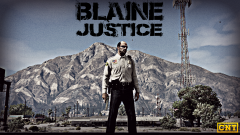 They couldn't even afford their own Sheriffs Office until a benefactor by the name of 'AlexVonShep' stepped in.
 -
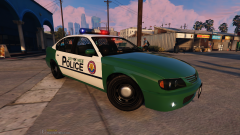 Apart from the front door handles covering part of the text, I like this Project. Keep going.
 -
You should (in theory) be add additional Textures by naming them thus; uppr_diff_000_a_uni uppr_diff_000_b_uni uppr_diff_000_c_uni etc.
-
This will help us now. To me, it looks like Arial Black.