


PhillBellic
Members
-
Joined
-
Last visited
Everything posted by PhillBellic
-
 Lt. Caine, I appreciate your dedication (and patience :p) to making each and every Livery for each Vehicle. I don't doubt that this is no small task and I'm sure you have had many sleepless Nights creating them. Now to my suggestion. Would it be possible for you to create Alternate 'Pristine/Clean' Liveries? Thank you for reading this Comment, and for your consideration.
- 85 comments
- 19 reviews
-
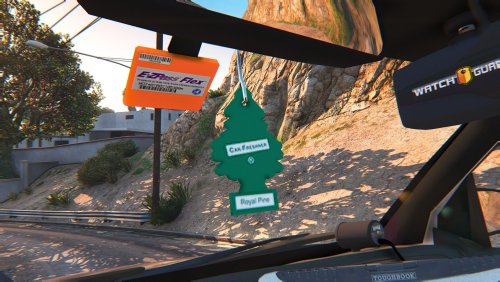 That doesn't stop people doing it anyway. I mean honestly, how can they even like them swinging in their view?
- 4 comments
- 2 reviews
-
Do it. I'm sure many would use it.
-
-
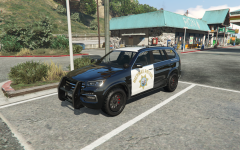 Now that's a sexy looking PPV.
 -
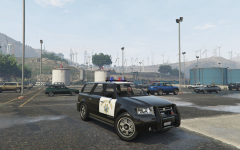 OMG! It's beautiful! Could use the Modern SAHP Lightbar, though.
 -
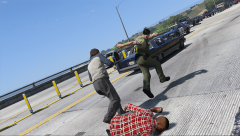 Alex Ashfold retreating?! Blimey.
 -
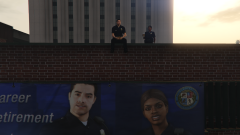 Waiting for their next Coffee and Donut Delivery.
 -
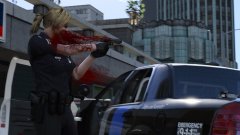 It looks like it's coming from the Pistol.
 -
I helped with the Beta Cops. I like that Video I showed you, Yard.
-
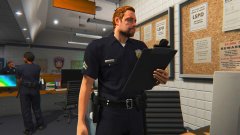 I can feel the love in the air.
 -
You'd need to Edit the 'handling.meta' File in the Update.rpf File.
-
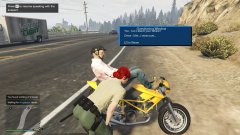 Call the Ghostbusters, or MIB. Somethings not right here.
 -
Alright. I'll send you Seven $100 Gift Vouchers to use there. They owe the NASP several favours.
-
Sam, what's your favourite Rusty Browns Ring Donuts flavour? I can send you a box, or seven.
-
Happy Birthday, LCPDFR.
-
-
That would be a 'carvariations.meta' issue.
-
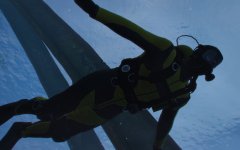 Something smells fishy here.
 -
 I'm Scared now.
 -
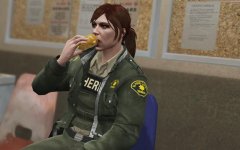 Can I use 'paint.net' for this? kthnx bai
 -
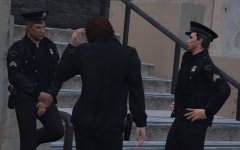 Second one wasn't there before...
 -
Cop on the left looks grumpy as fuck. ;) Long sleeve female version in the works?
-
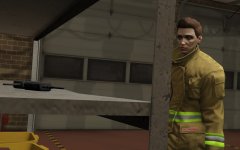 Hmm, funky hair style there.
 -
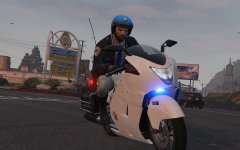 Female Version too? Looks great none the less.



