
RipplyTiger151
Friends of LSPDFR
-
Joined
-
Last visited
Everything posted by RipplyTiger151
-
-
-
-
-
-
-
-
-
-
-
-
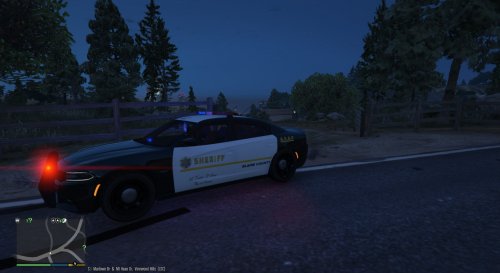 Looks alright, two things I would do is move BLAINE COUNTY more towards the front doors and also centering 456 or removing it period/making the 22 larger and further away from the edge.
- 4 comments
- 3 reviews
-
-
 Did he ever say he didn't. He was asking if he did. Chill bro. and yes, if you know what modding is, then you'd know you need permission to convert. Period.
 -
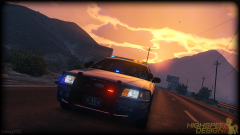 I look forward to seeing these cars released... not on this site of course :\. But great work!
 -
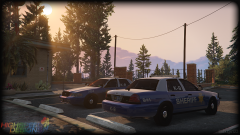 He never was bragging? Where did you get that from? He was just showing a breakthrough.
 -
Just a FYI: Lightbars and equipment that you see on the cars of BxBugs can take up to days to make. Stop concerning yourself with the car or being able to mod and think about the hard work and dedication that is put into beautiful work that is meant to be enjoyed. It took awhile in the IV community for good parts to even be created and its going to be the same way for V. Its literally been a week and people are already begging for parts and DEMANDING RELEASE? Have some courtesy, jeez.
-
Good work Bugs. I respect you wanting your models locked. When you make a full car and you want it to be locked that should be your discretion. If you want to release a car or lightbar as a dev part, that should also be at your discretion. I have always appreciated when people released unlocked cars because it helps my laziness. At this early point in this game, I would appreciate any car mods. Locked or unlocked.
-
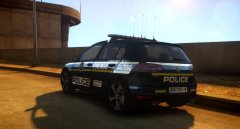 Yeah, I think somethings busted. Its not only this image for me.
 -
Pretty sure thats what hes doing. The taser actually kills pretty much everyone it hits. Noticed this on a live stream yesterday. I also noticed that leg and ankle shots killed too.
-
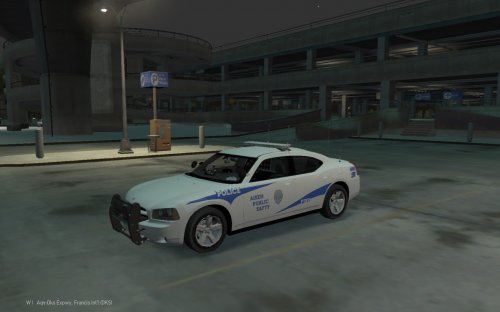 Not bad!
 -
There is already a script for this I'm pretty sure.
-
I don't see anything.... it would be really cool if I did though.
-
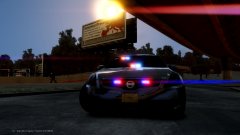 Seeing as he lives in NY, I think he knows. He never said they didn't.
 -
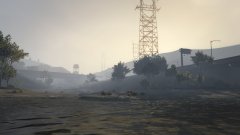 Found this beautiful view and decided I would share it.