



RipplyTiger151
Friends of LSPDFR
-
Joined
-
Last visited
Everything posted by RipplyTiger151
-
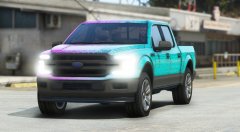 😍 Looks really solid.
 -
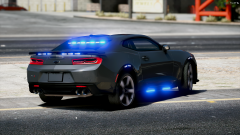 Looking nice so far! 👌
 -
This is great news! It is awesome that the community has come together to show Rockstar and Take Two what happens when you do something to practically devastate us. Special props to @t0y for his work with the petition. Also, to anyone who said the petition would not work, shove this!
-
-
 This looks awesome so far! I hope to see the other departments released soon and maybe a way to customize the department name if possible?
- 79 comments
- 28 reviews
-
-

- 1
-
-
You're the real MVP for hooking me up with this video. So it was as I figured; an issue with the location it installed to originally. I'm glad this video goes over how to move the game and adjust everything properly. Thank you!
-
I don't have it but I know many people will down the road so it would be nice to know how to fix it :)
-
Glad to hear, did you get it working in FiveReborn/FiveM?
-
I have had this same issue. I ended up resetting my pc which gave me a temporary fix on the first install, but now any other copies of my game have this issue. One common theme that I've noticed for people who have had this issue is that it is occurring when you have your game installed through disc/the rockstar installer from their website. I think it may have something to do with where it is running (the regular program files folder instead of the program files (x86) folder (where steam is located). I hope there is someone out there who knows how to fix this issue or maybe you could try getting it to copy into a folder in your x86 folder and trying it then. Doesn't hurt to give it a shot. :)
-
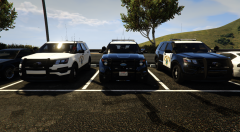
From the album: GTA V Images
Just a pic of Explorers from the CHP pack by @Thehurk :D -
 Besides the little things like the skin on the Tahoe and the plate on the Explorer, this pack is pretty much flawless! The work that is put into your packs Hurk is amazing. Well done!
- 955 comments
- 158 reviews
-
Not sure if it's the exact one you want, but there is a 2013 F-350 in this pack. In other news, amazing pack Hurk! Definitely throwing these in!
- 955 comments
- 158 reviews
-
-
- 1
-
-
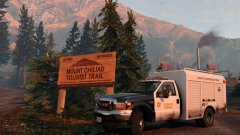 Hot!
Hot! -
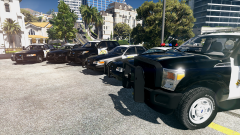 Same....
 -
 OMG <3 <3 <3 CAN'T WAIT, TOO EXCITED! SO HOT.
 -
That's fine, thanks for replying!
-
FiveReborn does allow usage of scripthook plugins, hence allows ELS. The community I am a part of uses ELS and all members besides myself have no issues with it. Like I said before I've come to the conclusion that its something with my PC, but exactly what is what I'm trying to figure out.
-
Well I will in single player but with fivereborn I can not use ragehook.
-
Yea so it works with ragehook but without it doesn't. My game before ragehook included trainer, car mods, script hook and els files. My fivereborn game which has other mods also has the same issue.
-
This issue is without Rage. Otherwise I would.
-
This is still an issue for me. Any ideas would help! Thanks :\
-
Update: I am crashing with Lt. Caine's ELS.asi and BVA.asi. Any ideas why this may be occurring? I have all of my C++ versions installed and I seem to have Framework .Net installed too. I'm clueless at this point.
-
Hello LSPDFR community, So I've run into a bit of a problem... ELS should be working with just scripthook and itself. However, on my PC, my game crashes on startup with just those two things. I've tried looking around for a solution to no avail... However, I was able to fix this through installing Ragehook but regardless, if I want to play on FiveReborn or even my game w/o Ragehook, I should be able to. Thanks for any help and advice!
-
.thumb.jpg.87d941ed21ef0d3fc98e162717cfe23c.jpg) Same, they aren't half bad. Definitely need some work, but a good start! This is an example of one that I made for IV (some extra stuff for the community I made them for): On a side note, in your description you say they are the Sumter County, but these are the City of Sumter.
Same, they aren't half bad. Definitely need some work, but a good start! This is an example of one that I made for IV (some extra stuff for the community I made them for): On a side note, in your description you say they are the Sumter County, but these are the City of Sumter. -
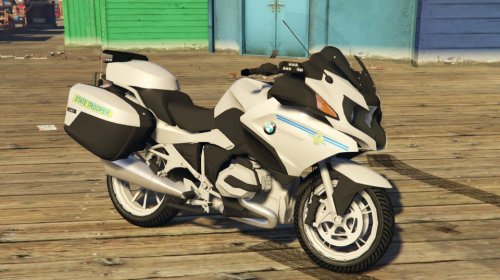 hahaha. Sorry but not sorry :P That's actually a great idea. Didn't even think about that. I'll give that a shot and if it turns out good, on the next update I'll do it! and no problem!
- 2 comments
- 2 reviews



.thumb.jpg.87d941ed21ef0d3fc98e162717cfe23c.jpg)
