



RipplyTiger151
Friends of LSPDFR
-
Joined
-
Last visited
Everything posted by RipplyTiger151
-
 Very useful plugin. The amount of additional features LSPDFR+ provides more in game opportunities and makes LSPDFR even more enjoyable.
- 1,178 comments
- 137 reviews
-
-

- 1
-
-
-
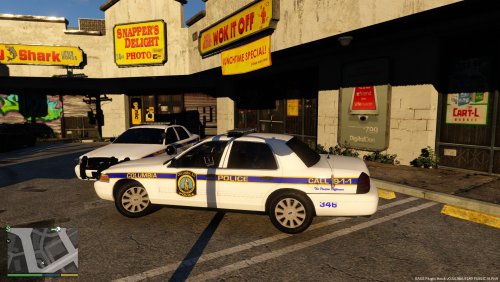 They look good! I may have to experiment and do a Richland County variant if I get some down time :)
- 6 comments
- 2 reviews
-
![something huge is coming [WIP]](//s3-gallery.int-cdn.lcpdfrusercontent.com/monthly_2016_03/small.test2.png.b70f1239e37c301c0efa402d41ac5468.png) Two ideas.. 1) You could go the way of having to level up to get certain gear and stuff, however, make this sort of like LCPDFR had a hardcore mode where it could be turned off if a player didn't want it. Basically, players have a choice of whether or not to have to level up to get equipment. 2) Make the XP sort of into a rank system. After so many XP, you may get promoted to Police Officer II and so on until you work yourself all the way up to Police Chief.
Two ideas.. 1) You could go the way of having to level up to get certain gear and stuff, however, make this sort of like LCPDFR had a hardcore mode where it could be turned off if a player didn't want it. Basically, players have a choice of whether or not to have to level up to get equipment. 2) Make the XP sort of into a rank system. After so many XP, you may get promoted to Police Officer II and so on until you work yourself all the way up to Police Chief. -
 They are called Mini Signal Phantom Max LEDs.
 -
RipplyTiger151's Works
-
 Sumter County, SC Sheriff's Office
-
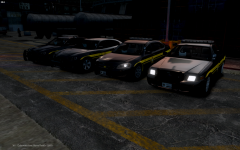 Sumter County, SC Sheriff's Office
-
Sumter County, SC Sheriff's Office
-
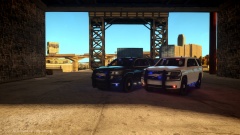 Lovely Tahoes
-
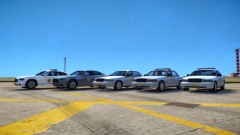 The ISP Fleet So Far
-
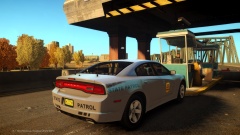 Iowa State Patrol at the Bridge
-
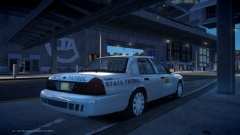 Iowa State Patrol Spotted at the Airport!
-
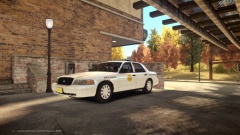 Iowa State Patrol
-
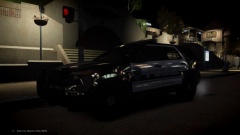 [WIP/REL] 2013 FPIU (Lexington PD Skin Based)
-
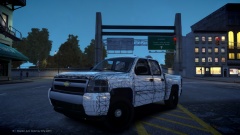 2008 Chevy Silverado
-
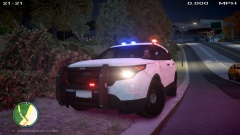 Coming Soon!
-
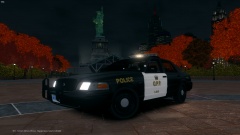 OPP CVPI
-
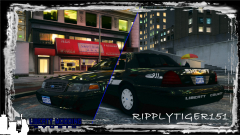 A little preview...
-
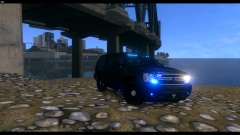 BPD/LCPD Unmarked Tahoe
-
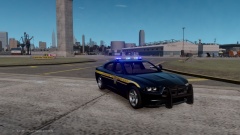 My Hometown Sheriffs Office
-
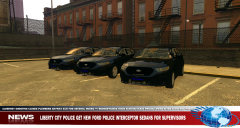 LCPD Gets New Taurus Shipment
-
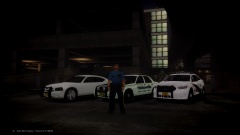 London ENB
-
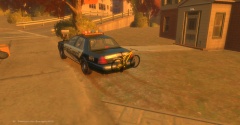 LCMPD adds new Bike Unit 2
-
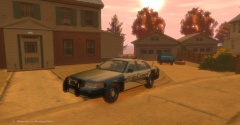 LCMPD Adds new Bike Unit
-
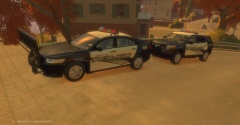 New LCMPD fleet 3.
-
-
From the album: Ripply's Works
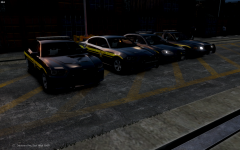
Left to Right: 2013 Dodge Charger w/ Liberty, Slicktop 2013 Dodge Charger, Chevy Impala w/ Liberty II, and Crown Victoria w/ Liberty. -
From the album: Ripply's Works
Left to Right: 2013 Dodge Charger w/ Liberty, Slicktop 2013 Dodge Charger, Chevy Impala w/ Liberty II, and Crown Victoria w/ Liberty. -
From the album: Ripply's Works
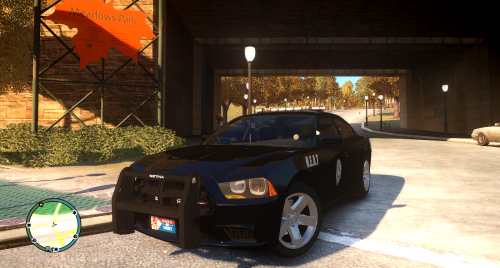
2013 Dodge Charger slicktop from the Sumter County Sheriff's Office in SC. (made by myself) In game video: -
Good luck everyone who is pursuing other paths! Also congratulations to Brant on getting on the Community Team.
-
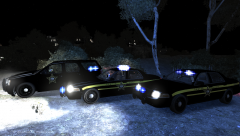 What is that Tahoe... Sumter has nothing similar to that. Please.. just no.
 -
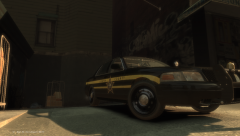 I need to get you some real Sumter skins... these want to make me cry because Sumter is my home (and current) town. Do you live in Sumter? http://i.imgur.com/2g3idEJ.png
 -
Awesome spotlight! In the argument regarding Youtubers, I think that Zach and Jeff are very influential to the community (as well as any other decent to large sized Youtubers). Likewise with Harper, I discovered LCPD:FR and fell in love with it through Kpax back in 2012 (who unfortunately shut his Youtube down after real life got in the way, taking his videos with him :( ) and that was when I discovered Buggs. Since then, I have played LCPD:FR and LSPD:FR almost non-stop. I think if it weren't for our Youtubers, this community (which BTW, doesn't mean just this site, it refers to anyone who plays GTA:IV as well as other sites in the community, honestly) would not be as large nor as successful as it is today. I find some reasoning behind this... whether it be the fact that it gets news out to people about such a modification or even showcases of mods which allow people to find out about them and then they go and download the mods.
-
From the album: GTA V Images
-
From the album: GTA V Images
-
From the album: GTA V Images
Skin: Charger: -
-
-
Awesome stuff! Keep up the great work guys! :)
-
I seem to not have any problems with Bandicam and RAGE.
-
From the album: GTA V Images
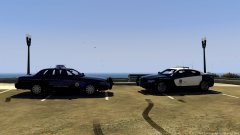
Hey guys, just a random pic here. The CVPI's (by F5544) skin on the left is made by me, the Charger is just F5544's Charger. -
 Awesome! A town near me!
 -
-
-


![something huge is coming [WIP]](http://s3-gallery.int-cdn.lcpdfrusercontent.com/monthly_2016_03/small.test2.png.b70f1239e37c301c0efa402d41ac5468.png)

