249Xeno
Members
-
Joined
-
Last visited
Everything posted by 249Xeno
-
-
 it would be nice if this go straight in with pd scanner where you can hear an actual pd chitchatting and callouts instead of playback
- 637 comments
- 51 reviews
-
-
 not a problem bro
 -
The video is in processing, once it is done. You will be able to watch the showcase.
-
 I'm not sure. When I load it in the game, it looks fine to me. I did not see any bugs or glitches in it. I just finished making a video of the vehicle with w/ambulance and firefighter. They look great. It is still in the process to 4k.
 -
I'm not sure what's going on, but when I added the vehicle texture, this popped up for the .yft. The _hi.yft one looks good though...
-
 Depends on the location that you are at. If you are around the Los Santos area, then animal control will come and handle the animal. If you are out in the area and on Hwy, then yes Rangers will come out and take care of it. Normally if they are not dead, you can scare them off the road way. If they are, you can call for animal control.
- 160 comments
- 20 reviews
-
-

- 1
-
-
@amenbrother I hope you don't mind. But I did kind of make a showcase of your vehicle texture, It just looks so sexy. I just can't resist it. I have not done it for the daytime yet including the other vehicle texture that you did, but I will do it soon. (The video will play once it is finished processing)
-
OH nice~!!! its released!
-
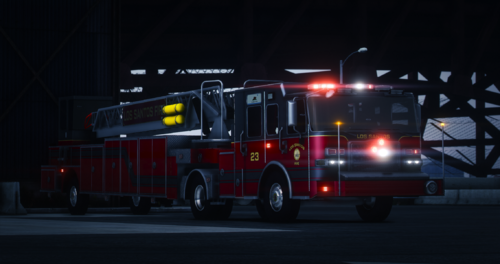 This looks clean, with the dark red color to the way you place your letters and the font on it too. I don't think having a working ladder or not even matter much because they are not climbing on it or even have anything to do with the latter. I will test this out and see how it goes.
 -
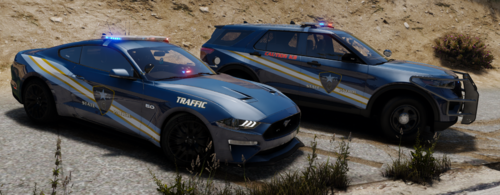
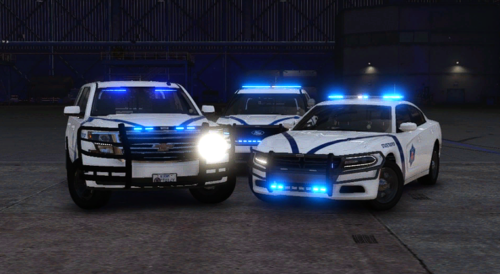 The SUV is way off with the decal. I think you should take it off and fix it before putting it back up. Arkansas State Troopers are one of the best agencies out there and they have a nice clean look to their units. If you are going to make their texture, please get it right.
 -
Its hard for me to help you here. Please join our discord: https://discord.gg/nq6GRUhB We have a support team to help you out with this troubleshooting. It has nothing to do with this callout " Blk Highway. "
- 160 comments
- 20 reviews
-
-
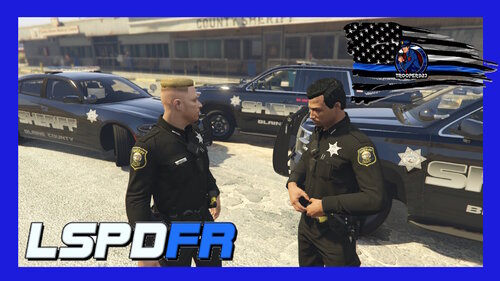 did you do this?
 -
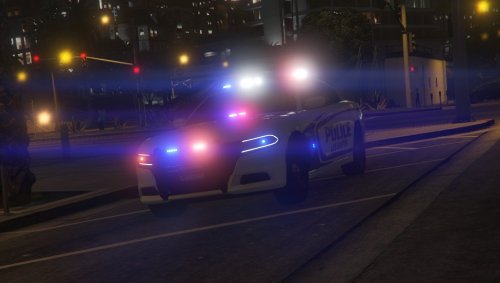
This skin is not sitting right on the driver or passenger side. What year is the Dodge charger this for?
-
-
-
-
-
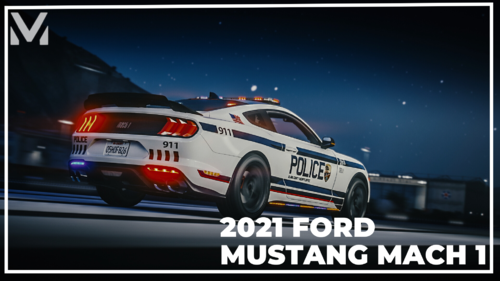 you should check your STP (Stop The Ped) and Custom Pullover. It's not the vehicle that does that, it's the plugin that you have inside your main directory. Get that check. Also, if you need help. I will be in this Discord " https://discord.gg/zwwArHgj "
 -
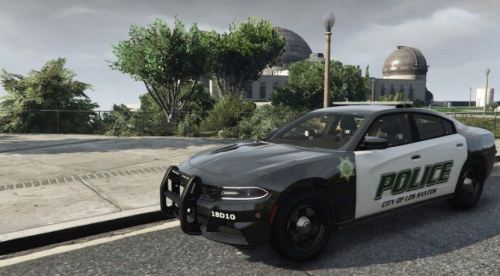 I was checking this texture and it does not align correctly with the 2016 FPIU. You may want to check it again I have attached the image to this replied. Please check again.
 -
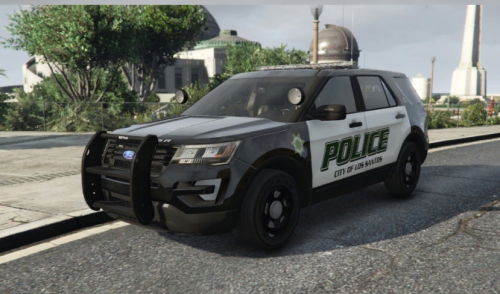 it does not fit for that vehicle.
 -
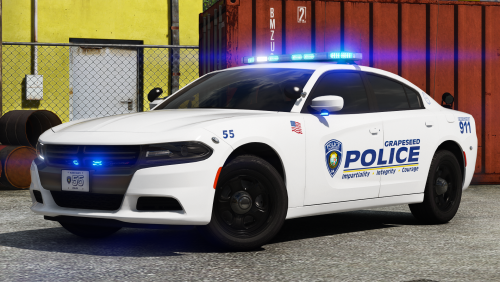 @t0y Don't listen to those who complain about minor stuff. I understand that some want red and blue, but blue on blue does look good too. I like your vehicle either way and I hope you continue to do more of amazing vehicles.
- 17 comments
- 12 reviews
-