


249Xeno
Members
-
Joined
-
Last visited
Everything posted by 249Xeno
-
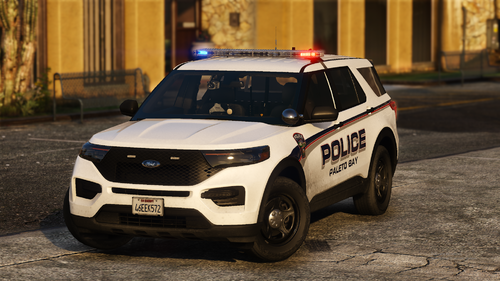 Thats a good idea. NYHP uses all red patterns
 -
 just download gameconfig, heap adjuster, and packfile limit. Install those in and you're set.
- 52 comments
- 2 reviews
-
 There is an option to change the livery. You can change it as your please since you are using it.
 -
Hey @OfficerArk, Here is a picture of the vehicle. The vehicles wanted to be on the blue side, so when I took the picture, it stayed blue for me. Here are also the links to the video. https://youtu.be/9yQQIxBN5y0 2020 FPIU Tour https://youtu.be/VlqQhAdyC6M 2020 FPIU b/b Slicktop
-
 Yo @khorio, I was checking my RPH log for errors and I noticed that some of the street locations are missing inside the Audio and Default street name. I have attached my RPH.log with this so you can take a look at what is missing and add it in. RagePluginHook.log
- 637 comments
- 51 reviews
-
If you have the spotlight plugin, it will work. But if you do not have spotlight plugins, it does not work. The spotlight does go left and right, but when I do a traffic stop at night and attempt to shine the light on the vehicle, the spotlight cuts off. It works fine when you shine it toward the left thought and I will make a video of your vehicle. I changed the vehicle texture to BCSO.
-
I like the car and the lightning, but the spotlight needs work. I notice that when I use the spotlight, it does work right when you're turning it to the right.
-
Love it! all blue!
-
no, I am merely putting on a skin that would look good on the vehicle. I don't intend to use it; honestly, it was hard to find good skin for this beautiful, well-designed vehicle. no, I am merely putting on a skin that would look good on the vehicle. I don't intend to use it and honestly, it was hard to find good skin for this beautiful well-designed vehicle. also, I believe it was made by Kane104 for a 2020 FPIU Nevada Highway Trooper
-
I made a showcase. I was going to upload it tonight, but its getting late so I'll do it tomorrow.
-
You're providing my point bro lol. Vanilla vehicles is a non-els vehicle, except one that able to turn into slicktop and use as an ELS vehicle. Also Non-Els is a FiveM vehicle which will work with DLS... and can be used in lspdfr and cannot do stage mode. I am already aware of these stuff dude. You're late.
-
not true... DLS does not work with any vehicle model. That is incorrect because I had installed DLS and test it in-game. DLS will cause a siren not to work right with the ELS vehicles and that will be the same as ELS with DLS vehicles because DLS supports FiveM vehicles or any vehicles that work with LmL.
-
it is out of date honestly bro. I don't mean it rudely but I'm just being truthful, right now everyone is waiting for DLS v.2 which will make the lightning more accurate and better. Did you change the color yourself? from r/b to b/b? It looks good with all blue too. @OfficerArk I love the car dude... I love the lighting on it too. The way you did with the lighting and you set it made it look nice and clean. I don't think I see anyone that does good besides @Lapd Code 3 and @Rabbit GTA V Development which are the two top devs I know to make awesome cars, but this one is really, really good.
-
whats wrong with ELS? I find it a good looking for ELS. @OfficerArk ELS is good. It would be a shame if it's on DLS (out of date) and FiveM.
-
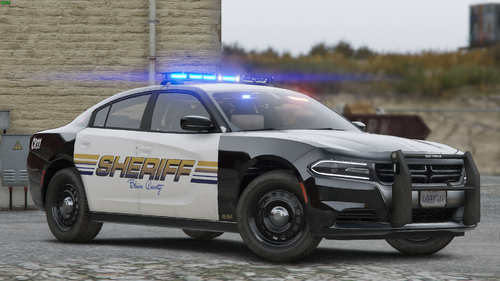 I am surprised that there is no Template for this..
 -
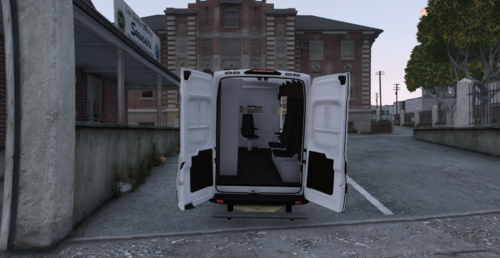 I like this livery. It looks amazing and fits the vehicle that @Lapd Code 3 did. I have one question. Why did you spell Coroner backward on the hood?
 -
 out of date. @Stealth22 needs to update it, but I don't think he will do that
- 153 comments
- 32 reviews
-
-

- 1
-
-
 With the new CHP siren, I may need to change it to a Yulp instead of a Whelen Rumbler. The problem is that the Yulp siren sound will be almost similar to any other LEO siren.
 -
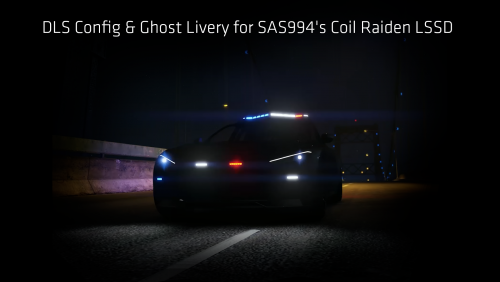 Where can I get this car? it looks amazing!!
 -
also, you might want to fix your FPIU spotlight too. Not to complain about it, but it doesn't look right if you know what I mean. The spotlight is shining from your rooftop lightbar, right? well, it wouldn't make sense to be under the vehicle as it is shining right? The starting should be right in front of the pushbar and end wherever you think it looks best. I like the bright light of course. That is how a spotlight should be, to be bright and blind the driver/passengers as you are pulling them over so they can't see you. I like the lightbar and as well the other details you put into your work.
-
what year are these car?
-
 You're doing a great job dude. I don't mean to sound rude or anything, I like to edit my own and tinker with it and know where I go wrong. I like your work and the thing you do to help players police lights look better and much brighter. Just keep in mind that QuantV and NvE are doing their own brighter too and that will cancel out yours if they installed yours before they do with those graphic mods, it will also conflict with theirs.
- 109 comments
- 20 reviews
-
-
Go ingame and then go into your TrainerV. Then go into Vehicles Option and scroll down to livery vehicle (something like that) and see if you can change it from there if there are multiple liveries If it doesn't allow you to do that, check your .ytd file for your vehicle and see if it's not damaged.
-
@RangerZ Question. I love the car and I am using it... but I have a question. When I am trying to change to the patterns that I want for code 3, how come it doesn't work in-game? <MainHorn Enabled="true" Pattern="140" /> <SrnTone1 Enabled="true" Pattern="53" /> <SrnTone2 Enabled="true" Pattern="55" /> <SrnTone3 Enabled="true" Pattern="70" /> <SrnTone4 Enabled="false" Pattern="0" /> <PanicMde Enabled="false" Pattern="0" /> <OutOfVeh Enabled="true" Pattern="45" /> Did I do something wrong? The same thing for code 2.





